
- Title: Bluebo B6000
- Listed: June, 2013
- Last modified: 11/18/2013 4:21 pm
- Version: ROM Android 4.2.1
You must be logged for ROM download.
35358 total views, 2 today
 Member Info
DESCRIPTION
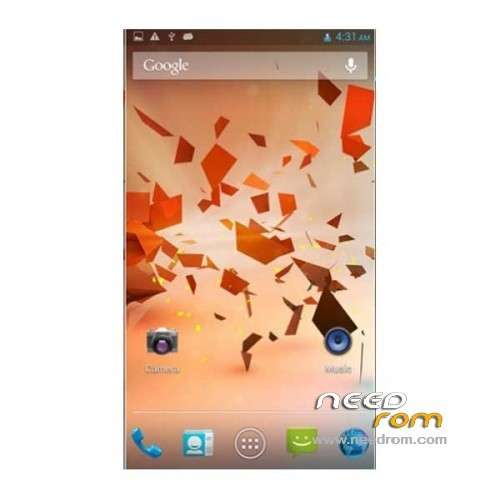
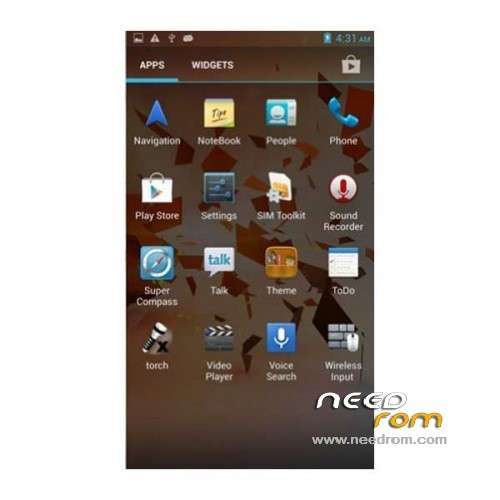
ROM Bluebo B6000 – ROM Android 4.2.1
Official Update 08/07/2013 - ROM B6000 Version: B6000/bird89_wet_a_jb2/bird89_wet_a_jb2:4.2.1_130807.JB42.V12.HD720P.EN.8P64.MT6589.WCDMA_H ( Rooted )
——————————————————————————————————————————————————-
Add same version but Rooted !
Official Update 06/27/2013 - ROM B6000 Version: B6000/bird89_wet_a_jb2/bird89_wet_a_jb2:4.2.1_130627.JB42.V12.HD720P.EN.8P64.MT6589.WCDMA_H ( thx TRANG for info )
——————————————————————————————————————————————————-
Add same version but Rooted !
Official ROM B6000 Version: B6000/bird89_wet_a_jb2/bird89_wet_a_jb2:4.2.1_130603.JB42.V12.HD720P.CN.8P64
Gapps include – No rooted
Language support : Multi Lang
Install ROM :
- Unpack FlashTools, and Click on Flash_tool.exe
- Select a the MT6589_Android_scatter_emmc.txt in ROM
- Wait file to be added into Flash Tool
- choose Option->USB Model,click USB Model
–> Choose Option->DA DownLoad All->Speed->High Speed, click High Speed
- Turn off your phone, remove the battery.
- "Press F9 (hit Download button)" OR " if upgrade ROM Firmware->Upgrade "
- and connect your phone into the computer via USB data cable.
- The process will start and a red progress bar will appear after color purple, yellow.
- And green circles display
- Finish !
- You can now safely disconnect your phone and turn it on.
※Please make a backup of your device before installing or updating ROM
MTK DRIVERS: http://ge.tt/3NF6Vuf/v/0
is the GPS working?
when using wifi and sim data no data can be accessed
data connection problem.please help
Dear Mr. SoCr@ te, during the last month, I received the new phone and it works great, but I intend to update the rom. Could you tell me if you have a new version 4.3 of this rom?. If it does, I would appreciate you, provide me the link.
I congratulate you for all the great and good work being done you day by day and waited to receive some help from you.
Greetings.
not for now
Hi,
I have tried several version of ST flash tool but i have always the same error: "Error 8038" !
How can i fix it ?
No one ! Drivers are installed….
To anyone who have problems with detection of this phone on computer.
Download Latest version of Flash Tool (v5)
Turn off your phone and do NOT remove the battery
Launch Flash Tool, go to Options>Connection, choose connection WITH battery, exit from options.
Choose Firmware Upgrade
Click Download
Plug in your phone via usb
Click buttons Volume UP and POWER!
Wait a while… Done
Have question when comes for the B6000 4.4.2 out?
mfg