
- Title: Bluebo B6000
- Listed: June, 2013
- Last modified: 08/23/2013 3:59 pm
- Version: ROM Android 4.2.2
You must be logged for ROM download.
35735 total views, 3 today

 Member Info
DESCRIPTION
ROM Mobile Bluebo B6000 – ROM Android 4.2.2
Update version: Bluebo-B6000_JB421_V.05 ( THX Taiwan 101 )
Changelog:
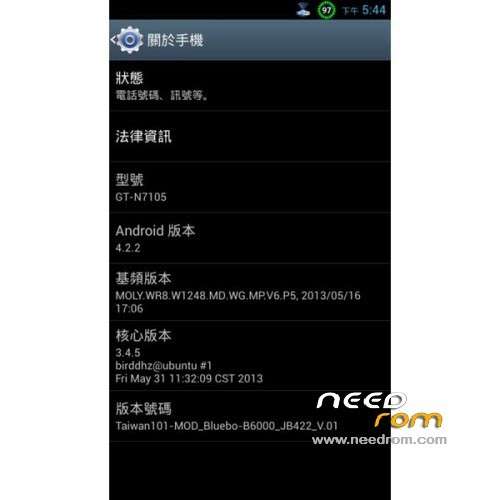
. base on the firmware 080413 of fake s4 dual
. all samsung galaxy style
. root permission
. 1% battery display
. add taiwan carrier APN setting
. local/lanuage defaule- zh/TW
. default enable EPO/AGPS setting
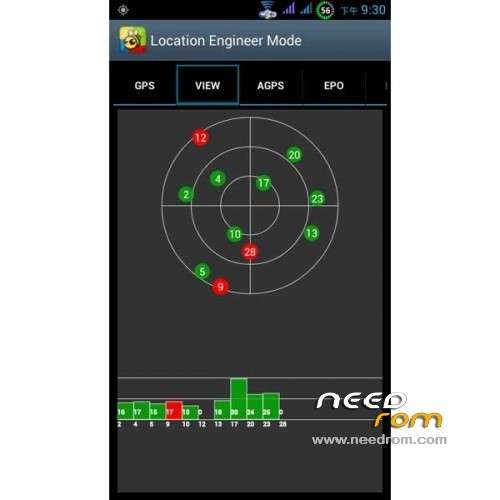
. GPS config setting to taiwan
. support gesture activation function
KNOW BUG:
. home button wakeup function not working
. compass sensor not working
———————————————————————————————————————————————
Update version: Bluebo-B6000_JB421_V.03 ( THX to TRANG and of course to Taiwan 101 )
Features ROM:
Ported S4Ui on Bluebo B6000
Gapps include – Rooted
Language support : Multi Lang
Install ROM :
CWM
Step 1: Download the custom ROM copied to an external SD card root directory
Step 2: the shutdown state. While holding down:
– Power button + volume button up, to enter the recovery mode.
– Wipe Data / Factory Reset -> delete all user data
– Wipe Cache Partition -> Wipe cache
Step 3: Return to recovery main interface Install zip from sdcard -> choose zip from sdcard -> Select your ROM
Step 4: Brush complete, restart the phone Patience required – first boot takes a while
or
use flashtools
※Please make a backup of your device before installing or updating ROM
Tell me what the programm used for indication LED notifications? Very want to use it in other ROM
In 5v this ROM I cant repair compass