
- Title: Carpad T5 MIUI v5
- Listed: December, 2013
- Last modified: 12/17/2013 3:05 am
- Version: ROM Android 4.2.2 MIUI
You must be logged for ROM download.
15714 total views, 2 today



 Member Info
DESCRIPTION
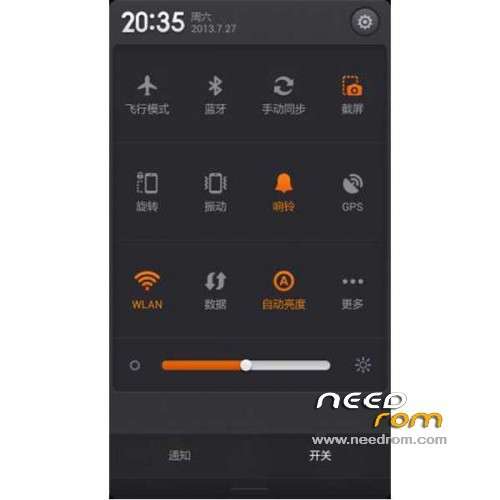
ROM mobile Carpad T5 - ROM Android 4.2.2 MIUI
Features ROM:
Update MIUI V5 – 4.2.15
————————————————————————————————————————————————-
Ported Lenovo A850 MIUI v5 – 3.11.30 on T5 Carpad
Gapps not include – No Rooted
Language support: EN/CN
Install ROM:
CWM
( if you use this recovery, run T5-v1.1.exe and tap enter – 1=root 2=install driver 3=ADB 4=reboot in recovery )
Step 1: Download the custom ROM copied to an external SD card root directory
Step 2: the shutdown state. While holding down:
– Power button + volume button up, to enter the recovery mode.
– Wipe Data / Factory Reset -> delete all user data
– Wipe Cache Partition -> Wipe cache
– Advanced -> Wipe Dalvik Cache
Step 3: Return to recovery main interface Install zip from sdcard -> choose zip from sdcard -> Select your ROM
Step 4: Brush complete, restart the phone Patience required – first boot takes a while
※Please make a backup of your device before installing or updating ROM
Does china software must be?
hi,
please I need your help.
i did exactly how it is descibed in instructions but i am stuck at point 3.
NOTE: this option is not in my menu – Advanced -> Wipe Dalvik Cache
when i select zipped file and try to execute it, it says immediatelly "installation aborted"
thank you
ved77
wich one mus be download t5 or t5 update or both of them…
tq