
- Title: Carpad T6 MIUI v5
- Listed: February, 2014
- Last modified: 02/19/2014 7:13 pm
- Version: ROM Android 4.2.2
You must be logged for ROM download.
17528 total views, 2 today
1 Total favorites
 Member Info
DESCRIPTION
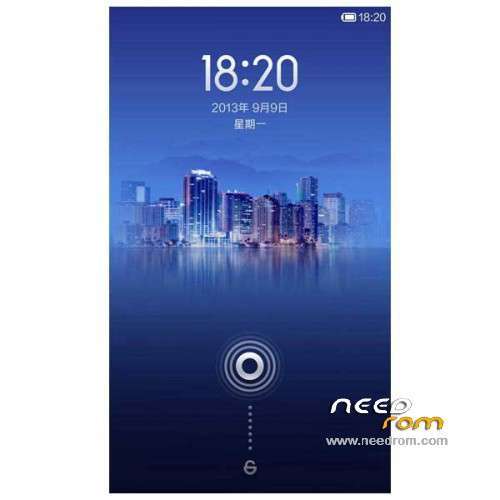
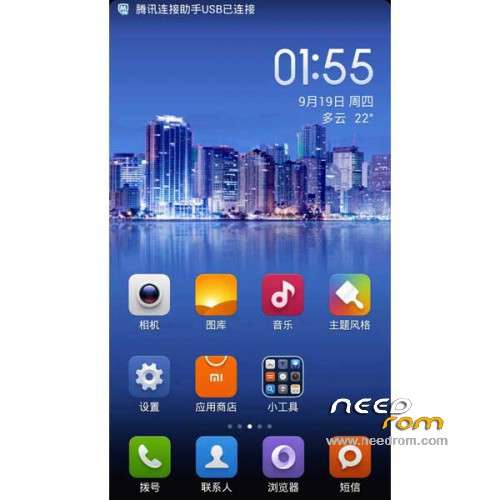
ROM Phone Carpad T6 - ROM Android 4.2.2 MIUI
Features ROM:
Ported Lenovo A850 MIUI - 4.2.15 on Carpad T6
Gapps not include – No Rooted
Language support: EN/CN
Install ROM:
CWM
Step 1: Download the custom ROM copied to an external SD card root directory
Step 2: the shutdown state. While holding down:
– Power button + volume button up, to enter the recovery mode.
– Wipe Data / Factory Reset -> delete all user data
– Wipe Cache Partition -> Wipe cache
Step 3: Return to recovery main interface Install zip from sdcard -> choose zip from sdcard -> Select your ROM
Step 4: Brush complete, restart the phone Patience required – first boot takes a while
※Please make a backup of your device before installing or updating ROM
hi,
please I need your help.
i did exactly how it is descibed in instructions but i am stuck at point 3.
when i select zipped file and try to execute it, it says immediatelly "installation aborted"
thank you
ved77
Either non compatible CWM, or broken download
Thanks for the upload!
I can confirm this ROM can be easily installed onto Star Ulefone P6 MTK6582 (2100_v89_gq3012)
You will probably miss Google Play (flash YourZgapps) and nonchinese keyboard (use Smart Keyboard etc), otherwise it works good. On P6 I still have trouble with unresponsive Phone app, still no solution…
Btw is there also a tested LeWa for same MTK6582 CarPad T6?
thank you but…how can i check or update or change CWM?
i tried 4 different zipped files, different ROMs and always the same error message "installation aborted".
so i dont think that its broken download
Try to CWM the phone using latest MTkDroidTools 253 software (for Windows pc). First you need to install all drivers when phone with adb is connected to pc. Then run the Tools, get root with yellow ROOT button, then go to 2nd tab and flash CWM. The CWM automade by MTkDroidToolsworks 100% I used it to flash this miui to my phone.
Regards
P.s. Which phone do you have, is it compatible?
My device STAR sample P6 came on but stayed on the state of the Android logo
Probably so
I do not know how to fix it I tried to search but found Stoke
I need your help please help me fix it
Oh I can not install anything via USB that computer does not recognize
Only through the SD happy if you help me thanks