
- Title: CM 13 by cheshkin
- Listed: November, 2016
- Last modified: 11/22/2016 6:59 pm
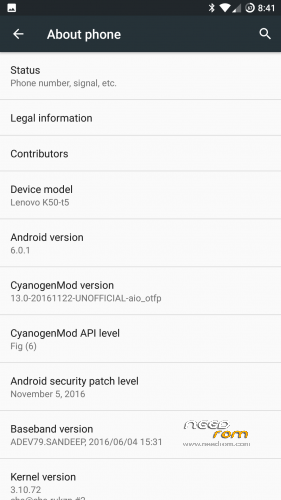
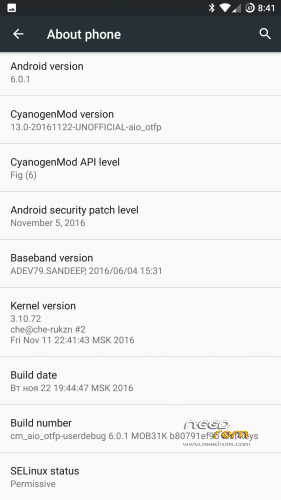
- Version: CM 13 Android 6.0
You must be logged for ROM download.
29957 total views, 3 today
16 Total favorites
CUSTOM

 Member Info
DESCRIPTION
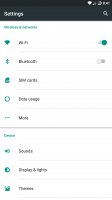
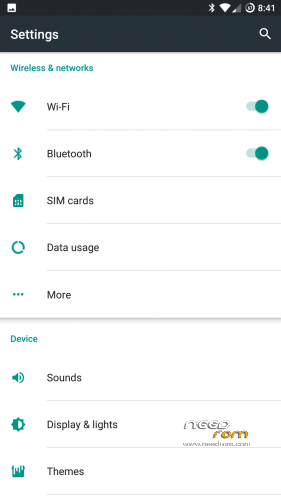
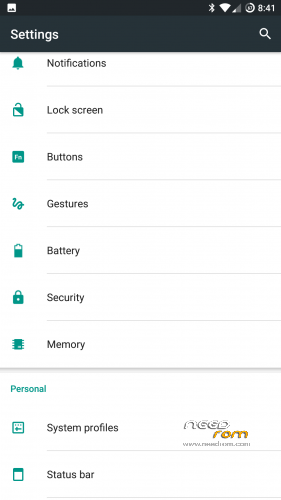
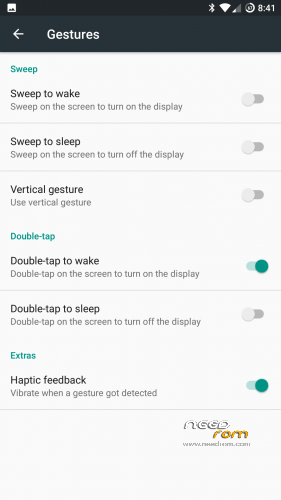
Custom rom by cheshkin. Added gestures. Added vibration control. Stable. You can use every day. Install from my recovery.
https://www.needrom.com/download/recovery-by-cheshkin/
Thank
http://4pda.ru/forum/index.php?showuser=2214676
http://4pda.ru/forum/index.php?showuser=1194177
※Please make a backup of your device before installing or updating ROM
Is full wipe required for proper flash or what's the instruction?
I guess yes, full wipe is the right way when you are flashin a complete new/ different rom instead of updating. And it is importing that you are using cheskins recovery
XPOSED IS NOT WORKING. BOOTLOOP.
Xposed is working. Use the last framework 87 http://dl-xda.xposed.info/fram.....rk/sdk23/arm64/
SCREENCAST IS NOT WORKING.
@cheshkin Thanks! Will try.
Yes bugs is usb otg – mouse right key function back not working
Where can I find cheskins recovery?
See the description there is a needrom link
Where can i find Fix_bluetooth_headset-RR.
Link pls
In the last Resurection Remix Rom posted here in the k50 section, the link is there.
Anyone managed to flash this rom on SD card (with usage of Dual Boot Patcher)?
Doesn't work with Cheskin's nor DenisPDA's recovery (latest ones)…
Finnaly managed with Cheskin's recovery using Dual Boot Patcher. But, Internal storage and SD card are not visible.
Xposed not working.. When reboot is required after enabling modules, it gets into bootloop
Found the solution!…
This is due to november security patch
Install latest framework i.e; v87 http://dl-xda.xposed.info/fram.....arm64-test1.zip
I will try this. Thank you.
Instructions to flash the ROM plz anyone
First, flash his custom TWRP recovery he modified specifically for 6.0 (link in description).
Like usual, completly wipe internal SD then flash his rom from External SD. (data, system, dalvik, cache, and the other name I never remember)
For your info, it is almost always the same process to flash a new rom onto your phone.
For Gapps, it's a CM (cyanogenmod), a real official CM doesn't include gapps nor xposed nor anything of the sort. A real CM Rom is AOSP plus some customization features and some stability improvement and other littles things like that but it's really close to being an AOSP. For that reason, you need to get the gapps package on something like opengapps.org choose x64 ARM and 6.0 then choose the package you need.
If you intend to use xposed, use xposed 23 87
For root, go activate it in settings / developper