
- Title: CM 13 by cheshkin
- Listed: November, 2016
- Last modified: 11/22/2016 6:59 pm
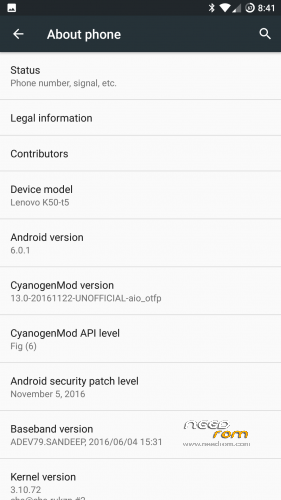
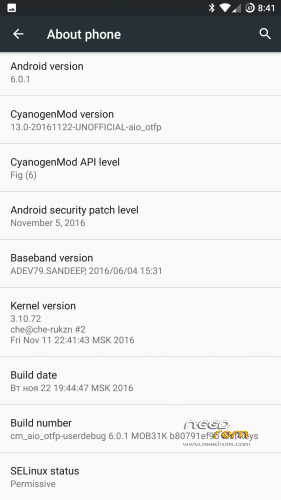
- Version: CM 13 Android 6.0
You must be logged for ROM download.
29957 total views, 3 today
16 Total favorites
CUSTOM


 Member Info
DESCRIPTION
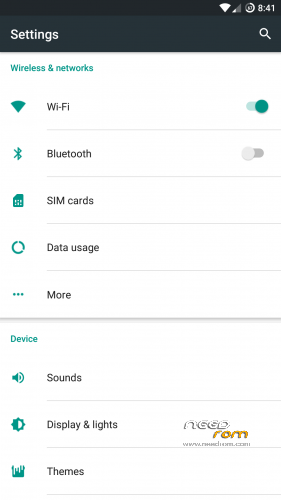
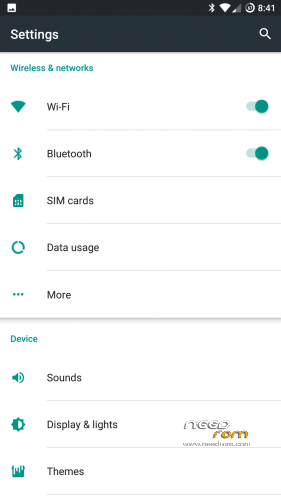
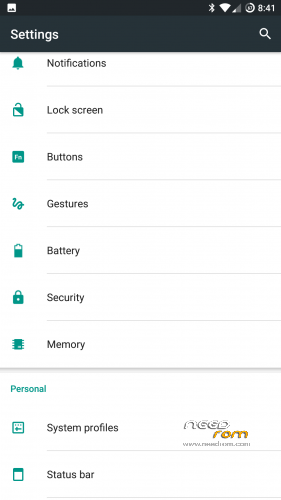
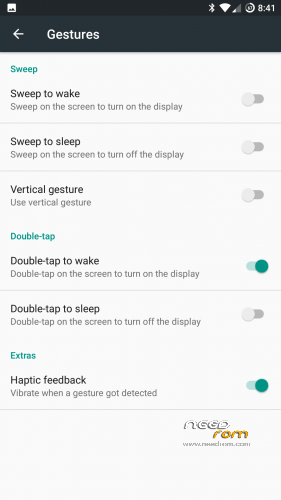
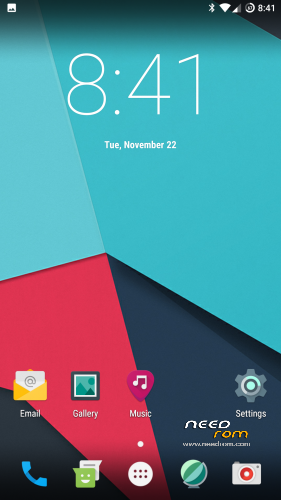
Custom rom by cheshkin. Added gestures. Added vibration control. Stable. You can use every day. Install from my recovery.
https://www.needrom.com/download/recovery-by-cheshkin/
Thank
http://4pda.ru/forum/index.php?showuser=2214676
http://4pda.ru/forum/index.php?showuser=1194177
※Please make a backup of your device before installing or updating ROM
multi window?
Fast batery charger??
Is it free to unnecessary applications ??
Is it free to unnecessary applications ??
1. No Google apps included (gapps 64bit arm pico needs to be flashed
2. Additional Included apps (apart from core CM13 apps) are filemanager,kernel auditor, root explorer, YGPS
For cases where the File Manager/ Explorer (eg. ES File Explorer) cannot detect Internal Storage, follow the following steps which surely rectifies the bug -
1) Download and flash firmware files from K50a40_S422_160315_ROW.rar (Marshmallow stock firmware for Lenovo K3 Note) using the SP Flash Tool.
Download Link: http://www.techolite.com/35769.....frequently.html
2) Flash the latest TWRP Recovery (preferably twrp_k3-3.0.2-6v2.img) using fastboot command.
Download Link: https://www.needrom.com/downlo.....twrp-3-0-2-6-3/
3 Dont reboot because TWRP Recovery will be replaced by the stock recovery. Instead remove the battery from the phone to turn the phone off and then reinsert the battery. Press and hold the volume up + volume down + power button to boot into TWRP Recovery.
3) Wipe all the partitions from the advanced options (do not format the partitions). Flash the Zip file of the Custom ROM using the TWRP Recovery.
4) Reboot to find that the bug has disappeared.
Jio sim is not working …. Plz put some patch…
Sorry for the delay, here you have bluetooth fix: http://www.mediafire.com/file/....._headset-RR.zip
Xposed v87 confirmed working… Screen cast: add persist.debug.wfd.enable=1 line to build.prop and reboot if you are having trouble…
Bro,
U’re sharing misinformation! SCREENCAST IS NOT WORKING after added line “persist.debug.wfd.enable=1″ to build.prop.
Is there a specific place in build.prop where we should add that line?
Has problems with the play store. How can I install it ??
Proximity sensor +orientation sensor does not work.
So vr app doesn’t work .
I don’t know the other implications right now.
The ROM is fast and works well beside that.
All sensors except virtual gyroscope are working fine… But no VR because virtual gyroscope is not implemented…
i wrong.
Proximity sensor is ok.
i mean gyroscope sensor dosent work +compass .
try sensor box app to see the answer.
do you mean only vr app is the problem ?
if so then this rom seems very good until now.
i hope there is a way to fix this issue.
did you notice an improvment on battery life ? i think its better on this rom