
- Title: CM11 V2 Lstyle W200S
- Listed: August, 2014
- Last modified: 08/18/2014 2:24 pm
- Version: Android 4.2.2
You must be logged for ROM download.
22807 total views, 2 today
3 Total favorites
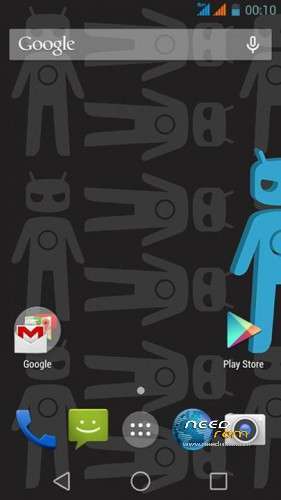
 Member Info
DESCRIPTION
CM11_V2_Lstyle for W200S
I don't test it a lot. but work on my W200S
Please be sure to make a backup of your phone before !
Then just Wipe Data/Cache/dalvik
And update from CWM
test by ThL Thailand Team
for W200S (MT6592) Only
ThL.W200S.156D.A1.JB9
Install ROM:
CWM
Step 1: Download the custom ROM copied to an external SD card root directory
Step 2: the shutdown state. While holding down:
– Power button + volume button up, to enter the recovery mode.
– Wipe Data / Factory Reset -> delete all user data
– Wipe Cache Partition -> Wipe cache
– Advanced -> Wipe Dalvik Cache
Step 3: Return to recovery main interface Install zip from sdcard -> choose zip from sdcard -> Select your ROM
Step 4: Brush complete, restart the phone Patience required – first boot takes a while.
※Please make a backup of your device before installing or updating ROM
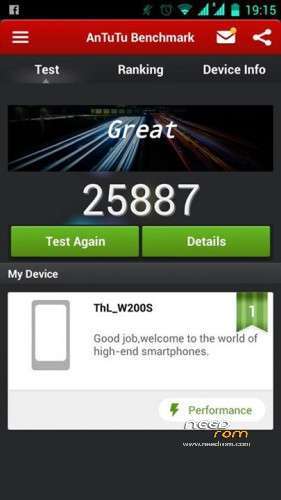
Great ROM, xposed working, with greenify battery is awesome and with new antutu scores goes from stock 27k to 30k
totally recomended
how you've managed to get those virtual android L buttons on the bottom?
sorry for bad english
thanks anyway!
install android L theme and Xposs
can anyone help me? i cant install it. i am in cm11 with twrp 2.7.1 sevenmax when i am intalling that rom installing stop with failed error. how can solve it in order to install that rom?
when a CM version based on android 4.4?
i dont know
Does it theme?
I'm testet
I like the stock Equalizer better. How can I restore it? Pushing the old MusicFX.apk to system/app does not work. Because the default equalizer is ViperFX.