
- Title: Color 1.2.2i + Dolby mobile
- Listed: October, 2014
- Last modified: 10/22/2014 4:37 pm
- Version: 4.2.2
You must be logged for ROM download.
16549 total views, 2 today
1 Total favorites
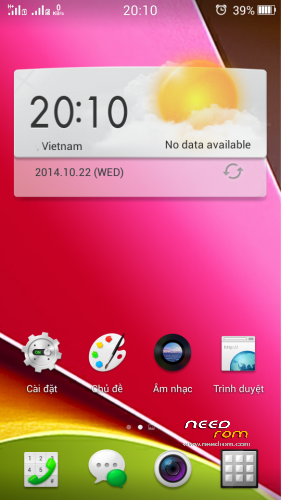
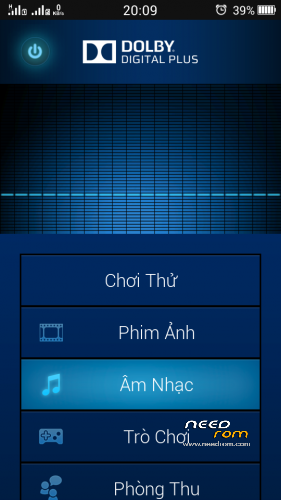
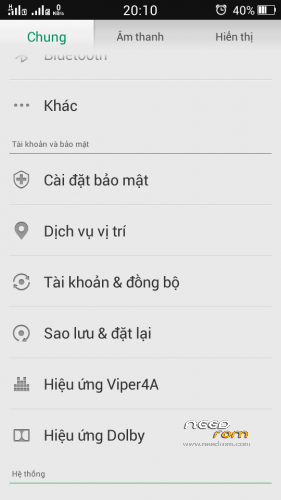
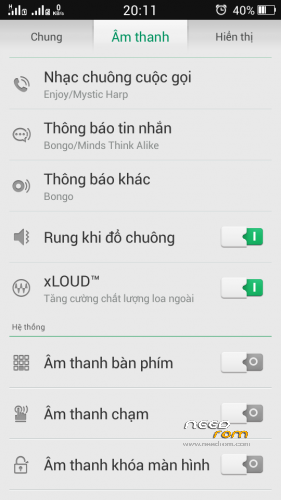
 Member Info
DESCRIPTION
-Rom up via Recovery CWM
-Root full
-Language support: Multi Lang ( Normally )
-Support C version
-Dolby + Viper 4a
-Theme Color 2.0 made by me
-Viper4a (Open Menu ->Load effect profile -> Viper solo by msnhj chiến)
-Path System UI mod up via recovery
THANK YOU . HAVE FUN
Install ROM :
CWM
Step 1: Download the custom ROM copied to an external SD card root directory
Step 2: the shutdown state. While holding down:
– Power button + volume button up, to enter the recovery mode.
– Wipe Data / Factory Reset -> delete all user data
– Wipe Cache Partition -> Wipe cache
– Advanced -> Wipe Dalvik Cache
Step 3: Return to recovery main interface Install zip from sdcard -> choose zip from sdcard -> Select your ROM
Step 4: Brush complete, restart the phone Patience required – first boot takes a while
※Please make a backup of your device before installing or updating ROM
#Dominik1985 yes.coming soon
Allyd
thank you for using.coming soon fix all
Tjslf
https://docs.google.com/uc?exp.....WERBX3RPUmZfekk
Recovery en
is this an image-file? what for?
Tjalf
Rename recovery.img
Ok
Download links are not working