
- Title: ColorOS 980/990
- Listed: February, 2014
- Last modified: 05/23/2014 11:54 pm
- Version: V3.0
You must be logged for ROM download.
75585 total views, 18 today
1 Total favorites
 Member Info
DESCRIPTION
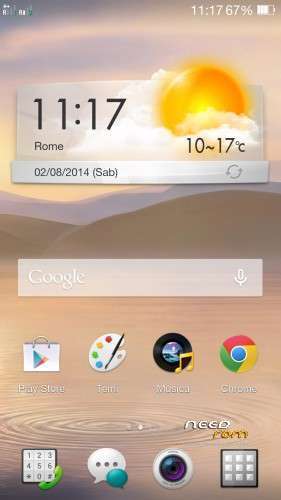
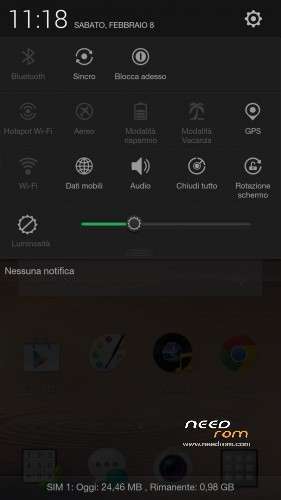
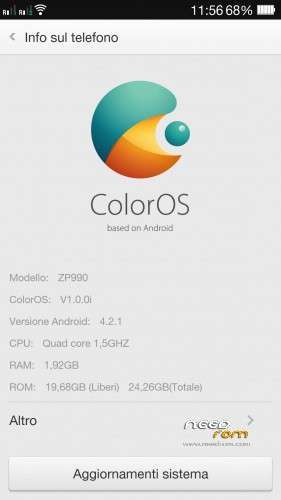
Oppo R819 ColorOS 1.0.0i (last version 20/01/2014) ported by me on ZP990 (and ZP980)
(official site http://www.oppoforums.com/threads/r819-stable-coloros-v1-0-0i-140120.8683/)
(official discussion of this rom (in italian) http://www.androidiani.com/forum/zopo-modding/383098-rom-zopo-980-c2-c3-990-c7-color-os.html)
This rom is compatible with ZOPO 990/C7 and 980/C2/C3 (I used aroma installer to allow you to choose which phone to install)
NEW VERSION 3.0
changelog:
-based on new R819 ColorOS 1.0.0i 515 released 23/05/2014
-reimplemented all fix and mod of version 2.0 and 2.1 in this new firmware base
-new app filemanager with fix for external sdcard access
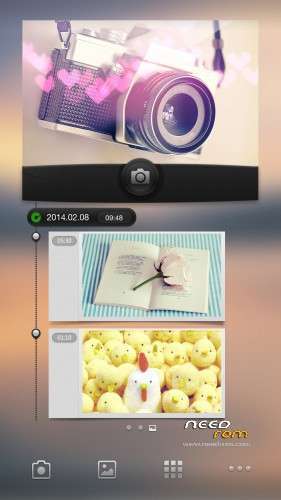
-cameramod with barcode scan and poster
-mod multimedia volume with 30 step
-crt off effect now can be enabled in aroma during flash
-some google system apps updated
-swype keyboard licensed to Oppo and google keyboard stock
-double tap on home button to lock the screen, long press on menu button to open recent task
MOD:
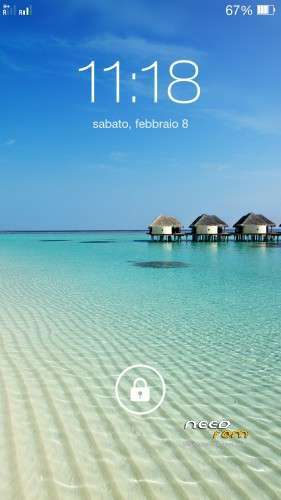
adds 2 lockscreen from version 2.1 that are missing in this version, just download this zip from your PC (otherwise it does not work) and flash in recovery (no wipe needed)
ColorOS_LockScreen.zip
———————————————————————————————-
changelog Vers. 2.1:
-fix 3g connection if present only one sim in slot 2 (and maybe in slot 1)
-fix option to save on external sdcard in camera app
-blue led notifications
-enabled effect crt off
-autobrightness level tweaked
-mod center clock and network speed now are flashable in aroma (for activate center clock and network speed just enable both)
-added the original oppo "Note" app
-removed google music (install it from google play if u want)
fix in version 2.0 (I never put the 1.1 version on needrom):
- Fixed low signal strength on sim in 3G
- rom now is full deodexed
know bug:
- in camera can't select external sd for save photo/video
- dirac sound option not work
- maybe other…let me know 
Language: multilanguage
Install ROM :
flash in cwm/twrp recovery
perform a full wipe data factory/reset before flash (for upgrade from previous version just do wipe cache and dalvik cache)
※Please make a backup of your device before installing or updating ROM
PS-my phone is ZOPO ZP990
Wanted for next update:
- working flip cover
- Back-to-kill mod
Would be a great addition for this fantastic rom.
Data Bug
Installing this ROM made the IMEI number change back to factory settings, which means I can't get mobile data/internet. But I can't correct the IMEI number because "CDS Information" is greyed-out in Engineer Mode.
Hi,
use MTK Droid Tools to change IMEI
http://4pda.ru/forum/dl/post/4.....dTools_v253.exe
Can't use an .exe as I run Ubuntu Linux. I tried accessing through the keypad combination, and also through Mobile Uncle, both had "CDS Information" greyed-out.
Anyone tried using a next launcher, when I do, google playstore stop receiving internet!!!
I configured next launcher and internet and play market works fine as usual
It's a very good ROM, but there is two problems
1 – there is a data limit with a 3G cellular download (can't install via play store "waze" or other app like facebook)
2 – Parameter "data saving" "settings > security" crash at every time
krug3r
Thanks for the reply itolimp
If younwish you can write me in private message i will send you correct new apk file
I just installed and i have to say that it is the best rom i have tried so far.
The gesture option is great.
Only missing the smart flip cover.
Thanks very mutch
I have from the first day and is graet, but for when the update ?
Great Rom… Smoother than Miui! But Blue LED not working… Anyone idea?
Most stable and beautiful rom for zopo zp980 16gb 1gb ram