
- Title: CoolPad F1 8297W AOSP
- Listed: April, 2014
- Last modified: 07/06/2014 3:06 pm
- Version: ROM Android 4.2.2
You must be logged for ROM download.
41580 total views, 3 today
2 Total favorites
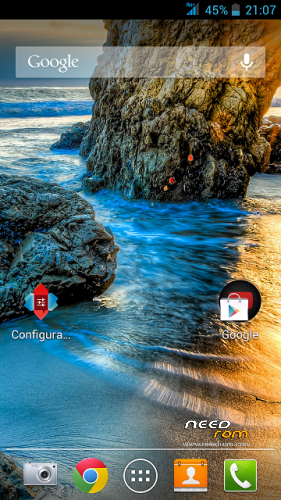
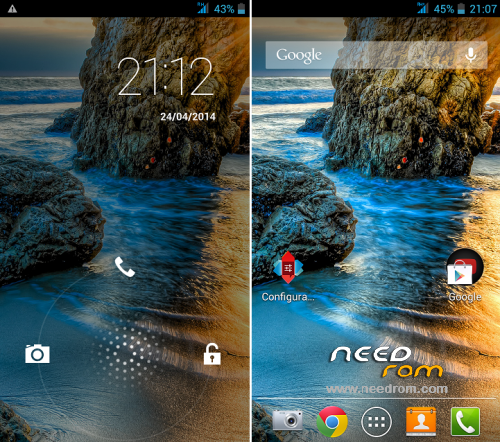
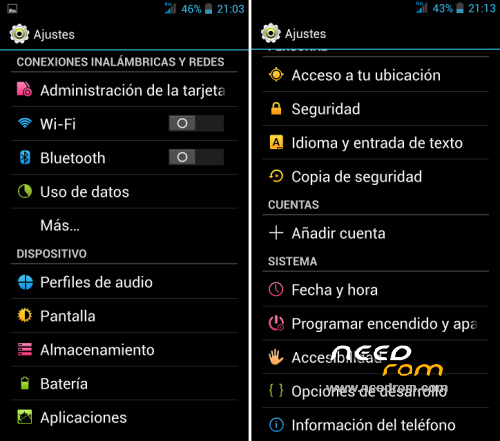
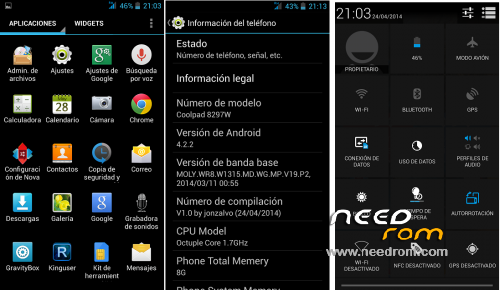
 Member Info
DESCRIPTION
I modified this rom: https://www.needrom.com/mobile/coolpad-f1-8297/
CHANGES V2.0 (06.30.2014)
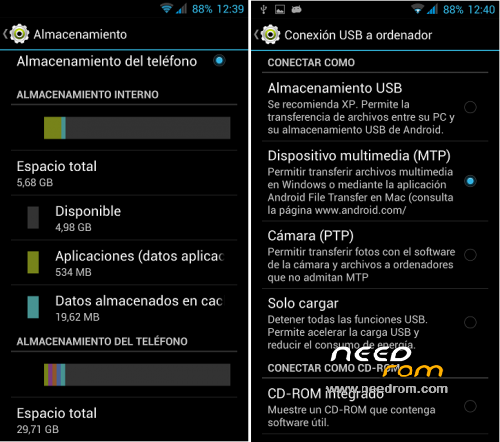
-Distribution memories original storage.
-Updated the kernel and libraries cameras 069, better image quality
- Direct input for connecting SD MTP for the PC
- Updated to version 3.2.0 Gravitybox(manually activate xposed)
CHANGES V1.0:
- Fixed the libraries of the cameras
- Fixed SD mounting
- Enable notification leds
- Remove Chinese app
- Remove Chinese keyboard and put the pure android keyboard
- Include APN and GPS Europe
- Installed the last Gravitybox with xposed included.
- Delete Apps silly to leave as light as possible.
- Accessibility Root
- Titanium Pro installed
- Nova Pro installed Laucnher
COMMENTS:
- If at first boot, the google play is left wondering, is because it is updating.
You can wait and then restart the terminal by removing the quick start (in settings / more / accessibility)
- With this rom, the phone memory becomes internal memory, you'll have almost 6gb to install apps, but then necessarily need a MicroSD storage.
WARNING: DO NOT FORMAT THE SD SINCE THE TERMINAL WITH THIS ROM. With no dealings original memory can bricking the mobile
- Has led notification function (red and green), checked with whastapp, calls and sms.
To activate it you will have to just go to settings / flash alert and activate the two options.
Gapps include
Rooted
Language support: Multilang
More Information: http://www.movilesdualsim.com/threads/rom-aosp-coolpad-f1-8297w.66659/
Install ROM :
CWM [ English)
Step 1: Download the custom ROM copied to an external SD card root directory
Step 2: the shutdown state. While holding down:
– Power button + volume button up, to enter the recovery mode.
– Wipe Data / Factory Reset -> delete all user data
– Wipe Cache Partition -> Wipe cache
Step 3: Return to recovery main interface Install zip from sdcard -> choose zip from sdcard -> Select your ROM
Step 4: Brush complete, – first boot takes a while
※Please make a backup of your device before installing or updating ROM
Hi jonzalvo…
Can you build or Port Stable ColorOS for Coolpad F1 WCDMA (8297w) Version ??? Because i tried many ColorOS versions, but Whatsapp not working in ColorOS ROM…Can u help me…???
What is the difference between the English Recovery in this thread and the English recovery (v 6.0.3.0) on this thread?
This one here is listed as Recovery-coolpad-F1-8297W2 and the one on the other link is listed as Recovery coolpad F1 8297W
They both have the same size though
Will this work with 8297 – not 8297W?
yes it will work
Bootloop problem I don’t know why. But I can’t install it when I install other Roms give a solution please
How do the upgrade Nova Launcher?
i have recovery in chinese,how do i do install it in english?Please help me.
i have the same problem ( recovery in chinese) can anybody assist with his english recovery menu ? thanks
how do i put it in english.I can find the language pack..?
hello…can I install this rom from internal memory cause twrp recovery has that option if I saw it right
Hi,how to make the vibration on buttons ?
Just flashed the latest AOSP v2.0 ROM (321mb) and I have some issues (?)
Whenever I restart the phone I get a warning message that says:
"Restarting your phone will clear temporary files out of memory.
Would you like to restart your phone now?"
Is there a way to work through this message?