
- Title: CRYSTALROM(V3 is out)
- Listed: August, 2015
- Last modified: 11/01/2015 3:30 pm
- Version: V3
You must be logged for ROM download.
75657 total views, 11 today
34 Total favorites
CUSTOM

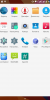

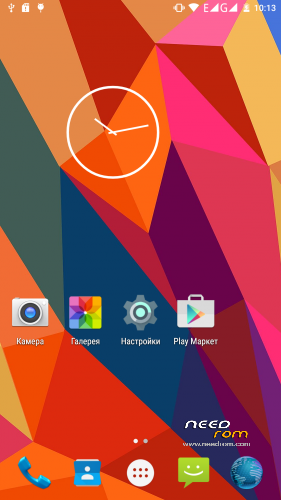
 Member Info
DESCRIPTION
CRYSTALROM
V1 – The latest version
Changes:
V1
- Date: 03/08/15
- Weight: 489 MB
- Basis: The July Firmware
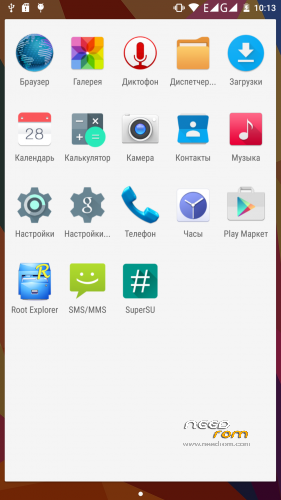
- Integrated Ruth (SuperSU version 2.46)
- Integrated RootExplorer
- Framework-res from edik-skv
- Dpi = 380
- By default, english language and Moscow time (GMT +3)
- Fixed configuration for correct display of the operator YOTA
- Remove debris
-
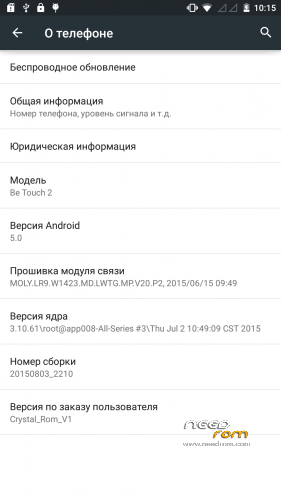
Build 20150803_2210
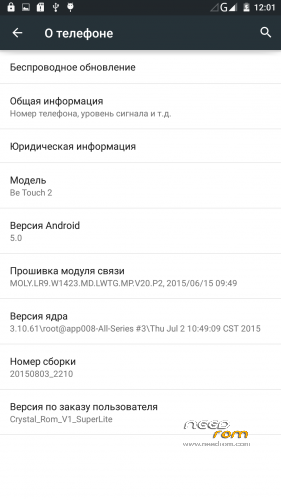
Changes SuperLite (compared to version):
- V1 Weight: 391 MB
-
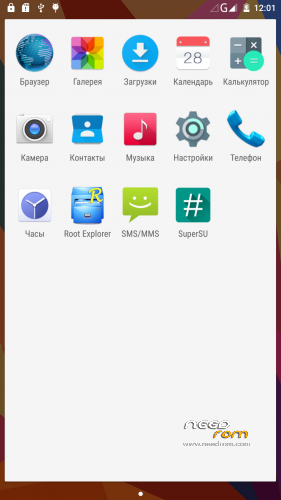
Removed GAPPS, and other unnecessary stuff
V2
- Updated to version 2.49 supersu
- Deodex app and priv-app
- Tweaks and build.prop default.prop (details will not paint)
- From the nucleus removed tweaks to link (tcp_buffer), may be better to work
- Corrected powerprofile system
- I replaced the stock browser Other stock
- Clean debris from
Versions (V2):
1. Normal with the stock kernel
2. Usually I modified the kernel ( related link)
3. Light with the stock kernel
4. Light me with a modified kernel ( related link)
V3
- The new base
- Improved camera performance (less lag image, faster focus)
- Added the update over the air
- Optimizing battery consumption (sysctl, power profile)
- Optimizing performance (plus graphics)
- Fix hanging calls
- Multiple optimization firmware
※Please make a backup of your device before installing or updating ROM
great job Alex,
battery life and wifi sadly are still pants….dyou honestly think these can never be fixable?
finger print sensor works…dunno if for more than one though.
I found a bug with the SD access. Some apps can´t use my SD Card.
Very good ROM, i've been using Crystal V2, and this ROM fix a lot of things, thank you for your work!!!
someone would be kind enough to provide a step by step procedure to install this firmware on a phone with official firmware? thanks
Here we go:
First install TWRP (https://www.needrom.com/downlo.....2-twrp-2-8-7-0/)
You can do this either via flashtool, or – if you´re using Win8/10 you can install via Recovery Mode:
1.) Get Fastboot and ADB driver (google is your friend)
2.) Download Be Touch 2 TWRP 2.8.7.0 and extract it to your folder where fastboot.exe is located
3.) Rename the extracted recoverye.img to recovery.img
4.) Start the Recovery mode on BT2 -> Turn off, then press Power + Volume Up until the Ulefone Logo Appears
5.) When see the android lying on the back, push the Home Button (Fingerprint) and the Stock Recovery Menu appears
6.) Select Option 6 -> "reboot bootloader" using the volume keys and select the choice with the power button
7.) BT2 will reboot into fastboot mode (on the left bottom of the screen you will see "Fastboot…."
8.) connect via usb to your PC, open a command window and navigate to the directory where fastboot.exe (and recovery.img) is located
9.) type: fastboot flash recovery recovery.img and the following output should appear
D:\Fastboot>fastboot flash recovery recovery.img
sending 'recovery' (13540 KB)… OKAY [ 1.313s]
writing 'recovery'… OKAY [ 0.266s]
finished. total time: 1.578s
10.) From now on you will fire up TWRP Recovery with Power + Volume Up and are able to root and install custom ROMs
after this, download Crystalrom, place it on your phones storage and install the zip via TWRP
good luck
Only work the front camera without flash!!!
do not work the rear camera and do not work any flash.
???????
It depends on the phone. My rear camera and flash works fine, but the front one has no flash.
thank you for version 3
how can I use 3g 850hz data Why it cannot use 3g data on this frequency.
I like to use this rom but. It cannot use 850 3g data.
can i fix it by myself