
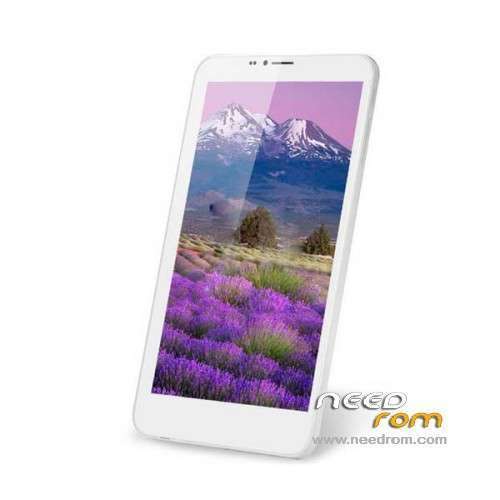
- Title: Cube Talk 7 U51GT
- Listed: January, 2014
- Last modified: 01/23/2014 3:32 am
- Version: ROM Android 4.2.2
You must be logged for ROM download.
17736 total views, 2 today
119 Total favorites
 Member Info
DESCRIPTION
ROM Mobile Cube Talk 7 U51GT – ROM Android 4.2.2
Official ROM Cube Talk 7 U51GT Version: CUBE_U51GT-W_34.1.1.805.1
Rom based on Baidu
Gapps not include – No Rooted
Language support : EN/CN
Install ROM :
[Step]: Open the "Brush drivers" folder inside the "Install.bat" upgrade driver installation;
[Step]: Open the "Brush Tool" folder inside the "Flash_tool.exe" Brush tool, then click on Tools in the "Scatter-loading" button,
find the "want to brush into the TALK7X third party recovery" folder inside the "MT6582_Android_scatter.txt" file;
[Step]: Click "Download" button on the Brush tool (the dialog box click "Yes"), and to have been shut down TALK7X
connect the USB cable and wait for the green circle Brush tool after the brush into the third-party recovery,
You can disconnect the USB cable into the third-party recovery operations carried brush ROM.
[TALK7X into the third-party recovery methods: the off state, immediately after the first press and hold the power button
and hold the volume up key and release the power button, use the volume up button to select [Recovery Mode],
with the volume down key to enter recovery mode.
[Note]: Before the brush into the ROM to be double clear inside the third-party recovery operations
(before Shuangqing remember important data backup phone book, SMS, etc.), which clears the data and clear the cache.
※Please make a backup of your device before installing or updating ROM
Bulgarian language?
Anybody no how to get the chinese stuff off.
Who do video guide people perform
lsdsd