
- Title: Cubot Note S Rom Lite By MDSdev
- Listed: August, 2016
- Last modified: 08/16/2016 7:03 pm
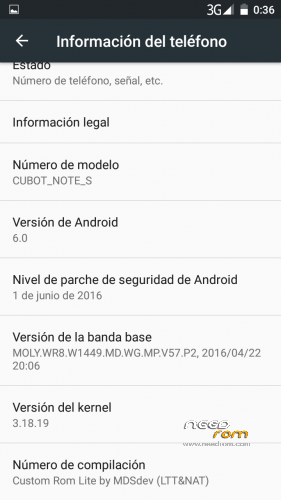
- Version: Custom Rom Lite & odex by MDSDev 6.0
You must be logged for ROM download.
16239 total views, 5 today
5 Total favorites
 Member Info
DESCRIPTION
ROM version: 6.0 based on official M800_CUBOT_V3.0_20160712
Update 21/08/16: Fixed not receiving SMS
Important: Rom stock M800 V3.0 20160712 has to be installed before installing this custom rom, if you change from android 5.1 to this rom (which is 6.0) you will probably brick you phone.
Modifications:
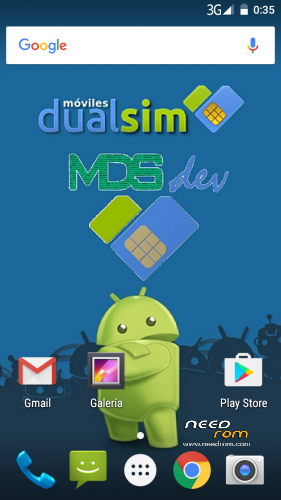
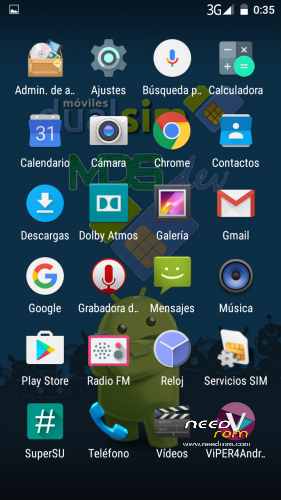
- Lited.
- Fix NVRAM WARNING: Err = 0×10 on Wi-Fi.
- SuperSu installed during first boot.
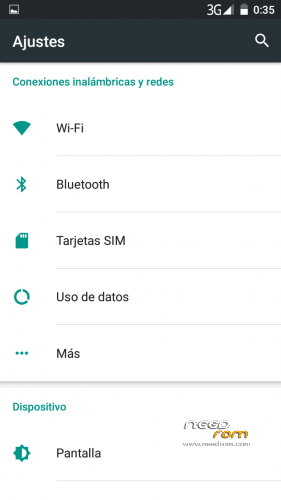
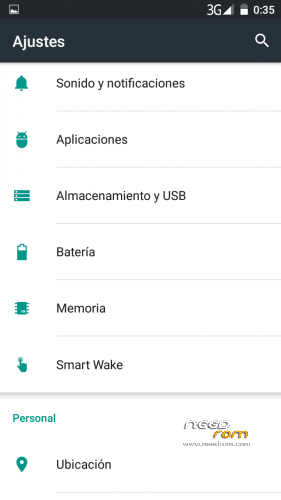
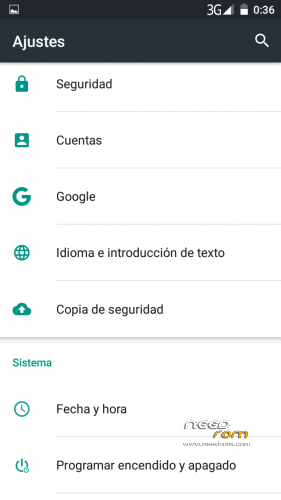
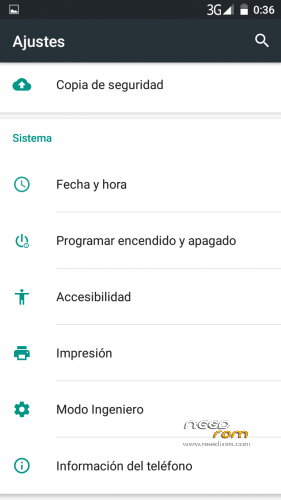
- Acces to Engineer Mode from Settings menu.
- Better GPS performance. We all know how GPs works on thus device, to improve it go to http://www.movilesdualsim.com/tema/mejorar-funcionamiento-del-gps.146927/
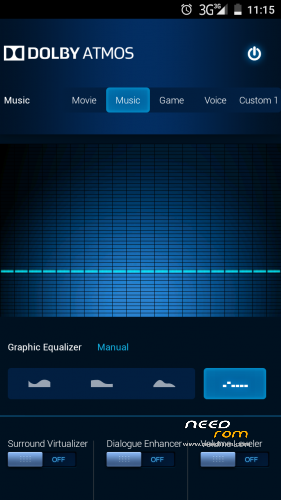
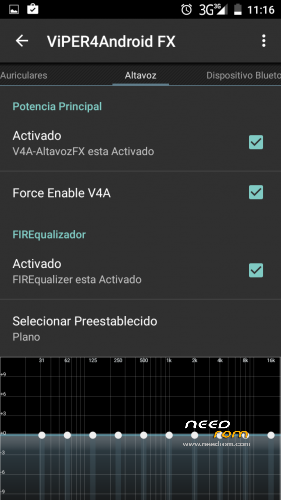
- Better sound experience with Dolby Atmos + Viper4Android combination.
- Changed mtk browser for Google Chrome.
- Changed mtk calendar for Google Calendar.
- Default language: Spanish.
Install:
With mod recovery TWRP 3.0.2 by Jemmini
I recommend Wipe Factory Reset
First boot takes about 5 minutes and device will have some reboots, because SuperSu installation.
Support: http://www.movilesdualsim.com/tema/custom-rom-lite-deodex-by-mdsdev-ltt-nat-para-recovery.149519/
※Please make a backup of your device before installing or updating ROM
I apologize for my bad English, I may have written something offensive without bad intentions
@dsbejbe:
No controversy, I apologize
If you like to have android 6 no problem for me
I only said what I found personally. surely you will work well, unfortunately I'm not entirely satisfied .
The root is perhaps a problem?
The root is easy on each ROM version,5.1 included.
Just flash the TWRP recovery and install SuperSU,
Download. BETA-SuperSU-v2.74-2-20160519174328-forced-systemless.zip at this link: https://www.androidfilehost.co.....591000424939898
Put it on the SD card, reboot your phone in recovery mode TWRP and select install (BETA-SuperSU-v2.74-2-20160519174328-forced-systemless.zip) ,reboot and your Cubot has the root .
If you want you can upgrade supersu from Play Store.
It works for all ROM Cubot note s .
I don't know what's problem, maby you didn't do correct steps.
This is how I do it:
1. Unlock Developer options in Settings app and in Developer options I turn on OEM unlocking (to allow bootloader to be unlocked)
2. Flash "M800_CUBOT_V3.0_20160712" with Flash Tool (without preloader)
3. Flash TWRP for Android 6.0 ( https://www.needrom.com/downlo.....bot-note-s-6-0/ )
4. Go to recovery – Wipe System, Data, Internal Storage, Cache, Davlik Cache…. CLEAN INSTALL IS BEST OPTION
5. Install "CustomRomLiteNoteS_V3_Odex.zip"
6. Reboot phone
…..and I have fully working Android 6.0 with root, no need to flash SuperSU.
BY THE WAY… I use official Android 5.1 on Cubot Note S for few months, then flash CM12.1, then CM12.1 Ressoruction Remix, then 6.0 AOSP. but this rom is best for me. Everything is working perfect for me, I have 0 bugs.
Before Cubot Note S. I had Samsung Galaxy S Duos 2 and I use custom roms on that phone, and always some people had bugs, some people don't have bugs. I don't know, maybe it's that case.
Of course I did this and the ROM works perfectly.
Only I see no difference between official Android 6 ROM (rooted) that for me has no bugs. I do not find substantial differences in the use ,you understand now?
The only difference is that it lacks for example the (HotKnot) and (Backup & Restore) in addition to other applications.
I went back to the last official version 5.1 https://www.needrom.com/wp-con.....T-NOTE-S-14.zip and after the root works better ,for me has in general better performance compared with ROM Android 6.
I tested with heavy games and Android 6 is less reactive in this phone for now.
It 'also possible that the ardware not be identical for all devices.
This in my simply opinion
il biondo this is what it is, this a Lite rom , based on official but lighter (apps removed) , with access to ingeenier mode from settings menu and rooted during first boot.
Of course you can get all these aditional things by your own if you know how, but not everybody knows how and they want something easy and simple, a prerooted lite rom, for example.
Hey. Sorry for my bad english. how to restore the function of Backup and Restore?
Yesterday flashed your custom and faced the problem does not accept SMS. Sewn once again is not willing because of the recovery.
@il biondo I understand what you want to say.
Generally Android 5.1 and Android 6.0 are 95 % the same, only few differences (Multi-Window mode, SystemUI Tuner, Now On Tap,… and other stuffs)
For me Android 6.0 is faster (in opening apps) than 5.1. And I love the feeling to have lastest Android on my phone, and I love Now On Tap and SystemUI Tuner and Multi-Window Mode.
@dsbejbe
Yes, of course this is nice but I do not like more than anything else the filing system on SD card, so it makes no sense I think. What do you think of this solution ? it was better as it was for Lollipop?
"filing system on SD card" I don't know what you mean??? Did you mean on future where you can choose to install apps on sd card or on phone memory ?? If you mean on that – It's nice feature who like it. That future is not important for me because this phone has 12 GB real internal storage (phone memory).
@ dsbejbe hi, i tried to install this rom, i flashed Flash "M800_CUBOT_V3.0_20160712" with Flash Tool, then i tried toFlash TWRP for Android 6.0,
it seems to go ok but when i tried to boot in recovery mode (vol+ and power) it doesn't boot in recovery and appears a black screen, how can i solve the problem? thank you
@plisken I don't know, mine is ok.
I turn off phone and remove battery
Open Flash Tool, load scratter file of TWRP for 6.0 ( https://www.needrom.com/downlo.....bot-note-s-6-0/ )
Click "Download", connect phone via USB, and insert battery
When Flash Tool finish downloading (Green circle appear) – I disconnect phone and press Volume UP and Power button at same time and hold few seconds till phone vibrate (about five seconds), and then release buttons,and than immediately I press again Volume UP button and Power button and then black screen with Boot menu appears and I can choose between (recovery, fastboot and normal) – i choose recovery and that's that.
@ dsbejbe thank you, i'm going to try, can i ask you what app do you use to save app (app+data of the app) before to flash the rom?
i can't find one that is safe, thank you
I don't use that apps. Everytime I flash new rom, I install all apps I use, and I tune all apps settings and phone settings as I like.
I need at least one hour for all of that.
So what has been "litened"? anything important missing?
Some people missing backup and restore, which are not installed
This is not a ROM lightened .but a ROM mutilated, just to get a few MB less, and this makes no sense, anyone can do it though.
I like the GPS and Wifi fix and i dont know (or want to read into it) how to fix this myself.
Also i dont even need backup and restore or hotknot. But who knows what else is missing. Also first thing i would do is remove google chrome and calendar. Its too custom for me i guess.