
- Title: Cubot One by bigrammy
- Listed: January, 2014
- Last modified: 01/21/2014 3:49 pm
- Version: 4.2.2
You must be logged for ROM download.
31122 total views, 2 today
7 Total favorites
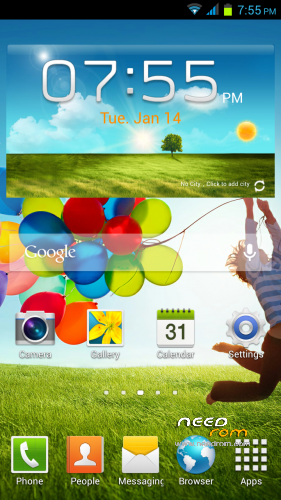
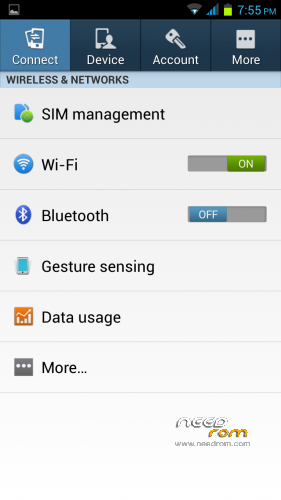
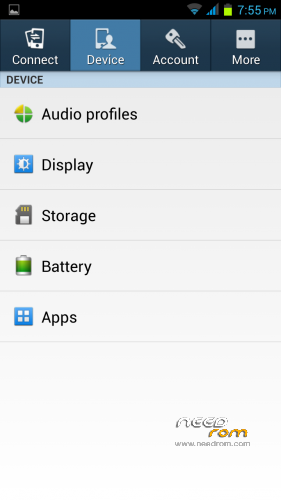
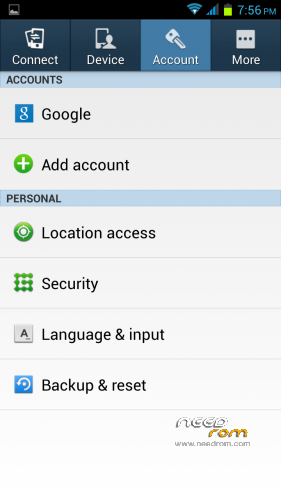
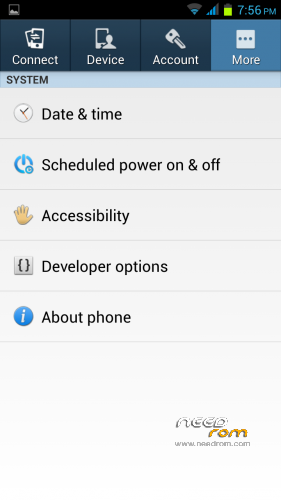
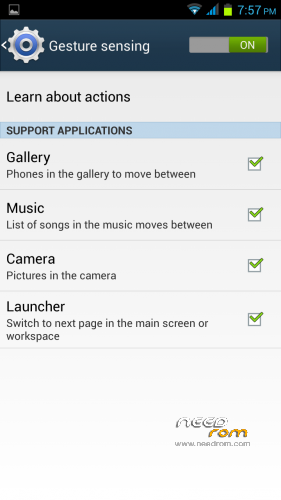
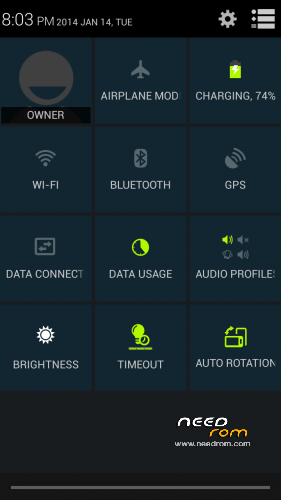
 Member Info
DESCRIPTION
This port is from a Star S4 and is based upon this Cubot One version (My Phone) info is found in your build.prop
ro.build.id=JOP40D
ro.build.display.id=G800_CUBOT_D1_V0.6_20131205_MJK
ro.build.version.incremental=eng.rlk-buildsrv1.1386244260
ro.custom.build.version=1386244260
ro.build.version.sdk=17
ro.build.version.codename=REL
ro.build.version.release=4.2.1
ro.build.date=Thu Dec 5 19:53:46 CST 2013
ro.build.product=ratech89_we_rlk_jb2
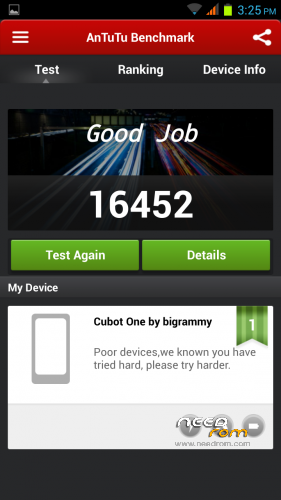
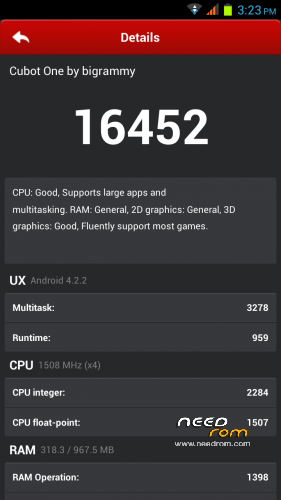
Which has a mtk6589 cpu speed 1508Mhz. If you have this exact same version then everything works perfect.
This ROM should also work on the following but more Feedback is required because I cannot test it on these versions.
mtk6589 cpu speed 1208Mhz
mtk6589T cpu speed 1508Mhz
If your on a 1208Mhz cpu or mtk6589T your feedback is important so please let me know your experiences in detail with the rom.
Constructive Feedback is always Welcome
One thing though I am not here to tell people how to use an application thats what google is for so please just make sure it's nothing in your setting's or any setting in a app first before commenting.
Things look a little different in this ROM but all the features are still there so breathe and think a little before before telling me "IT NOT WORK"
Things to note!!
App installation: Check the default storage location is set to "Let System Decide"
For some reason the default on my phone seems to be SD card so any system app will fail to update if this is not corrected.
For Stable Wi-Fi: If you have Wi-Fi issues try these things. Reboot the phone then try Wi-Fi again then once connected make sure Wi-Fi is on then go to Apps/Wi-Fi/tap menu button (bottom left)/Advanced/Keep Wi-Fi on during sleep/ toggle on/off/on Always/ Back/Wi-Fi optimisation/ deselect (untick) minimise battery useage.
If you still have issues after trying the above try using your stock boot.img with the rom.
If you still have problems then let me know what cpu version and kernal you are on this will help narrow down any issues.
Launcher: Stick with the stock launcher I have had reports of other launchers breaking some functions.
Language: This ROM is a international Multi Language Version
Installation:
CWM or TWRP
Backup First!!
Very important!! 99% of problems happen because people do not follow instructions so PLEASE Wipe Dalvik Cache, Cache and Data Flash the ROM Wipe Cache and Dalvik Cache again then reboot to system once the ROM has booted allow a full 2 > 3 mins for the rom to fully load before you begin to play around with things Do not skip the startup setting's app and make sure the Wi-Fi gets properly connected before moving on to the next step
This must be a CLEAN build do not restore data from another ROM reinstall all your apps, contacts, etc etc manually.
Support!!
For Support see here: http://forum.xda-developers.com/showpost.php?p=49487936&postcount=330
Don't Forget To Rate It and Hit the Thank's Button on xda.
※Please make a backup of your device before installing or updating ROM
Hi bigrammy,
Your ROM is multi-language ? French is on ?
Do i need to install GAPPS ?
My future installation is for a Turbo model.
Thanks
Hi,
1. Yes
2. Yes
3. No
T versoin Should be fine
Preffer to support people on xda just quote me there like this @bigrammy in your posts so I will get a notification.
Cant Download
If your using chrome try right click the link then Open In New Tab then the download will start. Not sure why some roms download with a single click yet others you have to do it this way One for the site Admins or Chrome.
hola esta en castellano
Yes Catalan Language.
Post in English please
Is this rom have Greek language?
Thanks
Yes
a silly question, could you tell me how to flash the rom, forgive my ignorance, but now I'm a little lost, thanks in advance.
It is a little maybe you should read up first
See here first https://www.needrom.com/catego.....ry/tutorials/
Hello,ive put it on my Tronsmart ts7 glacier,and everythnig is working fine exepct the problem with locking screen,it wont turn back on,do you know how to resolve this?please help
Try Use your tronsmart boot.img.
I cant be sure everything will all work on the tronsmart though it is a different phone after all
No, it is the same phone, parts are the same, looks and hardware, everything, if it isnt i would brick my phone, do you have some advice?
in case that you use the TS7 MTK6589 1.2Ghz 4GB (as I have), I would apriciate if you put your opinion on this root.
did your problem were fixed? – how?
thx,
D
Use your own tronsmart stock boot.img ;)
Hi! Congratulations for your work i tried porting this rom, but compass not working
  what file must take from stock rom???
Thanks
The Cubot One does not support compass because it does not have the hardware installed in the phone. Files and libs will be missing if you try to use this as your port ROM
Best working ROM for my Cubot One 1,5GHz.
First ROM which supports 13MP Camera on that phone and fixed autfocus problem…the original ROM only supported 8MP Camera without autofocus.
Well done, thanks
Thanks for taking the time to give a Positive feedback bro