
- Title: CUBOT ONE MIUI 4.08.29
- Listed: December, 2014
- Last modified: 12/16/2014 1:16 am
- Version: CUBOT ONE MIUI 4.08.29
You must be logged for ROM download.
27380 total views, 2 today
9 Total favorites

 Member Info
DESCRIPTION
This Rom is made for 1st and 2nd generation phones (MT6589 and old MT65989T)
Do not install Roms made by me on a Cubot One with original Rom Version 0.8 and up, or on Cubot One S
After 8 months of developing XIAOMI gained a massive boost in performance.
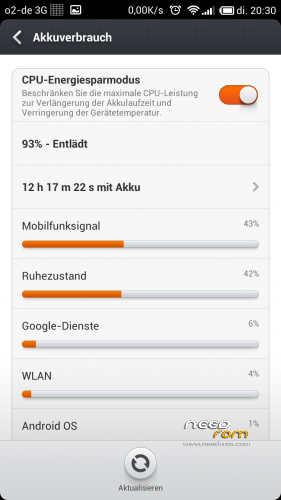
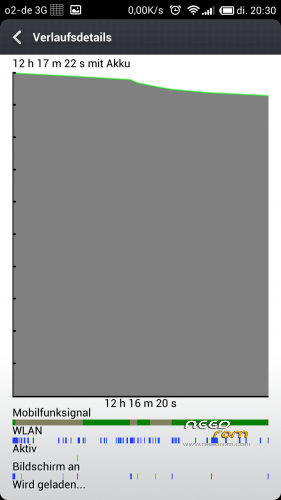
The device now feels more snappy and uses less battery.
Games like Real Racing 3 now run smooth without setting any settings in RR3Graphics to low.
Supported languages
Stock languages + German (more will come a little later after testing)
Included features and apps:
init.d support + scripts
Rooted
Playstore
NOTES:
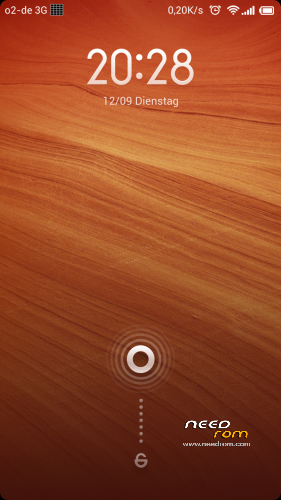
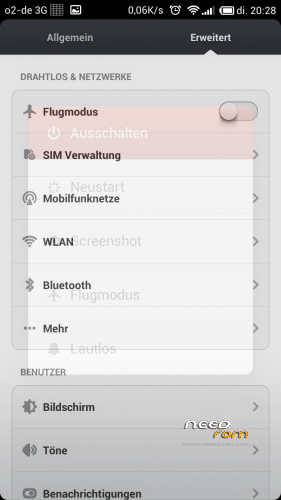
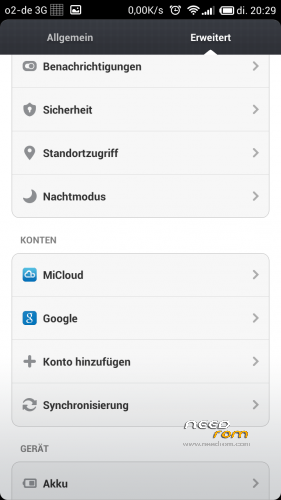
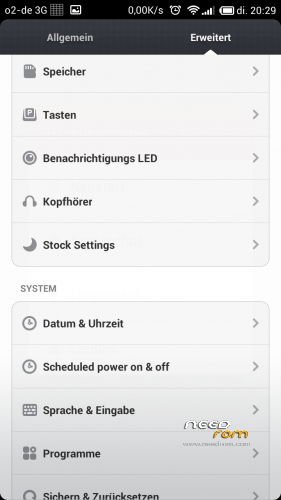
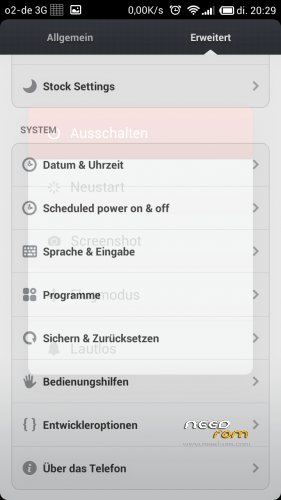
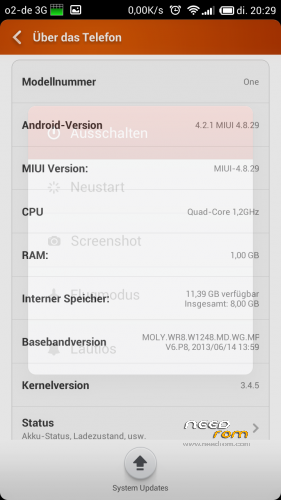
Launcher seen on Screenshots is not default. (https://play.google.com/store/apps/details?id=com.sicksky&hl=nl)
init.d does not work on 1st boot
When ASOP Keyboard FCs, delete LatinIME.apk
INSTALLATION:
Flash zip file with any of my recoveries. I recommend Carliv 2.4 Touch recovery.
Backup your actual Rom
wipe all data (DO NOT USE PREFLASH IN WIPE MENU!!!!)
Install Zip from SD or PC with sideload (adb sideload path_to_zip)
1st boot will take some time.
※Please make a backup of your device before installing or updating ROM
I tried it. It looks nice, but it's impossible to use. Google Play doesn't work, Android Keybord crashes.
I tried to fix it, but I can't…
i disabled text prediction and it worked… my problem is that it asks for a SD card in order to 1) make pictures 2) edit ringtones 3)download anything
the internal storage is emulated as an sd card by default but it still isn't recognized for picture taking etc…
Hey, great Rom. Thank you very much.
Here is what i did to flash:
-If you are using original Rom 0.8 or up, just make a firmeware update (downgrad) with SPF (FlashTool) to old Version 0.3 and Update with Zip file to 0.4 (both files are also uploaded here at needrom.com).
-Than use "Framaroot-1.6.0.apk" to install SuperSU. (I tryed and reboot a few times until it worked).
-After, you can use MTK_Droid_Tools and push the "Root" button to get full root. Further in MTK_Droid_Tools just go to "Root, Backup, …" activate "boot.img from phone" and then push "Recovery and Boot". Say "Yes" to questions.
-Reboot to Recovery and update the Rom. Done!!!