
- Title: Cubot S108 KK
- Listed: August, 2014
- Last modified: 09/03/2014 1:38 am
- Version: ROM Android 4.4.2
You must be logged for ROM download.
17574 total views, 1 today
1 Total favorites
 Member Info
DESCRIPTION
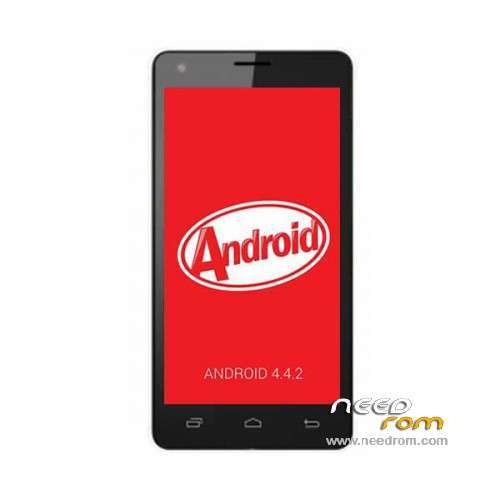
ROM Phone Cubot S108 – ROM Android 4.4.2
Update Official ROM Cubot S108 Version: V6_CQ_4131C_Z2_V0.0.8_20140828 – KOT49H
————————————————————————————————————————————————-
Official ROM Cubot S108 Version: V6_CQ_4131C_Z2_V0.0.1_20140804 – KOT49H
Gapps include – No Rooted
Language support: Multilang
Install ROM:
- Unpack FlashTools, and Click on Flash_tool.exe
- Select a the MT6582_Android_scatter.txt in ROM
- Wait file to be added into Flash Tool
- choose Option->USB Model,click USB Model
–> Choose Option->DA DownLoad All->Speed->High Speed, click High Speed
- Turn off your phone, remove the battery.
- "Press F9 (hit Download button)" OR " if upgrade ROM Firmware->Upgrade "
- and connect your phone into the computer via USB data cable.
- The process will start and a red progress bar will appear after color purple, yellow.
- And green circles display
- Finish !
- You can now safely disconnect your phone and turn it on.
※Please make a backup of your device before installing or updating ROM
have to check this rom, I install a cubot s108 and did not work, the touch does not respond, and both buttons off, volume up and volume down just put on the light, do not respond, care for those who want to install ..
Yes, I too not recommend this ROM as it semi-bricked my Cubot S108. Make a backup before you begin installing this ROM if you insist…
thanks, i ported for may device mt6582 worked.
please! for me info: beta or final?
DO NOT WORKING ROM!!!
do you flash in s208???????????????????
le probleme d'ecran est résolu mais plus de son …
Bug Sound !!!
Esta ROM no tiene buen funcionamiento, ninguna de las dos versiones de scatter
Hi, all. Who could do backup original stock rom (4.4.2 KitKat) and nvram.img from S108? Please,
please write me in private message