
- Title: CWM Zopo ZP998 _V1.07
- Listed: January, 2014
- Last modified: 03/06/2014 2:36 pm
- Version: 4.2.2 05.03.2014 BASE
You must be logged for ROM download.
68318 total views, 10 today

 Member Info
DESCRIPTION
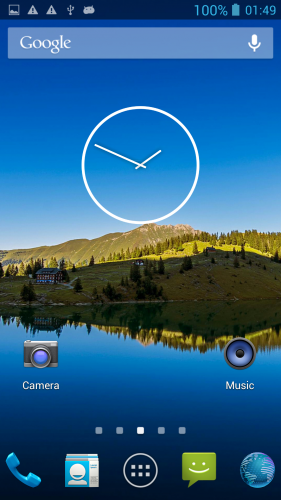
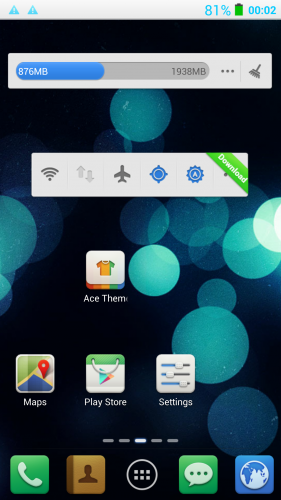
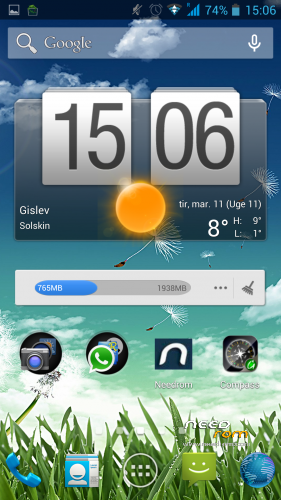
custom rom for ZP998
Â
NEW UPLOAD MADE SO SHUT WORK NOW
Â
REMEMBER TO MAKE BACKUP BEFORE FLASHING THIS ROM
NOW I HAVE REMOVED FORMAT BEFORE FLASHING I WILL WRITE THAT IT DOES BUT IT DONT SO DONT WORRY
 BUT REMEMBER U NEED TO WIPE DALVIK CACHE/CACHE/SYSTEM OTHERWISE U WONT BE ABLE TO GET ROOT PERMISSION
CHANGELOG 10.03.14
NEW ROM IS UNDER THE HOOD
WITH MORE SMOOTH NESS
BETTER WIFI
BETTER GPS
BETTER FLOAT
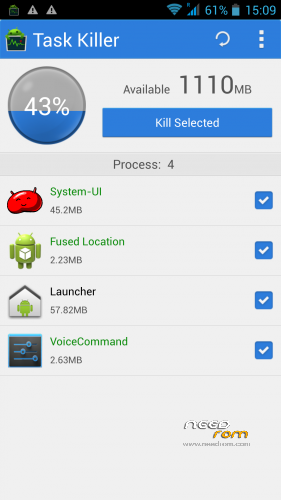
LESS RAM USE
S-VIEW WORKS
Â
u may use my work just remember to ask
an give prober credit
Â
an fore wipe please use twrp recovery there u can wipe cache/dalvikcache/factoryreset/system
Â
based on new base 05032014
new camera
new libs
new moduels
deodexed
zipalig
————————————————
TO ENABLE ADVANCE SETTINGS
GO TO SYSTEM/ABOUT PHONE
NOW DOWN TO VERSION NUMBER
HIT IT 5 OR 6 TIMES
U HAVE NOW ENABLE ADVANCE SETTING
Â
BASED ON LATEST RELEASE FROM ZOPO
THIS IS STOCK WITH SOME SMALL TWEAKS
FOR NOW
STILL WORKING ON BLACK SCREEN OPTIONS
Â
rooted
removed china app
put zip on sdcard
reboot into recovery
wipe cache/ dalvik cache/factor reset/Â an system
flash zip from sdcard
Â
an for last
why do people qoute bad stars insted off stating there problems
so dont give bad stars remember we are only doing this in our sparetime
Â
※Please make a backup of your device before installing or updating ROM
Installed 3 times and stuck in boot logo…has to reverse..
No matter what recovery I use (cwm/twrp/cali), I always get the bootloop.
It seems, the update is only flashing usrdata/bootfile/logo but no system (no message about flashing system either.
Update is way to fast, only 8 seconds or so, so I guess it simly does not flash the system.
Edit: Even full wipe / install zip / full wipe. which I found in the previous posts didn't change the first all apps crash then bootloop problem
well im not sure what u do but u do something wrong
I have exactly the same problem than Xnyle
I try all the recovery cwm …. and the flash is very quick
And each time must use flashtools to install old ROM to be able to start the phone
I wiped ALL
I will try one more time. if impossible i will go back to 1.05 who was good enough
Question : you write based on last stock ROM and write 05.03.2014, is there a new stock ROM at this date ?
Thanks for your work
I used TWRP 2.6.3
Wipe factory reset first
Then choose advanced wipe button then choose cache, dalvik, system, android secure and system
And it is OK !!:)
Hello
To the new rom work the xposed installer and gravitybox?
Thank you
yes, the gps seems to be anarchic… fast fix but navigation bugly…locate in the meadow…
Great work, fluffy! Finally default music player does not crash! Now i can use the flip cover mode controls with the music (had to use sony walkman, wich didnt work with these controls).
For those having problems:
1 Full wipe, SYSTEM wipe (I got restart loop untill I did this), cache/davlik wipe.
2 Install ZIP
3 Cache/davlik wipe. Reboot