
- Title: FAEA F1 LeWa
- Listed: September, 2013
- Last modified: 09/14/2013 4:48 pm
- Version: ROM Android 4.1.2
You must be logged for ROM download.
16716 total views, 2 today
 Member Info
DESCRIPTION
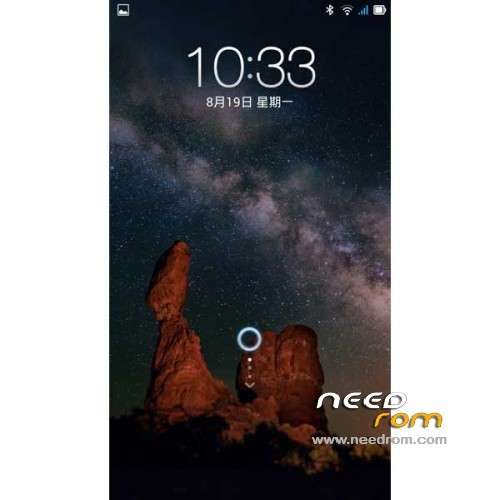
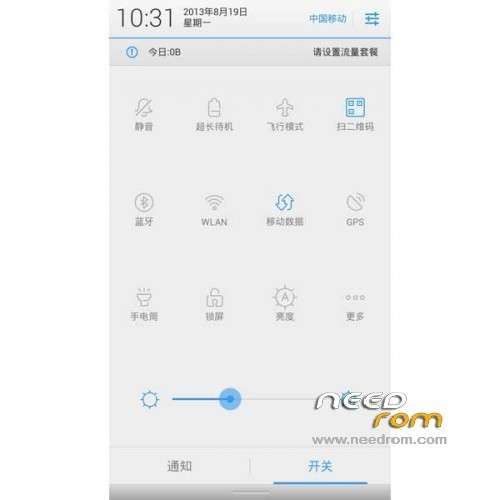
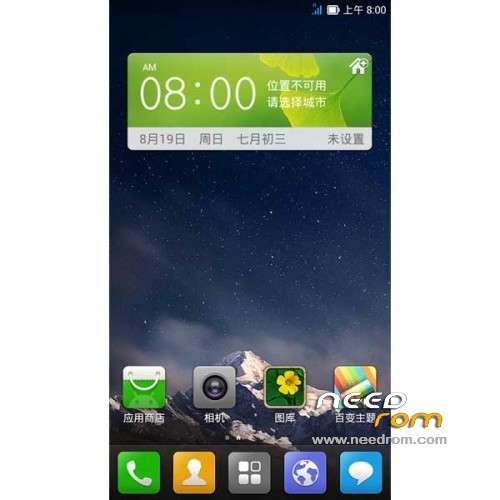
ROM Phone FAEA F1 – ROM Android 4.1.2 LeWa
Update 09/10/2013
1 Add to say it is workable boot saving technology.
2 amend the official native RF and standby cpu power parameters, say goodbye to standby and RF power-hungry era.
3.Add gps optimization, positioning faster
4.host advertising shielding
5 kernel add init.d script support
6 Join V6 power optimization script
7 Touch / dial / virtual machine performance / image display optimization
8.sony image display engine to join, most people praise Oh
9.build project other minor optimizations.
10 Le Frog useless app streamlining of all processes, systems more fluid, power.
11 Turn on Le Frog Full ROOT privileges and incorporate the latest RE Manager.
——————————————————————————————————————————————————
Features ROM:
Dial: Normal
Theme: normal (support most third-party theme music frog)
wifi: normal
Camera: normal
Compass: Normal (two seconds positioning, the very cattle X)
Bluetooth: normal
Radio: normal
Mobile Data: Normal
Flashlight: normal
Direction sensor: Normal
Gravity Sensor: normal (no pressure to play Temple)
Acceleration sensor: Normal
Light sensor: Normal
Electronic compass: normal
Distance sensors: normal
Gyro: Normal
NFC: not supported
Breathing light: does not support
Gapps not include
Language support: EN/CN
Install ROM:
CWM
Step 1: Download the custom ROM copied to an external SD card root directory
Step 2: the shutdown state. While holding down:
– Power button + volume button up, to enter the recovery mode.
– Wipe Data / Factory Reset -> delete all user data
– Wipe Cache Partition -> Wipe cache
Step 3: Return to recovery main interface Install zip from sdcard -> choose zip from sdcard -> Select your ROM
Step 4: Brush complete, restart the phone Patience required – first boot takes a while
※Please make a backup of your device before installing or updating ROM
the camera works only occasionally. Most of the time after an image stays frozen. Then when you open the app says it can not connect to the camera.
I like cad Add a google acount
how get nfc work? meybe install it somehow afterwards?
please add the appropriate gapps
solve the camera problem.
Hi! SD-card is not working on this ROM! What's happening?