DESCRIPTION
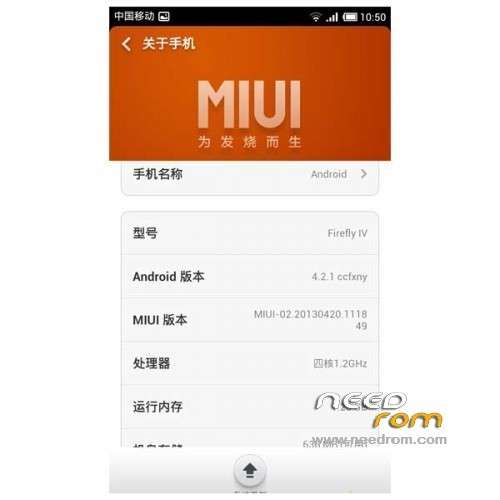
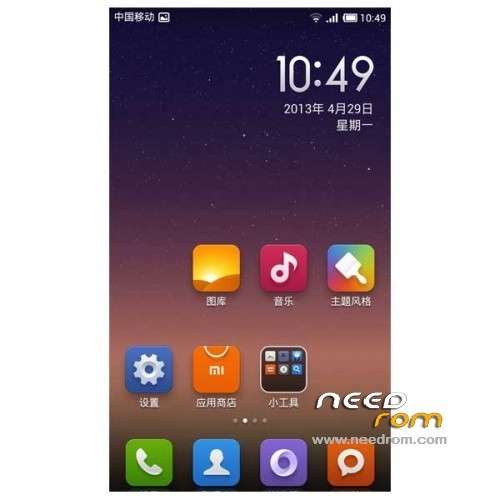
ROM Mobile FireFly IV V50 – ROM Android 4.2.1 MIUI V5
Update MIUI v5 – 3.11.1
| Changelog |
SelectShow |
New – Separate setting for automatic recording for calls from unknown numbers and yellow page numbers
Fix – Touch screen was unresponsive
[System]
Fix – Swapping SIM cards from other countries/areas may cause system language to change
Fix – Status bar would flicker
[Home screen]
Fix – Google Mobile Services settings can appear on the Home screen
[Phone]
New – Separate setting for automatic recording for calls from unknown numbers and from yellow-page numbers
New – For China Mobile users in Beijing, faster checkout when purchasing mobile data
Fix – Sometimes recording for calls would begin automatically
Fix – When screen turns off when user is answering call, navigation buttons' LEDs also turn off
[Messaging]
Fix – Sometimes, texts would change on their own
[Themes]
Fix – When applying new icons for a theme, some icons wouldn't change to the new theme
Fix – Touching the buttons for Theme details, Reviews, and Share would trigger the wrong functions
[Camera]
Optimization – When taking a picture, take your finger off of the shutter button to cancel the picture
Optimization – Max ISO increased to 1600
Optimization – Optimized low noise level Gamma
Optimization – Fixed indoor image stabilization issues
Optimization – Volume buttons have been changed from zoom to shutter button
Fix – When image stabilization was disabled, video preview was distorted
Fix – After 4X MSAA was opened, some games would flash quit
Fix – When scanning a digital name card, content isn't read accurately
Fix – When reading some QR codes, app would flash quit
Fix – Sometimes, when deleting the last picture in an album, the app would not return to the camera interface
Fix – When focusing manually with the flash enabled, the photo preview would not display properly
[Settings]
Optimization – Re-designed UI for Bluetooth transfer
Optimization – Can now display multiple user accounts
[Downloads]
New – Added "Unlimited" option setting for controlling data usage when downloading via mobile network
New – Increased file capacity for users in Taiwan
[Other]
Fix – Sometimes, when using Bluetooth transfer, if the file name was too long it would not be displayed correctly
[Xiaomi account]
Fix – After mailbox was setup, the Notification shade would still display the message "Xiaomi account is being activated…"
[MiCloud]
Fix – In cloud backups for apps, names for non-local backups (i.e. backups for other devices) were displayed incorrectly
|
————————————————————————————————————————————————————
Features ROM:
1, based on the latest version of MIUI V5 transplantation, has all the features of the latest V5.
2, SMS, camera, WIFI, Bluetooth, communication is normal;
3, the perfect portable MIUI SMS.
4, using the official call interface.
5, Support dual card SMS, dual sim, then dual card Internet; (dual card set set)
6, root;
7, calls, SMS, MMS to send and receive normal;
8, optimization to improve RAM;
9, Camera normal;
10 normal GPS, gravity sensor;
11, the interface runs smoothly;
12, adding memory release procedures;
13, dual card, but only graphics card (the default card SMS, and Internet access card 1)
The basic functions are normal;
Known bug:
1, The theme settings FC, solution restart, restart theme applied successfully.
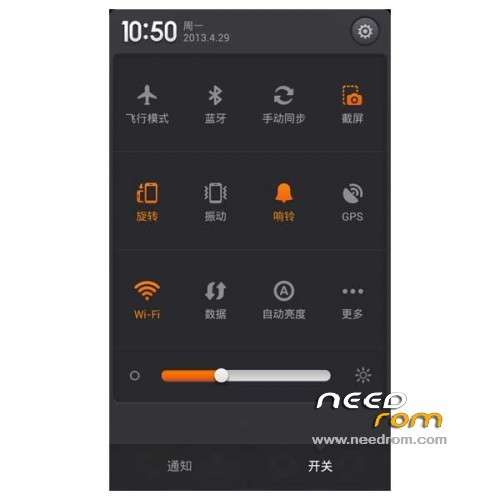
2, the drop-down can not turn off the data connection, data icon after entering the settings close open data.
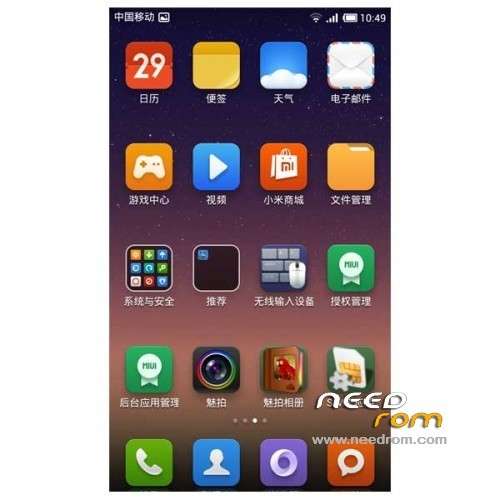
3, desktop authorization management FC, system security folder inside the normal. (MIUI)
4, Import contacts seemingly only from the card 1.
Language support: Multi Lang
Install ROM:
CWM
Step 1: Download the custom card brush ROM copied to an external SD card root directory
Step 2: the shutdown state. While holding down:
Power button + volume button + volume key to enter the recovery mode of Brush, Clear user data and cache, and then enter the card brush
Options Brush can.
Step 3: Brush complete, restart the phone
※Please make a backup of your device before installing or updating ROM

 Member Info