
- Title: FireFly IV V50
- Listed: May, 2013
- Last modified: 05/19/2013 2:57 pm
- Version: ROM Android 4.2.1
You must be logged for ROM download.
15911 total views, 2 today

 Member Info
DESCRIPTION
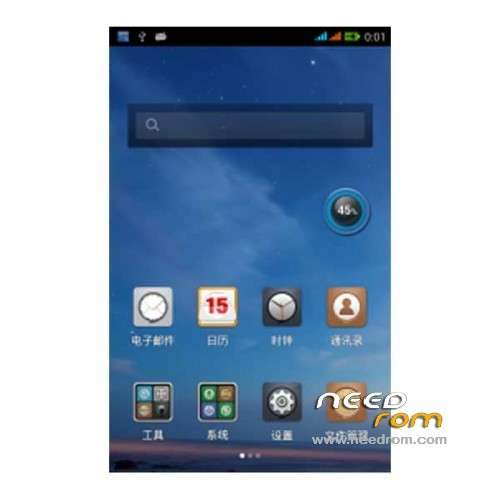
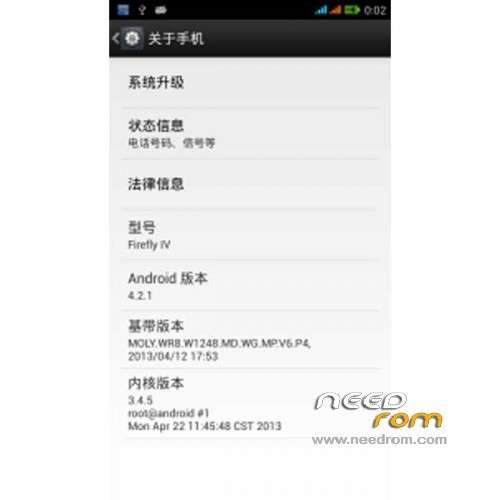
ROM Phone FireFly IV V50 – ROM Android 4.2.1
Features ROM:
1 Based on the latest official Android 4.2.1 bottom package to extract production
2 Personal pro-test camera call data wifi Bluetooth sensors were normal,
3 Adaptation Fixed some lock screen boot as well as APP and theme dislocation problem.
4 added to the the init.d start and V6 optimize script
5 boot power saving
6 sony image display engine
7 build optimization
8 The optimization 8.GPS host advertising shielding
Language support: EN/CN/ES
Install ROM:
CWM
Step 1: Download the custom card ROM copied to an external SD card root directory
Step 2: the shutdown state. While holding down:
Power button + volume button + volume key to enter the recovery mode, wipe data/ factory reset and
wipe cache partition
Step 3: Enter menu apply update from sdcard select the ROM
Step 4: Brush complete, restart the phone
※Please make a backup of your device before installing or updating ROM