
- Title: GFIVE G9 EMUI+flyme
- Listed: October, 2013
- Last modified: 10/25/2013 5:42 am
- Version: ROM Android 4.2.1
You must be logged for ROM download.
15525 total views, 1 today
2 Total favorites
 Member Info
DESCRIPTION
ROM Phone GFIVE G9 – ROM Android 4.2.1
Features ROM:
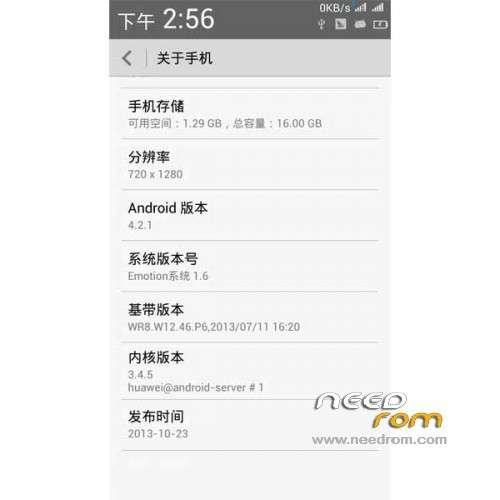
Ported Huawei G700 on GFIVE G9
Basic functions are normal, wifi, camera, communication, Bluetooth, radio, etc.
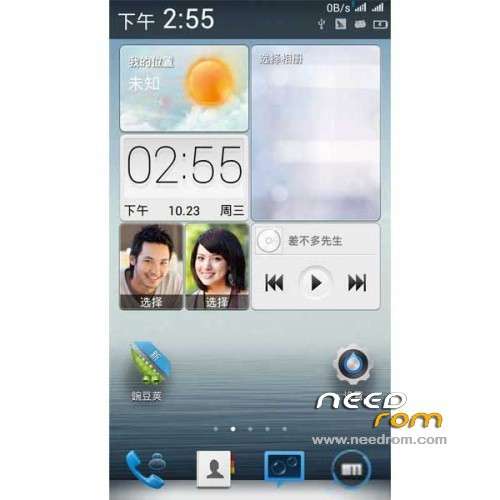
Added dropdown calendar display
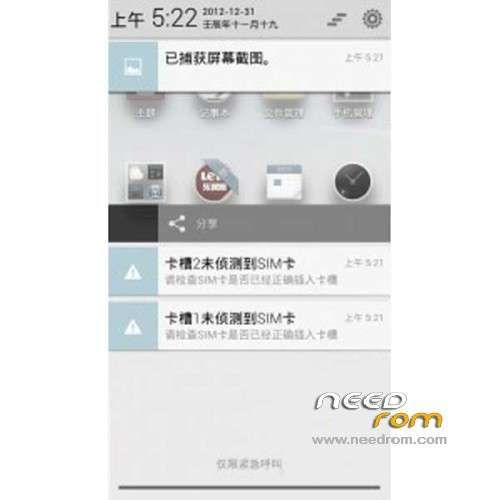
The status bar displays additional speed
Click on the left side of the status bar to achieve new lock screen function
Modify battery percentage display
Modify status bar translucent
Meizu imitation landscaping style status bar
Modify the status signal single card single significant
Optimize the available memory
Gapps not include – Rooted
Language support: Multilang
Install ROM :
CWM
Step 1: Download the custom ROM copied to an external SD card root directory
Step 2: the shutdown state. While holding down:
– Power button + volume button up, to enter the recovery mode.
– Wipe Data / Factory Reset -> delete all user data
– Wipe Cache Partition -> Wipe cache
– Advanced -> Wipe Dalvik Cache
Step 3: Return to recovery main interface Install zip from sdcard -> choose zip from sdcard -> Select your ROM
Step 4: Brush complete, restart the phone Patience required – first boot takes a while
※Please make a backup of your device before installing or updating ROM
tHANKS FOR THE uPLOAD
Again there is no back button.
Does it work for gfive a78?
this is by far the best rom for g9, i wonder why it doesn't have as many votes as the other note3ui and s4ui roms, i have tried them and this is better than them.
i'd love to see an update for this rom with additional scripts to make it faster.
btw i use Gmd gesture control to simulate home,back and menu button.
Please help me !! .. Unfortunately my g5 president g9 software has been removed and my phone stucks on boot after its logo appears, i pressed power button + up volume buttom,then there are 5 or 6 options, i selected installed from sd card but this is empty folder and my phone cannot be attached with my pc Please help !!