
- Title: GFIVE G9T Note3
- Listed: January, 2014
- Last modified: 01/06/2014 6:35 pm
- Version: ROM Android 4.3.0
You must be logged for ROM download.
20536 total views, 2 today




 Member Info
DESCRIPTION
ROM Mobile GFIVE G9T - ROM Android 4.3.0
Only For GFIVE G9T ( 1GB Ram + 32GB Rom + MT6589T + 1280×720 )
Features ROM:
Transplanted NO.1 N3
Without any promotion software
Automatic brightness, brightness normal breathing light
Use the latest official version of the underlying drivers
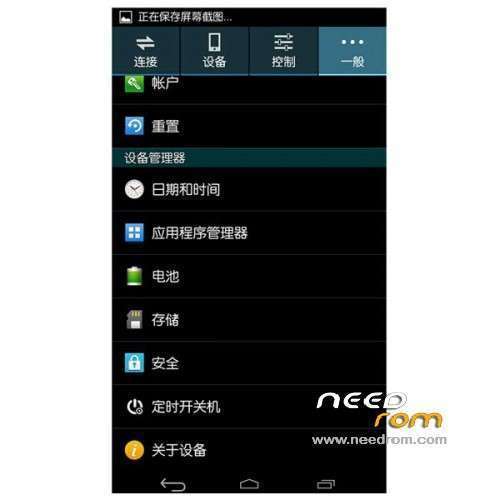
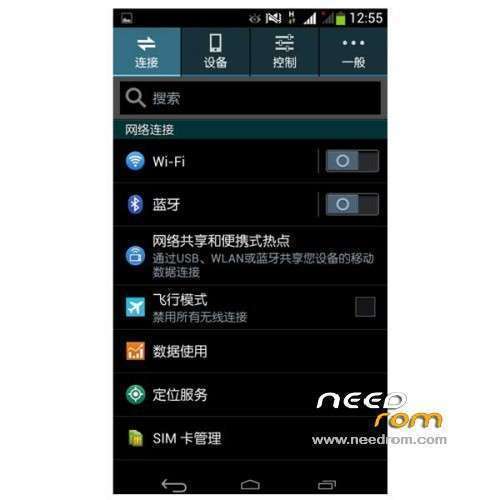
Adding landscaping tools "Advanced Settings", you can achieve a lot of personalized DIY
Single card only significant (in the advanced settings you can - set to automatically hide the signal strength icon inside - the status bar adjustment)
Personally think that the relatively perfect system
Streamlined the number of documents
Streamline some unnecessary SO
Each function tests are normal
Gapps service include – Rooted
Language support: Multi Lang
Install ROM :
CWM
Step 1: Download the custom ROM copied to an external SD card root directory
Step 2: the shutdown state. While holding down:
– Power button + volume button up, to enter the recovery mode.
– Wipe Data / Factory Reset -> delete all user data
– Wipe Cache Partition -> Wipe cache
– Advanced -> Wipe Dalvik Cache
Step 3: Return to recovery main interface Install zip from sdcard -> choose zip from sdcard -> Select your ROM
Step 4: Brush complete, restart the phone Patience required – first boot takes a while
※Please make a backup of your device before installing or updating ROM
i found the way to change language thank you bye
thank you.
Admin needs to answer the queries and cant just go around messing with people's devices. How do you explain the EFS issue. Mobile radio (SIM) does not work, Reply asap.
Can anyone please help me.. How I install Gapps… ?????