
- Title: GiONEE ELIFE E6 MIUI
- Listed: September, 2013
- Last modified: 03/05/2014 7:42 pm
- Version: ROM Android 4.2.1 MIUI
You must be logged for ROM download.
29374 total views, 4 today
1 Total favorites
 Member Info
DESCRIPTION
ROM Phone GiONEE ELIFE E6 – ROM Android 4.2.1 MIUI
Update MIUI v5 – 4.2.28
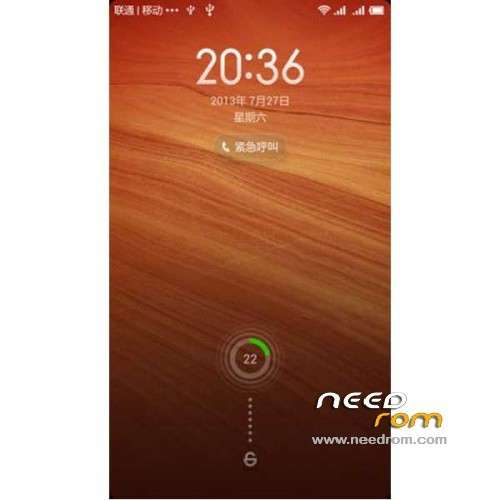
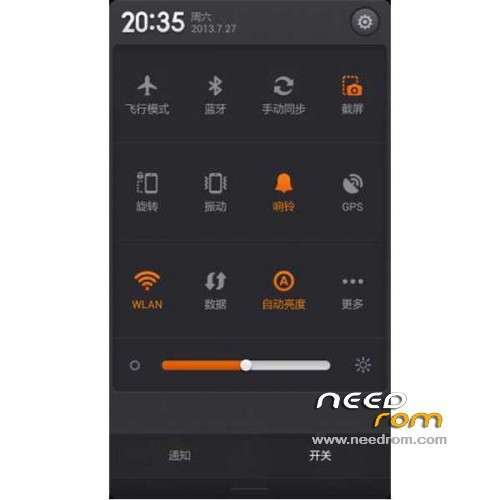
[Lock screen, status bar, notification shade]
Optimization – When SIM card hasn't been inserted, status bar shows 'SIM card not inserted' icon
Fix – If user received a new notification while pulling down the notification shade, the shade would freeze
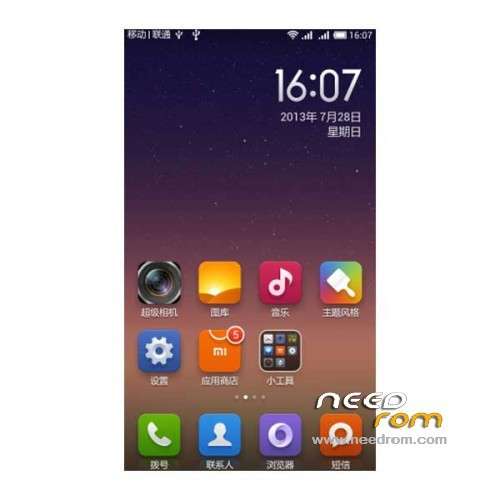
[Home Screen]
New – After uninstalling apps, icons on the Home screen can be sorted out automatically to fill the vacancy
Optimization – When changing wallpaper in “Edit Home screen”, wallpaper can also be applied to lock screen
[Messaging]
Fix – Sometimes, in Airplane mode, Messaging app would FC
Fix – Sometimes Cloud messaging wouldn't work
[Security Center]
New – Scheduled reminders for Trash clean up
New – When installation of a new app fails due to insufficient storage space, Security Center reminds user to clean up Trash
Optimization – Default reminder time for Trash clean up set to 3 days
Language support : Multilang
———————————————————————————————————————————————
Update MIUI v5 – 4.2.14
1 Replace MIUI camera to take pictures and more to the force
2 Repair calendar, recorder, notes, music player, calculator, file manager and other UI adaptation dislocation and resolution problems
3 no display problem fixes SMS expression
Language support : Multilang
———————————————————————————————————————————————
Update MIUI v5 – 3.12.12
1 Fixed MIUI camera
2 no display problem fixes SMS expression
Language support : Multilang
———————————————————————————————————————————————
Update MIUI v5 – 3.11.8
1 Replace MIUI camera to take pictures more to the force
2 fixes calendar, recorder, notes, music player, calculator, file manager and other UI adaptation dislocation and resolution problems
Language support : Multilang
———————————————————————————————————————————————
Features ROM:
MIUI v5 – 3.8.30
Gapps not include
Language support : EN/CN
Install ROM:
CWM
Step 1: Download the custom ROM copied to an external SD card root directory
Step 2: the shutdown state. While holding down:
– Power button + volume button up, to enter the recovery mode.
– Wipe Data / Factory Reset -> delete all user data
– Wipe Cache Partition -> Wipe cache
– Advanced -> Wipe Dalvik Cache
Step 3: Return to recovery main interface Install zip from sdcard -> choose zip from sdcard -> Select your ROM
Step 4: Brush complete, restart the phone Patience required – first boot takes a while
※Please make a backup of your device before installing or updating ROM
same here! The 3.12.12 version gives me a bootloop. A bootloop so bad that I can't even shutdown the phone and try to go into recovery. The only option I'm left with is to wait for the battery to completly drain and then go into recovery using the hardware combination, while charging. BAD ROM!
On the latest and working great.. Thanks for the builds… Anyway to get OTA on them?
people who are interested in development oof elife e6 please join this group –
https://www.facebook.com/group.....62205890677372/
How to move apps to sd card?
Can you tell me if this ROM support OTG USB Mass Storage?
Installed GiONEE ELIFE E6 – 4.2.28 on my E6, Woking great. I would like to thank dev for making this MIUI rom. Currently no bugs to report.
looking forward for MIUI V6 for Gionee E6
thank you