
- Title: GiONEE GN700W
- Listed: June, 2013
- Last modified: 06/12/2013 2:48 pm
- Version: ROM Android 4.1.2
You must be logged for ROM download.
17976 total views, 1 today
 Member Info
DESCRIPTION
ROM GIONEE GN700W – ROM Android 4.1.2
Features ROM
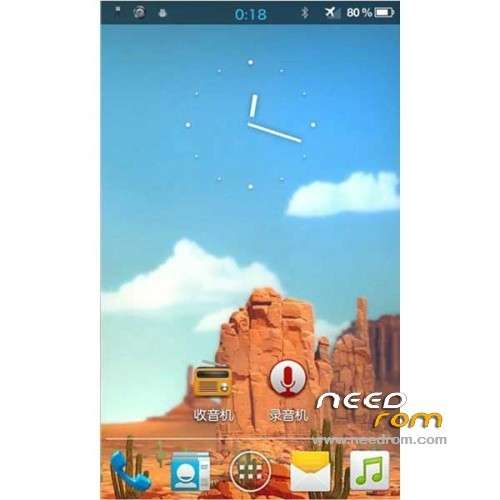
1, color dial buttons.
2, dialing, contacts, messaging and transparent.
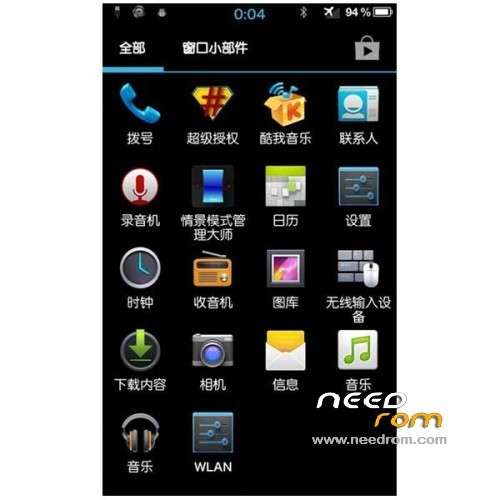
3, the global transparency, inclusion, set, radio, music, RE and many other modifications.
4, adding a variety of V6 memory optimization, a variety of energy saving projects, let the phone less memory, more power.
5, still lean, software integration DATA, can be modified.
6, shutdown join restart Recovery
7, resolved radio, compass can not be used and many BUG, stable
8, using the Russian inner core, 4.2.2 cameras, millet document management
9, accurate to 1% of the electricity
[Other changes]
1 Delete the backlog, Dolby software, other desktop files
2 Add cool music (selection of high-quality music to listen to very good)
3 Add to advertising Sohu video (and cool like me built in data / app, do not like to delete)
4 Join browser
5 All software without making zipalign
6 streamline some Lib library file
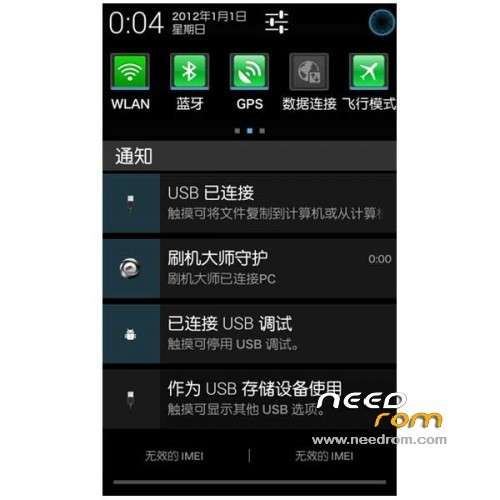
7 down notification bar icons are all replaced by a uniform green
8 framework res file transfer from Huawei glory CM7
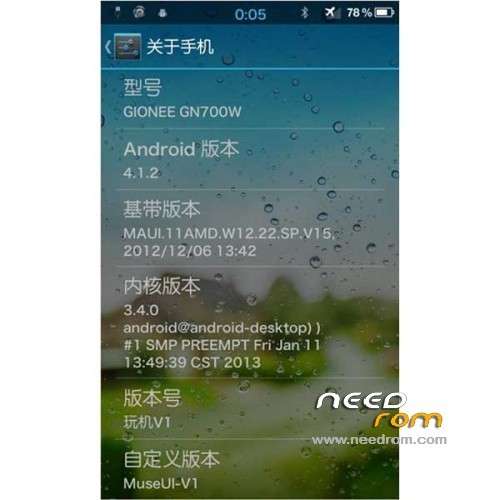
9 pieces of information about the phone modified to play the machine V1 (formerly Heart Rom)
10 Add a personal ized Baidu input method (modify some icons)
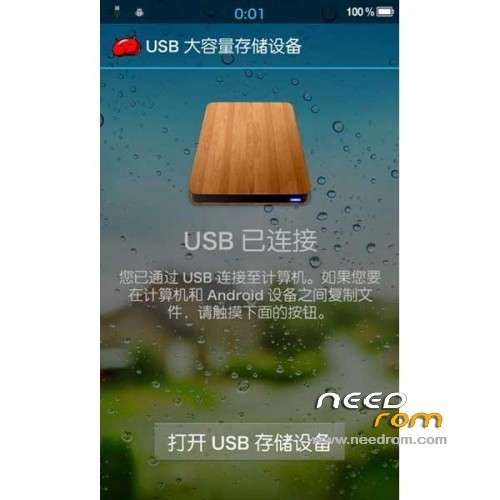
11 Modify USB storage pattern for the nice wood grain
12 laps starting playing machine using RE manager 3.O version (ONE localization team IK finished)
13 pull-down menu top right corner of most small button lock screen
14 There are other optimization, to discover their own
Language support : MultiLang
Install ROM:
CWM
Step 1: Download the custom ROM copied to an external SD card root directory
Step 2: the shutdown state. While holding down:
– Power button + volume button up, to enter the recovery mode.
– Wipe Data / Factory Reset -> delete all user data
Step 3: Return to recovery main interface Install zip from sdcard -> choose zip from sdcard -> Select your ROM
Step 4: Brush complete, restart the phone Patience required – first boot takes a while
※Please make a backup of your device before installing or updating ROM
camera: work only face camera, flash light and back camera – not working.
no off/reboot meny
no google accaunts (mannualy install google apps fix this problem)