
- Title: GiONEE GN700W
- Listed: January, 2013
- Last modified: 01/28/2013 5:48 pm
- Version: ROM Android 4.0.4
You must be logged for ROM download.
16346 total views, 1 today
154 Total favorites
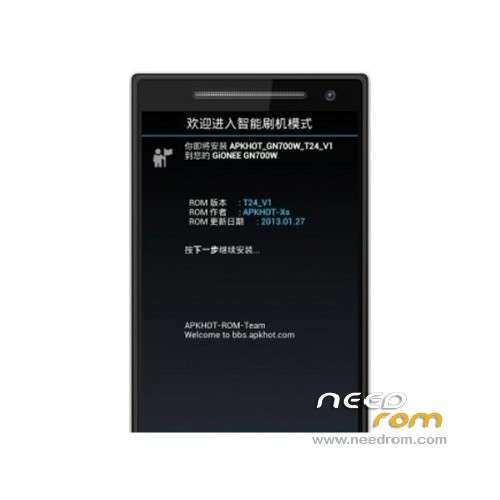
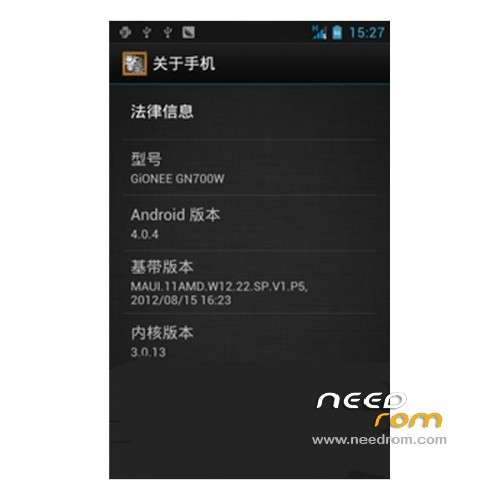
 Member Info
DESCRIPTION
ROM GIONEE GN700W – ROM Android version: 4.0.4
Android version: 4.0.4
UI type: native ICS
Suitable models: GiONEE_GN700W
Update Date :2013 -01-27
Features ROM:
The Unicom logo 1.init.d, kernel root, place boot the second screen 2. Streamline system app, streamline the useless so
Advanced Power menu support direct restart to rec
4 camera black problem solving official T24root
5. Freely customize the installation process
6. Installation location selection
7. Streamlined set of items (system backup)
8. Optional install the CRT off-screen
9 digital power
10 new touch installation script, interactive installation
11. Gallery and music are available (official 24 update)
12. Optional delete or retain warning tone
13. Built a variety of software, the installation process is free to choose
Freedom of choice of 14 built-in more than Home screen, you can install
Install ROM:
1 phone off, unplug the battery;
2, insert the data line, according to the prompts to install the driver o2bmsnX
3, download the attachment below, unzip and open the Flash.exe
4, open the Brush tool, tool interface appears, select the configuration file (the under brush machine tool under the root directory: MT6577_Android_scatter_emmc.txt).
5 points Phone off (it is best to take down the battery, then fitted), plug in the cable, tools Brush (Brush and wire brush ROM is the same).
※Please make a backup of your device before installing or updating ROM
not bad