
- Title: GiONEE GN700W
- Listed: May, 2013
- Last modified: 05/17/2013 2:52 pm
- Version: ROM Android 4.1.1
You must be logged for ROM download.
18746 total views, 1 today

 Member Info
DESCRIPTION
ROM Mobile GIONEE GN700W – ROM Android version: 4.1.1
Update 05/17/2013
Fix the following problems:
1 can not focus (first boot into the camera is turned off autofocus, manual focus after the license can be used)
2 can not hang up the phone
3 Fix Music
———————————————————————————————————————————–
Features ROM:
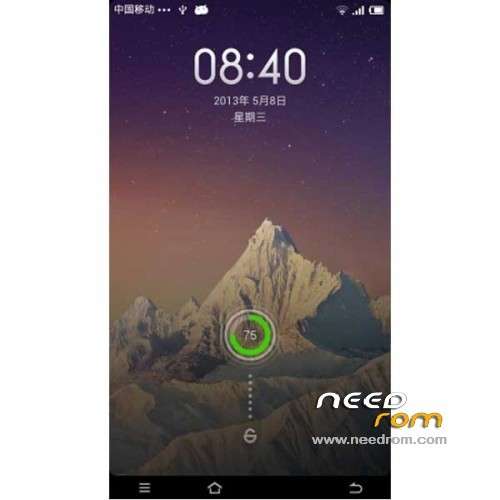
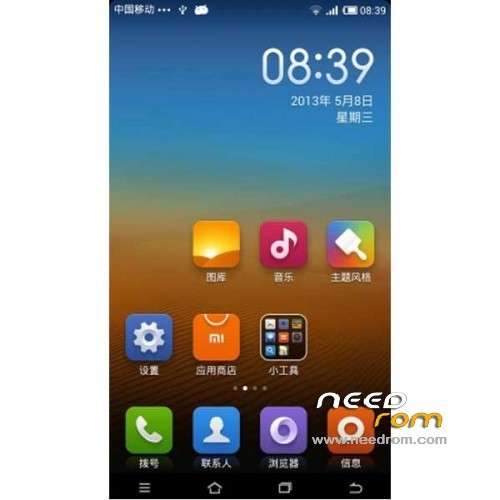
1, based on the latest version of MIUI V5 transplantation, has all the features of the latest V5.
2, SMS, camera, WIFI, Bluetooth, communication is normal;
3, the perfect portable MIUI SMS.
4, modify the official call for MIUI call.
5, Support dual card SMS, dual sim, then dual card Internet; (dual card set set)
6, root;
7, calls, SMS, MMS to send and receive normal;
8, optimization to improve RAM;
9, Camera normal;
10 normal GPS, gravity sensor;
11, the interface runs smoothly;
12, adding memory release procedures;
13, the default card SMS card 1 Internet
The basic functions are normal;
Known bug:
1, The theme settings FC, solution restart, restart theme applied successfully.
2, the drop-down can not turn off the data connection, data icon after entering the settings close open data.
3, desktop authorization management FC, system security folder inside the normal. (MIUI)
4, Import contacts seemingly only from the card 1.
Language support: EN/CN
Install ROM:
CWM
Step 1: Download the custom card brush ROM copied to an external SD card root directory
Step 2: the shutdown state. While holding down:
Power button + volume button + volume key to enter the recovery mode of Brush, Clear user data and cache, and then enter the card brush
Options Brush can.
Step 3: Brush complete, restart the phone
※Please make a backup of your device before installing or updating ROM