
- Title: GiONEE X817
- Listed: October, 2013
- Last modified: 10/18/2013 5:27 pm
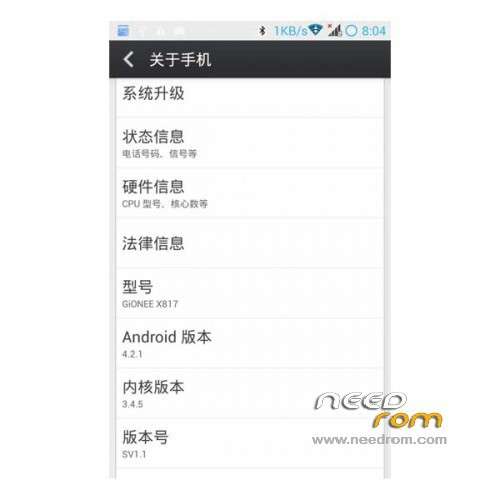
- Version: ROM Android 4.2.1
You must be logged for ROM download.
15864 total views, 1 today
136 Total favorites


 Member Info
DESCRIPTION
ROM Phone GiONEE X817 – ROM Android 4.2.1
Features ROM:
1 add build.prop script optimization ( this will not elaborate )
2 add a Google service components , the need to use the Play Store can be installed directly
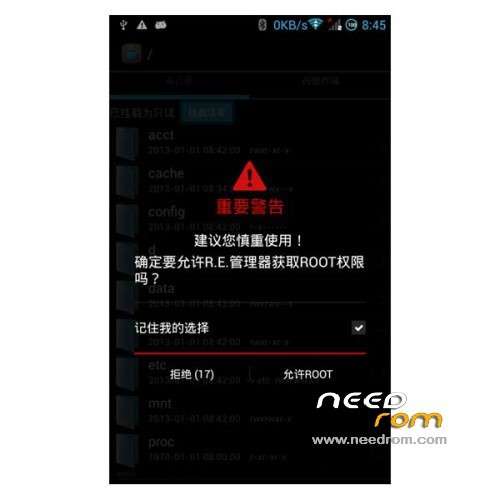
3 with root ( no Caton , can not afford the camera ) and use the MIUI rights management software , support software from the Startup Manager
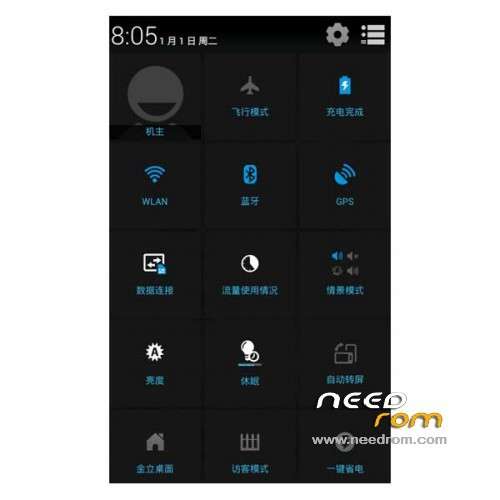
4 the status bar plus network speed display , and add the top right corner of the status bar, click on the lock screen
5 the percentage of power produced added circle , more beautiful
6 the status bar by default through the whole , and modify the font dropdown holo blue
7 Unknown sources enabled by default , easy to install third-party software
8 RF optimization , more power
9 off by default automatically switch screen , the default automatic brightness adjustment
10 in the rom package which integrates a factory-installed
Gapps lite include – Rooted
Language support : EN/CN
Install ROM:
CWM or TWRP ( EN )
1) Download the custom ROM copied to an external SD card root directory
2) Download the recovery.img ( put in your SD card )
3) Start MobileUncle Tools ( Download on Goolge play )
4) Select Update Recovery ( choose recovery.img )
5) Mobile reboot in CWM and follow the instructions( if recovery is in chinese look tutorial "CWM for MTK Platform" )
Into the recovery:
– Wipe Data / Factory Reset -> delete all user data
– Wipe Cache Partition -> Wipe cache
- Return to recovery main interface Install zip from sdcard -> choose zip from sdcard -> Select your ROM
- Brush complete, restart the phone Patience required – first boot takes a while
※Please make a backup of your device before installing or updating ROM