
- Title: Glory H3C T00 LeWa
- Listed: March, 2014
- Last modified: 06/23/2014 4:44 am
- Version: ROM Android 4.2.2 LeWa
You must be logged for ROM download.
13985 total views, 1 today
 Member Info
DESCRIPTION
ROM Mobile Glory H3C 1G Ram Telecom - ROM Android 4.2.2 LeWa
Features ROM:
Update LeWa os5 - 14.06.19 – Stable version
——————————————————————————————————————————————————
Update LeWa os5 – eng.lewa.1394682695 03132014
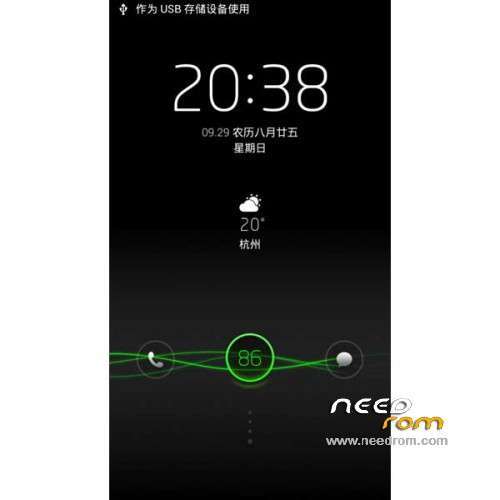
Aerial view of real-time fuzzy frosted glass effect , feel immersed in the beauty of transparent
Aerial view of the right-hand mode switching flip phone
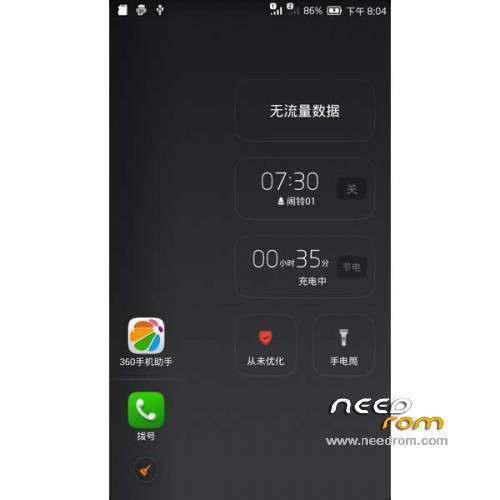
Aerial Aerial independent , no longer tied to the desktop , press the Home key to call up the bird's eye view
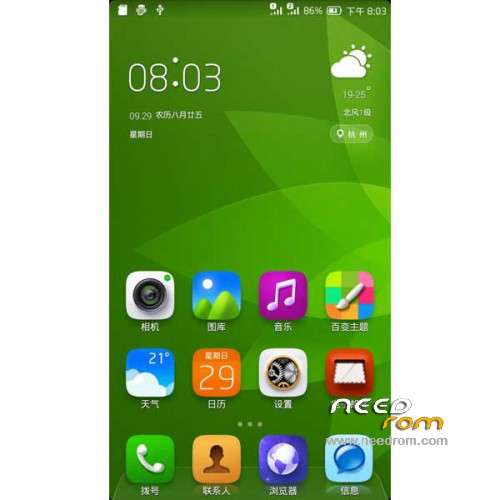
Repair weather desktop icons and lock screen temperature display temperature does not synchronize updates, weather applications into view until after update
When playing online song repair status bar without music icons, pull-down status bar notification no music
Fix the photo added to the other folders , add the photo thumbnail photo thumbnail smaller than the original circle
When repair mute, mute and flip open pockets mode , incoming calls without ringing in your pocket , the sensor is triggered after the bell rings
————————————————————————————————————————————————
LeWa OS5 is best to use a localized operating system for smartphones
Perfect support dual card dual standby, ready to switch, quick and easy, more in line with your mind
The most perfect camera and photo album experience, with the heart to capture the world, presenting memories of life
Tencent Mobile Security Center Based housekeeper, a key optimization, intelligent protect your phone
LeWa OS5 perfect version, lighter and more beautiful to understand you
Gapps include – Rooted
Language support: EN/CN
ROM install :
CWM
Step 1: Download the custom ROM copied to an external SD card root directory
Step 2: the shutdown state. While holding down:
– Power button + volume button up, to enter the recovery mode.
– Wipe Data / Factory Reset -> delete all user data
– Wipe Cache Partition -> Wipe cache
Step 3: Return to recovery main interface Install zip from sdcard -> choose zip from sdcard -> Select your ROM
Step 4: Brush complete, restart the phone Patience required – first boot takes a while
※Please make a backup of your device before installing or updating ROM