
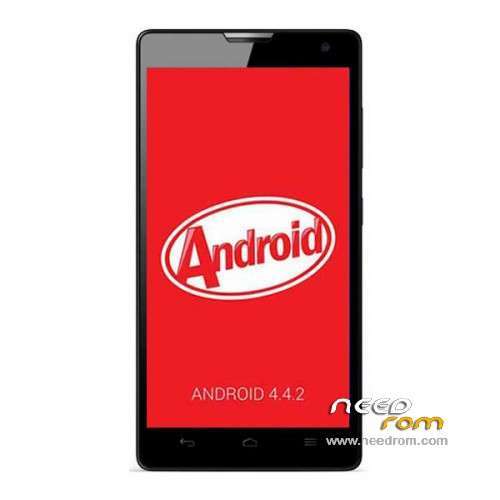
- Title: Glory H3C U10 4.4
- Listed: July, 2014
- Last modified: 10/28/2015 5:09 pm
- Version: ROM Android 4.4.2
You must be logged for ROM download.
35327 total views, N/A today
11 Total favorites
 Member Info
DESCRIPTION
ROM Phone Glory H3C 2G Ram Unicom - ROM Android 4.4.2
ONLY 2G Ram
Update Official ROM Glory H3C U10 version Unicom : EMUI3.0 – H30-U10 V100R001CHNC00B268
Changelog:
New Google security patches, enhanced system stability and security
TouchPal repair some users abnormal stop running issue numbers assistant
Optimization of number attribution to the database, numbers attribution to inquiries more accurately
Optimize network signal reception capabilities to enhance the stability of the network connection
Optimize system stability, enhance the user experience
————————————————————————————————————————————————————–
Official ROM Glory H3C U10 version Unicom : EMUI3.0 – H30-U10 V100R001CHNC00B267
Changelog:
1 New Android latest security patches, system more secure and reliable
2 repair small probability at a specific network out of network problems, improve network connection stability
3 Optimizing number attribution to the database, a more accurate numbers attribution to inquiries
4 optimization system stability
Google login&service include – No Rooted
Language support: EN/CN
ROM install :
Step one: Prepare an SD card, it is recommended to use Sandisk, Kingstone, or Kingmax, size is recommended that more than 1G.
Step Two: Formatting SD card (optional).
The step three: copy a large package path UPDATA.APP to the SD card dload UPDATA.APP.
Step four: Check the root directory of the SD card you dload UPDATA.APP.
Step 5: SD card into the phone is switched on in the main screen, press the Menu key, the system updates -> SD card upgrade -> confirm -> upgrade, backup data, select the backup data; upgrade.
Step Six: The upgrade process progress bar shows after the finish of the pending progress bar, the phone automatically restart.
or
Step one: Prepare an SD card, it is recommended to use Sandisk, Kingstone, or Kingmax, size is recommended that more than 1G.
Step Two: Formatting SD card (optional).
The step three: copy a large package path UPDATA.APP to the SD card dload UPDATA.APP.
Step four: Check the root directory of the SD card you dload UPDATA.APP.
Step Four: cell phone turned off, insert the SD card, while pressing the volume up button + volume down key switch button, the phone automatically enters the upgrade mode, and then begin the upgrade in Figure
Step Five: After the progress bar to go full fixed, the phone will automatically restart If you do not manually remove the battery.
※Please make a backup of your device before installing or updating ROM
after flash touch not working please help me i also try 3 different files please help me
How to download this rom
Good rom, you can root it with kingroot.
hi / i need rom for b123 / i need language persian or farsi i can't use chinis or….
please send for me please
h30-u10 / b123
gooooooood
thaaaanks goood man