
- Title: GP N3+ note3
- Listed: February, 2014
- Last modified: 05/18/2014 1:30 am
- Version: ROM Android 4.3
You must be logged for ROM download.
27335 total views, 2 today
3 Total favorites
 Member Info
DESCRIPTION
ROM Mobile GP N3+ – ROM Android 4.3
ONLY MT6592
Features ROM:
Update 05/14/2014
1. A plug-ROM comes with perfect weather updates, do not sleep the dead
2. Two smart leather window you can set sleep time;
3. Three gestures repair
——————————————————————————————————————————————-
Update 03/24/2014
1, repair kit Google
2, increasing the local Friends of the "Milky Way" Smart skylight wallpaper, you can "set - My Device - Display - Smart Cover - Windows to modify the background color of the map";
3, replacing audio settings file to fix the problem of loud sonic boom;
4, set a default within the external SD card perfectly interchangeable, so that your machine more power, faster. (Must be restarted for the first time after starting the phone to work interchangeably)
5, add a file manager, updated the RE manager for the finished version 3.1.7.
6, the first screen to add the Samsung note3 boot.
——————————————————————————————————————————————-
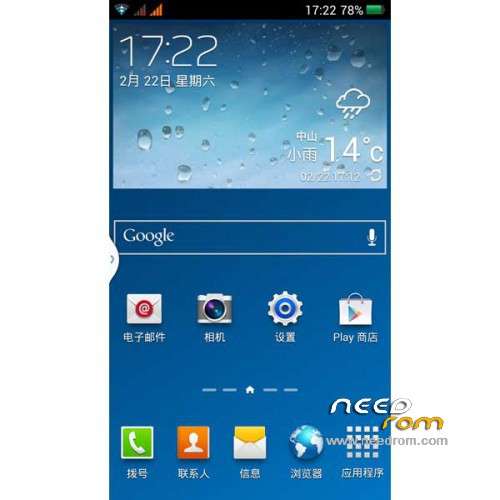
Transplant NOTE3 N9002 on GP N3+
Samsung comes with an integrated starter ROM integrates most of the functions of Samsung;
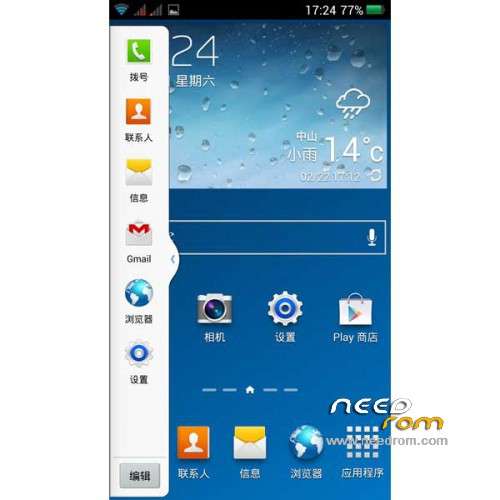
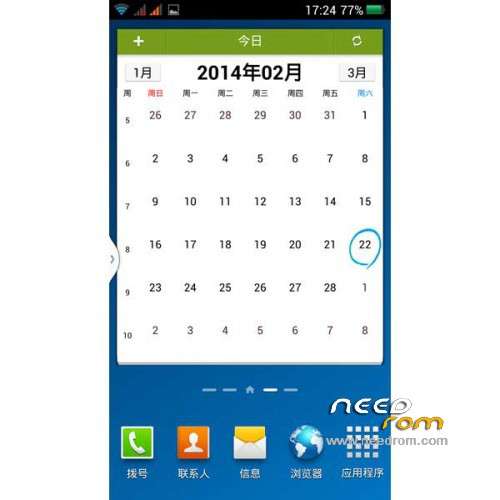
Samsung added two floating windows, Samsung five desktop, Samsung really all one to one;
Three models to the real machine Samsung models, the major mobile phone assistant software perfect identification;
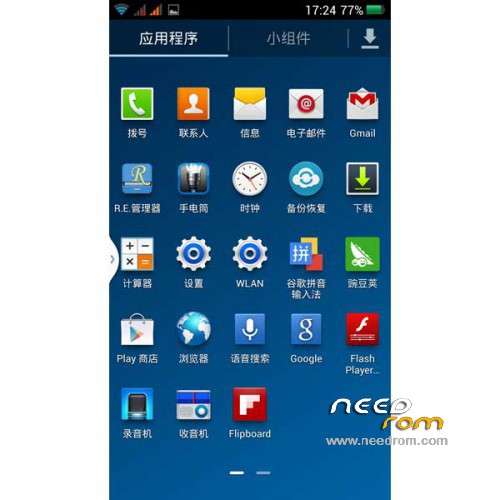
Four joined Samsung comes with some software, APP from Samsung fax machine functions exactly the same;
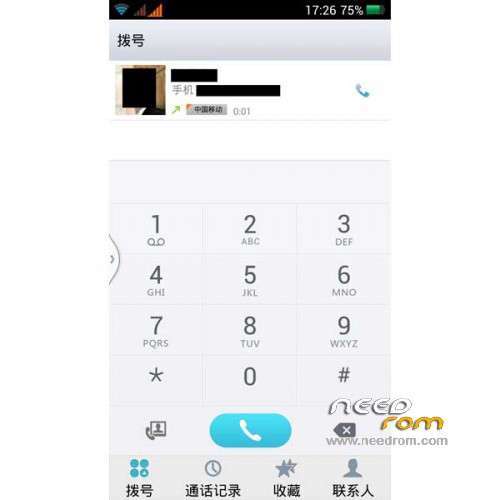
Five text messages and call a secondary menu landscaping, visual effects and perfect sense;
Six settings menu landscaping; seven all icons material extracted from Samsung fax machine icon, all HD.
Gapps include - Rooted
Language support: Multilang
Install ROM :
CWM
Step 1: Download the custom ROM copied to an external SD card root directory
Step 2: the shutdown state. While holding down:
– Power button + volume button up, to enter the recovery mode.
– Wipe Data / Factory Reset -> delete all user data
– Wipe Cache Partition -> Wipe cache
– Advanced -> Wipe Dalvik Cache
Step 3: Return to recovery main interface Install zip from sdcard -> choose zip from sdcard -> Select your ROM
Step 4: Brush complete, restart the phone Patience required – first boot takes a while
※Please make a backup of your device before installing or updating ROM
Can anyone specify wether this ROM will work on star n9800 ? (also mtk 6592,similar specs)
Thanx.
in goophone n3+ run ok, but is necesary a sd card ..
HI I have mtk6592 2gb+16gb device
which one custom rom for download
there is three link
My camera doesn’t work after last Rom, is my star n3+ device available for this Rom?
I need help habe the device n3+ Wirth mtk6592 Rom 2+16 GB in the phone. Can give somebody a scatter data Rom. Can so eine put it jere to download.
I need it really please.
Great rom. Works like a charm on my Goophone N3+ 2G+4G.
Hi, i want to ask you if this rom works fine with the GP N3+:
- GPS
- Camera
- Wifi signal
- Mobile Network
- Apps crash?
One more question…
Battery duration?
PC connectivity?
Can anyone asnwer me? it is was tested by someone?
yes,,iam using the rom.. so far so good
TQ to developer.. it was quite good rom.. much more similar to pricy samsung note 3..
BTW these are some tips on installation setup..
download the latest revision of the rom and rocovery file..
1. connect phone into computer once both files downloaded
2. extract recovery zip file and copy both extracted recovery file and rom into phone SD CARD
3. disconnect from PC
4. go to Go Play and download MTK Tool Box
5. open MTK toolbox and select recovery update
6. select the recovery file and press ok and boot into recovery..
7 follow installation instruction as decribe by the developer
8. done
3.
Has anyone got an English version of the recovery for this phone?
hi i have Samsung Note 3 SM-N9002 octacore mtk 6592 2gb – 16 gb 2sim card. the software is for mikro sim card