
- Title: GT99 S4 UI Final V2
- Listed: April, 2014
- Last modified: 04/27/2014 4:27 pm
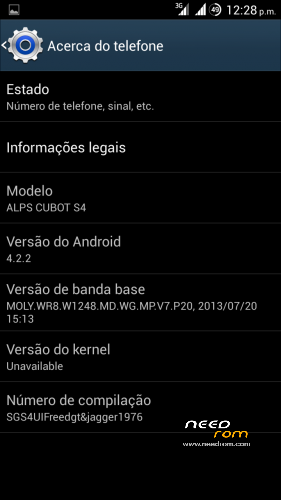
- Version: Port 4.2.2
You must be logged for ROM download.
30601 total views, 1 today
2 Total favorites
 Member Info
DESCRIPTION
Update to version 2 revision 1
Changelog:
Added some optimizations on build prop and init.d
Added original S4 boot logo and bootanimation
Jpeg image quality to 100%
etc.
…………………………………………………………………………………………………………………………..
Hi All.
I bring another ported ROM to CUBOT GT99.
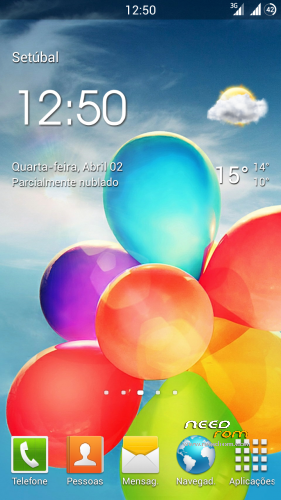
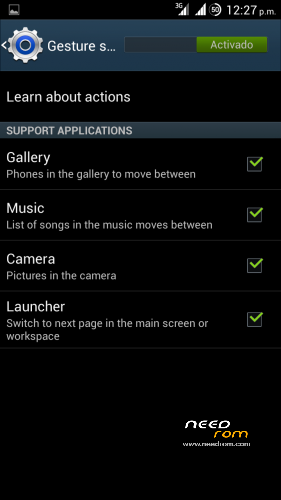
This time its from galaxy S4 UI with gestures working in default launcher.
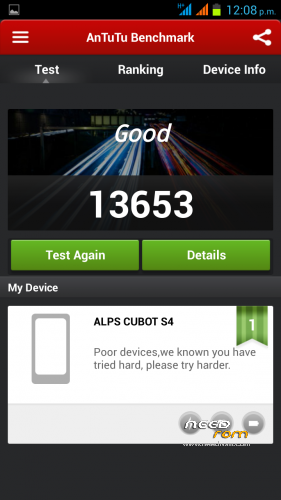
The rom is very fast and fluid.
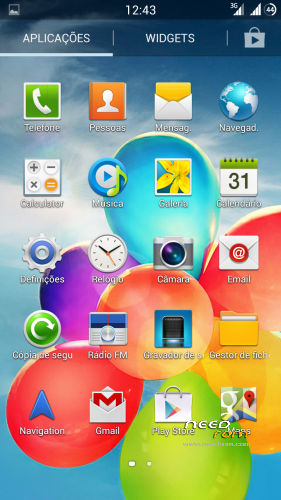
Almost everything from G. S4 included
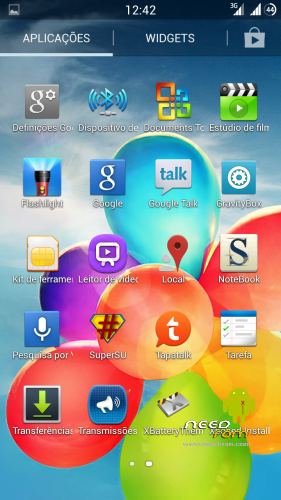
Some minor tweaks and other apps included.
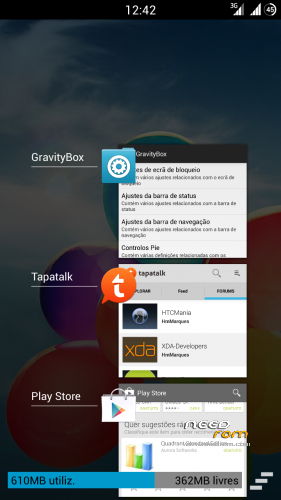
Like xposed+gravitybox, titanium, rootexplorer etc.
Its multilanguage
Gapps and root included.
Intalation from CWM:
First of all, make a backup in case something goes wrong.
Now in CWM make all wipes:
-> Wipe data / factory reset
-> Wipe cache partition
-> Advanced -> Wipe Dalvik Cache
-> Advanced -> Wipe Battery Stats
-> Mounts and storage -> format system
-> Install zip from sdcard.
Very important:
After the instalation of aroma you will be in CWM again, from there make:
-> Wipe cache partition
-> Advanced -> Wipe Dalvik Cache
Now you can reboot.
Enter settings and choose your language.
Important!!!
Right after you choose your language make a new reboot.
You are now ready to take advantage of all functions of this awesome rom.
Enjoy!!
Video preview from rom:
※Please make a backup of your device before installing or updating ROM
Great port dude.
This is one of best roms for our phone. Everything is working well: Wireless, Bluetooth, Camera and Air-gesture is running too. Nice UI (with boot logo) and good apps and i think battery is good too you still can use NO Frills/SetCPU to manage cpu clock and get even more durability. You should give a try to this rom.
can i restore my backup after instalation or i loose everything and start from the begining?
If you have your backup on your SD, you should be able to restore.
When you format EMMC you are formatting your internal storage.
You can skip that if you whant.
niroda first backup IMEI with mobile uncle and save in comp.
after restore
Excellent work but I can’t move apps to sd!
Install link2SD ,should work fine.
I have it mine and all new apps installs in my 8 GB SD.
It doesn't work either. It says sd but the apps are being saved in a memory only 64MBs
You need to go to settings/Storage and change the default instalation to SD.
Then in link2SD settings/instalation local its automatic, change it to external.
thank you..it works!
Can't download.
realy is a very good rom but when i try to restore my backup i am going back to stock rom and
loose the s4 rom .There is a solution for this?
Didnt understand your question.
You did a backup before installing this rom, what was it?? Stock rom?
exactly i make a backup all my stuff programs contacts etc using cwm .and after i restore
this backup reboot to my stock rom .
Backups have dates, did you check you are using the right one?? Never had that problem so i dont see how to help you, go to your clockwork folder and take any backup you have there to your computer.
Now go to CWM and make a new backup then reebot.