
- Title: GT99 S4 UI Final V2
- Listed: April, 2014
- Last modified: 04/27/2014 4:27 pm
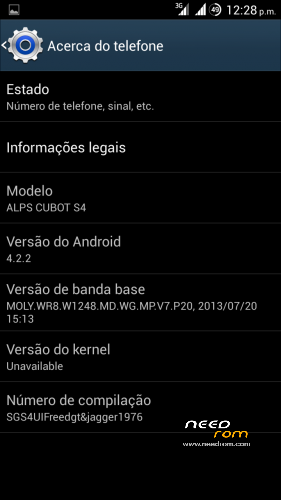
- Version: Port 4.2.2
You must be logged for ROM download.
31949 total views, 4 today
2 Total favorites
 Member Info
DESCRIPTION
Update to version 2 revision 1
Changelog:
Added some optimizations on build prop and init.d
Added original S4 boot logo and bootanimation
Jpeg image quality to 100%
etc.
…………………………………………………………………………………………………………………………..
Hi All.
I bring another ported ROM to CUBOT GT99.
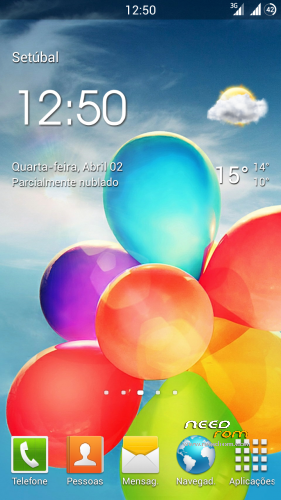
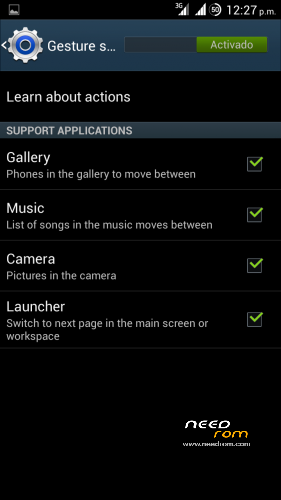
This time its from galaxy S4 UI with gestures working in default launcher.
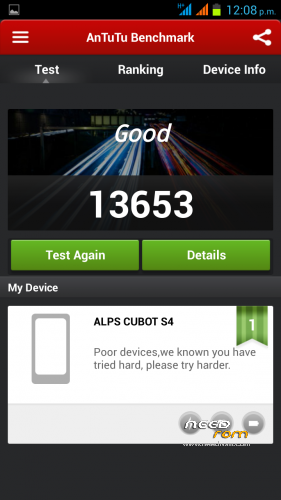
The rom is very fast and fluid.
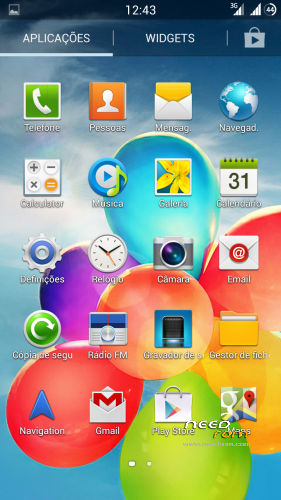
Almost everything from G. S4 included
Some minor tweaks and other apps included.
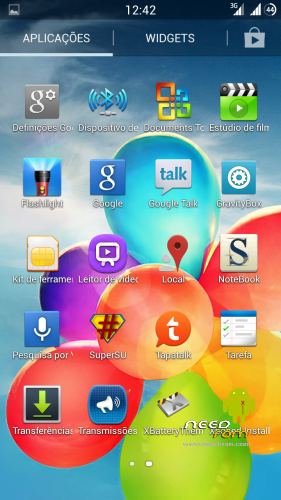
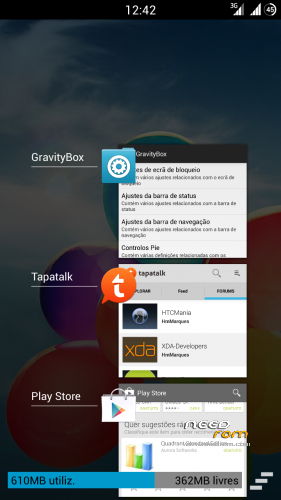
Like xposed+gravitybox, titanium, rootexplorer etc.
Its multilanguage
Gapps and root included.
Intalation from CWM:
First of all, make a backup in case something goes wrong.
Now in CWM make all wipes:
-> Wipe data / factory reset
-> Wipe cache partition
-> Advanced -> Wipe Dalvik Cache
-> Advanced -> Wipe Battery Stats
-> Mounts and storage -> format system
-> Install zip from sdcard.
Very important:
After the instalation of aroma you will be in CWM again, from there make:
-> Wipe cache partition
-> Advanced -> Wipe Dalvik Cache
Now you can reboot.
Enter settings and choose your language.
Important!!!
Right after you choose your language make a new reboot.
You are now ready to take advantage of all functions of this awesome rom.
Enjoy!!
Video preview from rom:
※Please make a backup of your device before installing or updating ROM
@Niroda
If you backed up your stock rom (original), then when you restore it it will be that one (original). If you want to back up apps and settings then you need app like go backup or titanium backup or some other. Then when you flash new rom just restore apps which you want from that aplication (titanium, go backup…). I hope this helps.
this is my problem thank you i will try this
Great ROM thanks for your efforts. Every thing working fine. Except for GPS but that’s due to GT99 hardware.
Hello,
It is really very usefull rom. I would love it for such features like my native language support, very bright led falash for the app Flashlight, a better design for of the most main apps. However, the rom has one disadvantage, which I really dont like therefore I can’t use the rom. The default compression or the quality of the jpeg of the cammera is not 95 % like in the originall firmware of the phone, but 80 %. This gives the lower quality of the photos. I tried to change the quality of the jpeg through the system properties file which is in the system folder. However it didn’t help and the qality stayed the same 80%. Is it possible to change? Anybody could help?
Besides, if anybody would like to know how to update the rom, that the logo and the sound of the introl would be the same like in the originall firmware, just write to me.
Hello i got boot loop how got in recovery mode please help!!
I also had such situation. It depends on settings. If the system can't understand, then it hangs or tries to boot up consistently.
You should hold the volume up and power buttons pushed down together till the screen turns off and turns on again and the cwm recovery sturts up. It is not enought to hold buttons till the screen turns off. Just try and I think you will succed.
Fixed thanks for replay
guys, do this rom supports your phone's magnetic sensor.? thanks in advance..
I don't like the boot animation.
I also didn't, therefore I changed it to the original. It is easy enought. However, I don't know how to change the quality of jpege photos of camera. It uses 80%, but I would like to have 95% like in the original firmware. Anybody knows how to change it?
Note 3 ROM is still better than this.
this rom have a problem the ram memory is on the start okey
but after using it 2 days
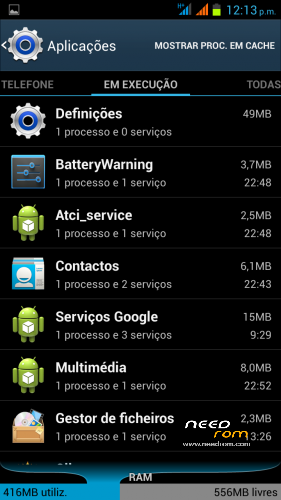
apps that i used viber facebook the memory keep upp to 95% usage and the phone was laging
so there is a problem with the rom
i keep using note 3 ported rom
when you make back-up using cwm, all applications existing on your phone I mean all including the current rom you are making back-up into. that's why the stock rom will be back again because it is included in the back-up you have previously made. to back-up apps, try using titanium back-up. hope this helps.