
- Title: GT99 S4 UI Final V2
- Listed: April, 2014
- Last modified: 04/27/2014 4:27 pm
- Version: Port 4.2.2
You must be logged for ROM download.
31948 total views, 3 today
2 Total favorites
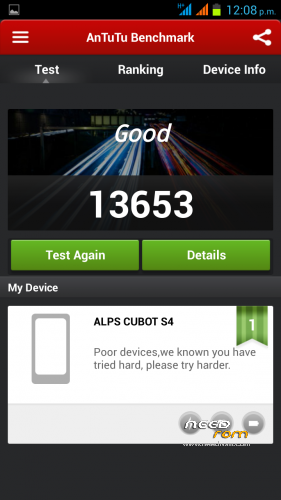

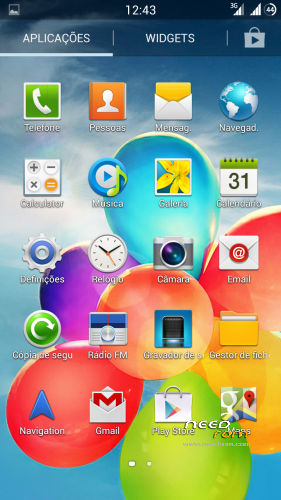
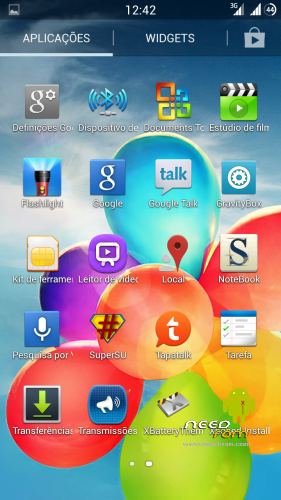
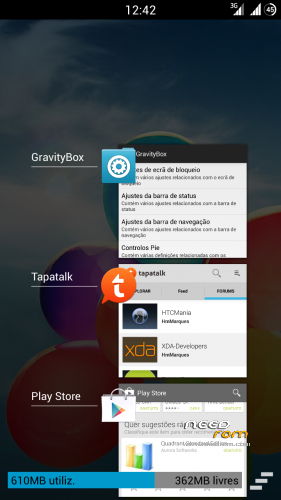
 Member Info
DESCRIPTION
Update to version 2 revision 1
Changelog:
Added some optimizations on build prop and init.d
Added original S4 boot logo and bootanimation
Jpeg image quality to 100%
etc.
…………………………………………………………………………………………………………………………..
Hi All.
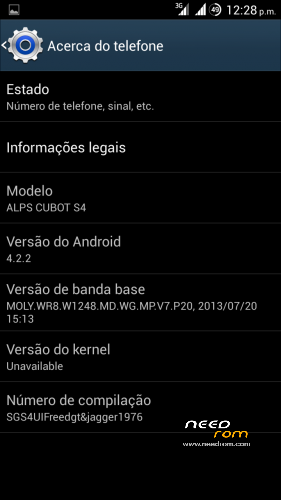
I bring another ported ROM to CUBOT GT99.
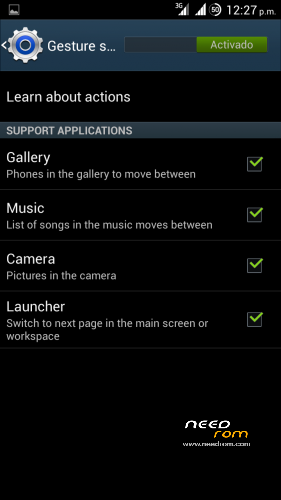
This time its from galaxy S4 UI with gestures working in default launcher.
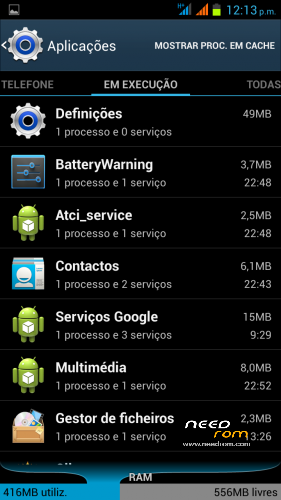
The rom is very fast and fluid.
Almost everything from G. S4 included
Some minor tweaks and other apps included.
Like xposed+gravitybox, titanium, rootexplorer etc.
Its multilanguage
Gapps and root included.
Intalation from CWM:
First of all, make a backup in case something goes wrong.
Now in CWM make all wipes:
-> Wipe data / factory reset
-> Wipe cache partition
-> Advanced -> Wipe Dalvik Cache
-> Advanced -> Wipe Battery Stats
-> Mounts and storage -> format system
-> Install zip from sdcard.
Very important:
After the instalation of aroma you will be in CWM again, from there make:
-> Wipe cache partition
-> Advanced -> Wipe Dalvik Cache
Now you can reboot.
Enter settings and choose your language.
Important!!!
Right after you choose your language make a new reboot.
You are now ready to take advantage of all functions of this awesome rom.
Enjoy!!
Video preview from rom:
※Please make a backup of your device before installing or updating ROM
No SD card for apps support, keeps using phone storage.
Any kind of solution? I really do not like using 3rd party apps like Link2SD
А как сменить путь для записи данных кэша? А то всё записывается на память телефона. А надо чтоб кэш качался на Флешку.
calendar is unable to import google calendar events
Doesn't have an option for SD card installation? OMG. It can't even detect the data files for games that require huge amounts of data like Asphalt 8 or Final Fantasy. WHY?!
How to get to this menu
-> Advanced -> Wipe Dalvik Cache
-> Advanced -> Wipe Battery Stats
Why have anything but -> Advanced, not in my menu
How to show and what I can do.
Thanks in advance .
How to screenshot?
solve. volume down+power button
I found a solution to the problem of lack of memory. You need to replace the internal memory to SD card. https://www.youtube.com/watch?.....feature=youtu.b
Great ROM! Thanks. But I have to say, that it's take me a very long time to open phone in right recovery.
I solve it by copy ROM file to SD, than I install this app: https://play.google.com/store/.....lbox&hl=pl
and than I copy to SD card this file: https://www.dropbox.com/s/zdb6.....0731-163535.img
Once again many thanks
After this I open mobileuncle and click to Recovery update. It is first file from SD card. Click this and open phone in recovery. Than I do step by step as it write in description.
what version is last?
final or v2@?
teşekkür ederim