
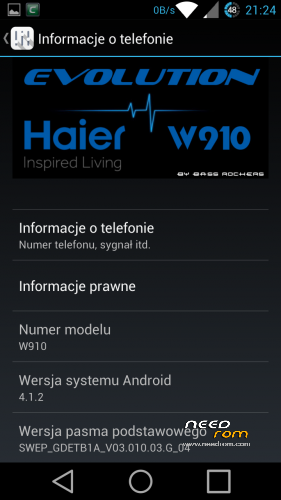
- Title: Haier W910 Evolution (Re-Compiled !!!)
- Listed: October, 2014
- Last modified: 10/19/2014 12:17 am
- Version: ROM Android 4.1.2
You must be logged for ROM download.
89570 total views, 1 today
12 Total favorites
 Member Info
DESCRIPTION
Brand new Re-Compiled rom from Original Acer Rom.
What Inside :
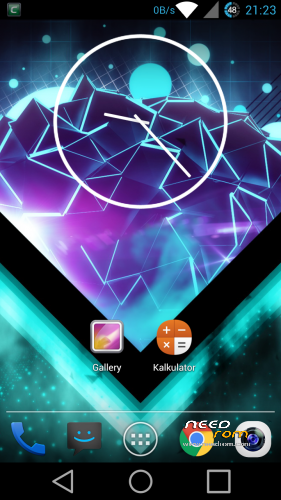
- CRT Screen Off animation
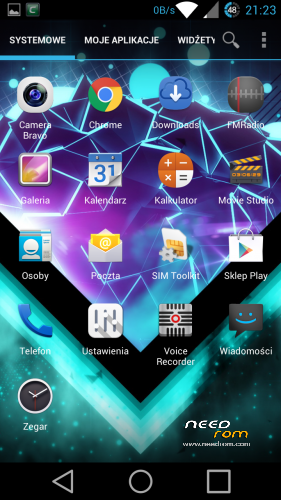
- Launcher – True Team Launcher (Modded Trebuchet) – re-compiled by me and fix Polish translations
- Fully DEODEXED
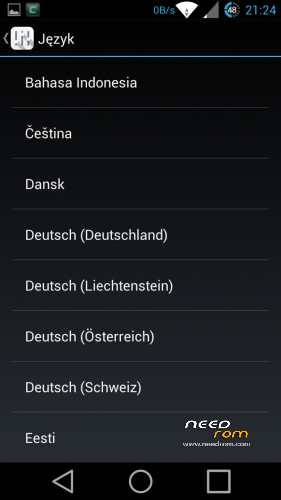
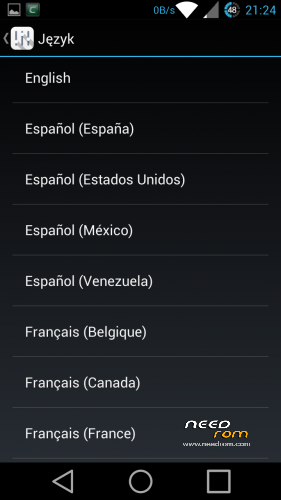
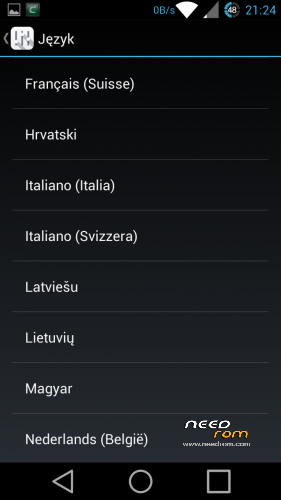
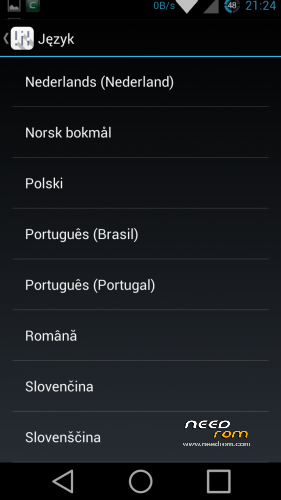
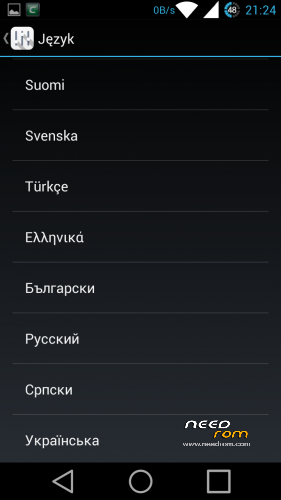
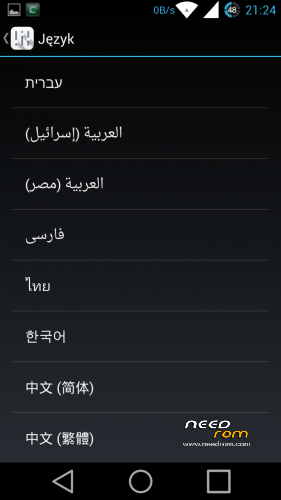
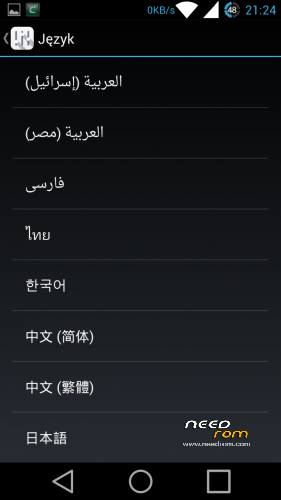
- Add more Languages
- Fixed low volume in 3G/WCDMA
- moded Framework/SystemUI (icons, battery icon, net speed etc.)
- new bootanimation/shutanimation
- two keyboards
1. (PORTED) Android L keyboard with swype typing – dictionary download automatically on first use
(if not turn on wifi, go to keyboards settings and choose dictionary manually)
(If you want to Android L look go to keyboads settings > expert settings > color scheme and choose MATERIAL)
2. (PORTED) Xperia Honami Keyboard Multilanguage
- extended calculator (swype left or right to change screen)
- clock ported from JB 4.2.2 (not JB+ from Google Play)
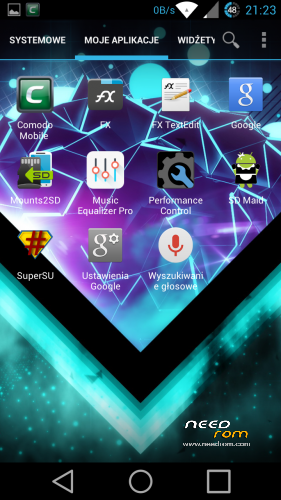
- SD Maid
- Mount2SD
- Music Equalizer Pro ( U can uninstall this App)
- Comodo Mobile Security ( U can uninstall this App)
- Fully rooted with SuperSU and BusyBox installed
—————————————————————————————-
What to do :
- make unread count on lockscreen
- port Clock from KK or L and more app
- add OTA support
—————————————————————————————-
What I working Actually :
- TWRP Recovery
- Aroma Installer (Pack all Mods in one Update.zip)
—————————————————————————————-
I try to port JB 4.2.2 to Haier but still have many errors, so i try to port L from source.
More news Soon.
—————————————————-
How to Install :
1. Zip Update on you sdMicro Card
2. Turn Off Phone
3. Hold Volume – and Power to enter Recovery
4. Go to Install Zip from sdCard and confirm Power button
5. Choose Zip Update and confirm Power button
6. Wait for Complete operation
7. Bo back to Main Menu
8. Make WIPE DATA/ Factory Reset and WIPE CACHE
9. Reboot
10. Enjoy your fully Multilanguage Rom for Haier W910.
—————————————————————————————-
For all Haier W910 Users
My and Elbuit roms is tested by me, all roms work on my phone about few days or week. If you have problem with flash roms or have some errors after flash it's probably have problem with your phone. Not happening always but never know.
Ok but if you have problem after flash or you cant flash new rom :
- change microSD Card : Haier have problem with some card specially Class 10, some card from Kingston or GoodRam dont work or have weird errors when you flash new rom.
- dont use 32Gb card to flash
- 16Gb Class 4 card always work (i have 16Gb Class 4 GoodRam and works perfectly)
- make Wipe Cache and Wipe Data/Factory Reset before flash new rom
- dont Unzip an Zip again rom before flash (All my roms are SIGNED and when you make this you loose SIGNED)
- dont add Apps to rom using Zip/Rar/7zip/FreeArc etc. if you want to modded look how to mod on XDA-Developers forum.
- when you start to flash new rom check battery (70% minimum is recomended)
- after flash wait 1min to system install all apps in backround
- make BACKUP rom before Flash using ClockworkMod Recovey
But if you still have errors write it in comment i always Help.
※Please make a backup of your device before installing or updating ROM
Instalando
Installing
Great room. works perfectly
will monitoring performance and battery consumption and I report here
When you have Wifi, Bluetooth and GSM Data transfer Off and you have a few calls.Your phone work on battery 3 days guarantee ;D. I text more sms than make a call so my battery work 4 days.
Perfect rom. Excellent work .
Well done !!
Super boulot, c'est autre chose que la ROM chinoise d'origine.
Great job, nothing to do with the chinese factory ROM
Thanks,
I test and reply…
Thanks!
Viber microphone is not good, you have an idea?
https://play.google.com/store/.....voip&hl=hu
17098 score on antutu. Perfect. Thank you for your hard work.
Great, fast rom, but i still have problem with microphone. People still hear me very quietly.
Is there a way to volume up microphone?
And two more questions. 1. how can i install Camera Bravo or can you tell me how to make mine external card default storage for camera pictures? 2. how can i choose 16:9 format for camera pictures in, at least, 6MP?
Camera bravo is ODEX but this rom is DEODEX an camera bravo actually dont work. Please install Camera JB+ or Camera FV-5 we still work on it
I found the way to make microphone loud. You have to instal any build.prop editor from market.
Open the build.prop editor and look for "persist.audio.handset.mic=digital". You change "digital" to "analog" and reboot.
On mine works like a charm.