
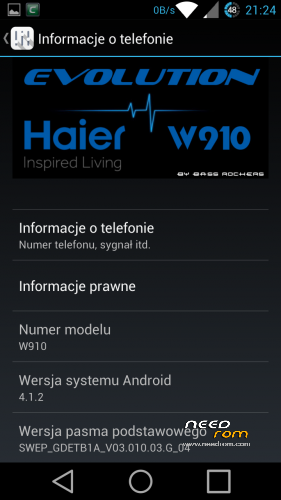
- Title: Haier W910 Evolution (Re-Compiled !!!)
- Listed: October, 2014
- Last modified: 10/19/2014 12:17 am
- Version: ROM Android 4.1.2
You must be logged for ROM download.
91239 total views, 3 today
12 Total favorites
 Member Info
DESCRIPTION
Brand new Re-Compiled rom from Original Acer Rom.
What Inside :
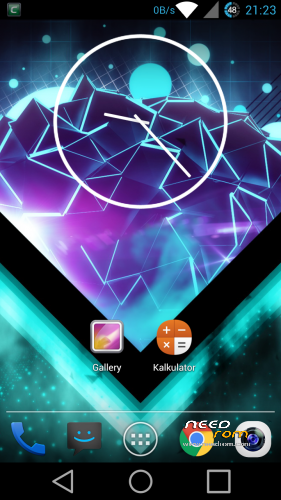
- CRT Screen Off animation
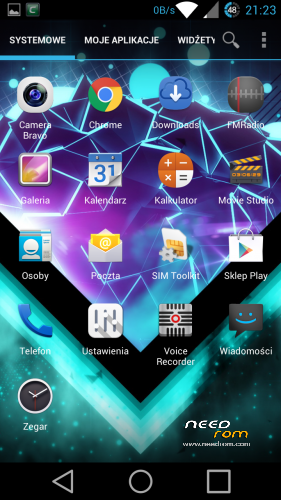
- Launcher – True Team Launcher (Modded Trebuchet) – re-compiled by me and fix Polish translations
- Fully DEODEXED
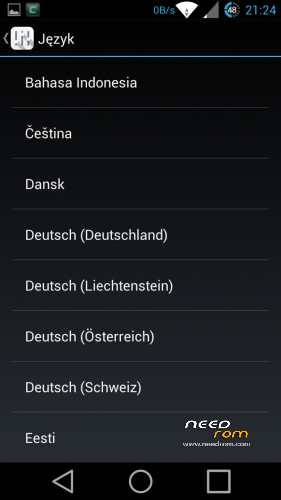
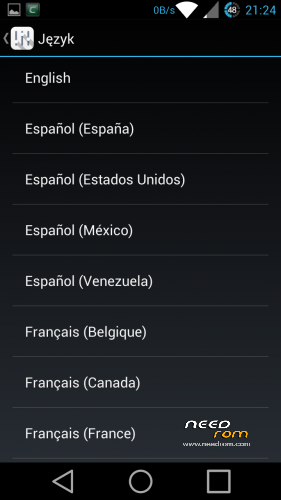
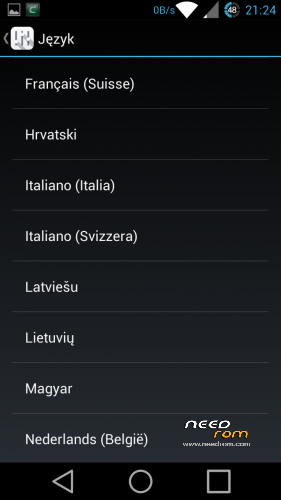
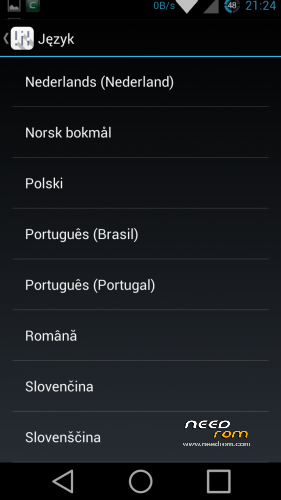
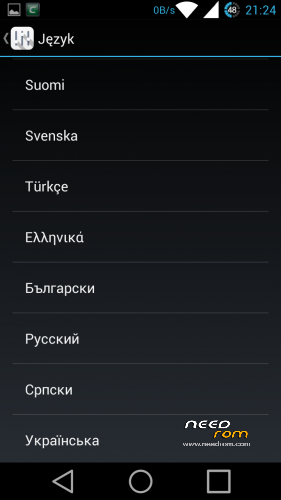
- Add more Languages
- Fixed low volume in 3G/WCDMA
- moded Framework/SystemUI (icons, battery icon, net speed etc.)
- new bootanimation/shutanimation
- two keyboards
1. (PORTED) Android L keyboard with swype typing – dictionary download automatically on first use
(if not turn on wifi, go to keyboards settings and choose dictionary manually)
(If you want to Android L look go to keyboads settings > expert settings > color scheme and choose MATERIAL)
2. (PORTED) Xperia Honami Keyboard Multilanguage
- extended calculator (swype left or right to change screen)
- clock ported from JB 4.2.2 (not JB+ from Google Play)
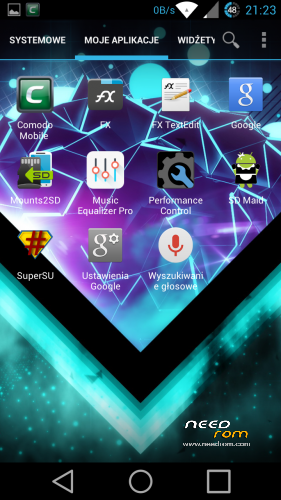
- SD Maid
- Mount2SD
- Music Equalizer Pro ( U can uninstall this App)
- Comodo Mobile Security ( U can uninstall this App)
- Fully rooted with SuperSU and BusyBox installed
—————————————————————————————-
What to do :
- make unread count on lockscreen
- port Clock from KK or L and more app
- add OTA support
—————————————————————————————-
What I working Actually :
- TWRP Recovery
- Aroma Installer (Pack all Mods in one Update.zip)
—————————————————————————————-
I try to port JB 4.2.2 to Haier but still have many errors, so i try to port L from source.
More news Soon.
—————————————————-
How to Install :
1. Zip Update on you sdMicro Card
2. Turn Off Phone
3. Hold Volume – and Power to enter Recovery
4. Go to Install Zip from sdCard and confirm Power button
5. Choose Zip Update and confirm Power button
6. Wait for Complete operation
7. Bo back to Main Menu
8. Make WIPE DATA/ Factory Reset and WIPE CACHE
9. Reboot
10. Enjoy your fully Multilanguage Rom for Haier W910.
—————————————————————————————-
For all Haier W910 Users
My and Elbuit roms is tested by me, all roms work on my phone about few days or week. If you have problem with flash roms or have some errors after flash it's probably have problem with your phone. Not happening always but never know.
Ok but if you have problem after flash or you cant flash new rom :
- change microSD Card : Haier have problem with some card specially Class 10, some card from Kingston or GoodRam dont work or have weird errors when you flash new rom.
- dont use 32Gb card to flash
- 16Gb Class 4 card always work (i have 16Gb Class 4 GoodRam and works perfectly)
- make Wipe Cache and Wipe Data/Factory Reset before flash new rom
- dont Unzip an Zip again rom before flash (All my roms are SIGNED and when you make this you loose SIGNED)
- dont add Apps to rom using Zip/Rar/7zip/FreeArc etc. if you want to modded look how to mod on XDA-Developers forum.
- when you start to flash new rom check battery (70% minimum is recomended)
- after flash wait 1min to system install all apps in backround
- make BACKUP rom before Flash using ClockworkMod Recovey
But if you still have errors write it in comment i always Help.
※Please make a backup of your device before installing or updating ROM
https://www.youtube.com/watch?.....v=WjdGjCaUb2k Haier W910 Review, made by me, in the video i dont speak, but have nice music xD
After using this rom for few weeks now, I can testify it's a very nice rom.
How can I remove the keyboard addon ? It was needed for the 1st setup of the phone, But now that i've installed swype it bothers me, Because every time I reboot my phone it goes back to the addon keyboard….
Btw….When next version is about to be released ? Will it have a built in keyboard ? Will the restart keyboard bug will be fixed ?
Thank you for this great work !
nao estou conseguindo instalar a rom.o celular nao esta lendo o zip. da falha na ora da instalaçao por favor me ajudem. digam me como faser para dar certo.
I've managed to delete the addon keyboard by removing \system\app\textinput-tng.apk using total commander (It can also be done by root explorer or other file managers like es file manager that allow root folder access)
where can i get the download link?
i have downloaded it
i thk its a good news
Since Haier refuses to release the source all progress needs to be made by reverse engineering. I've started with the kernel sources for the Acer A9 as it's referred to in the kernel ( Acer CloudMobile S500 ). And so far have created a custom kernel configuration based on the one extracted from the Haier binary kernel.
It compiles without the Acer additions for now but that's as far as I've got. There are no modifications made that are specific to the W910. To proceed there are 2 sources of information. The ones we can get from /proc, /sys , debugfs and other things from the running binary kernel and the ones we can get from the binary kernel and IDA Pro. I'll upload the IDA Pro files with function names obtained from kallsyms.
Thanks to h3adcrash and china jay chou for their help so far. Feel free to join in, everybody is welcome, I'm not an expert myself but with patience and hard work we'll get a source code for the kernel and then we use Cyanogenmod and other custom ROMS.
Kernel source is here: https://github.com/mcirsta/Hai.....er_W910
Please note it's not ready for use !!!
This is very good, support you, sorry I do not know anything about kernels, but to see if anyone else is encouraged, and see when it comes out of the other bassrockers upgrade, I am using the version V3b1 rom, the only thing bad that encounter is not having the FM radio, and call recorder, and clear transparent notification bar
Next build when?
thank
its very good rom
please make new build rom
add call recorder
thank you
hi
thanks for rom
please replace app cam
cam app on rom its not god .
Please help! How can I restore the stock ROM?
frist install custom rom 4.0.4
1. Zip Update on you sdMicro Card
2. Turn Off Phone
3. Hold Volume – and Power to enter Recovery
4. Go to Install Zip from sdCard and confirm Power button
5. Choose Zip Update and confirm Power button
6. Wait for Complete operation
7. Bo back to Main Menu
8. Make WIPE DATA/ Factory Reset and WIPE CACHE
9. Reboot
after install stock rom 4.0.4
bye