
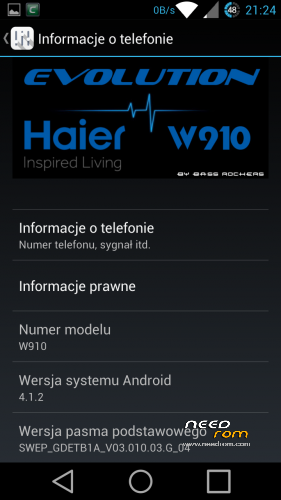
- Title: Haier W910 Evolution (Re-Compiled !!!)
- Listed: October, 2014
- Last modified: 10/19/2014 12:17 am
- Version: ROM Android 4.1.2
You must be logged for ROM download.
91239 total views, 3 today
12 Total favorites
 Member Info
DESCRIPTION
Brand new Re-Compiled rom from Original Acer Rom.
What Inside :
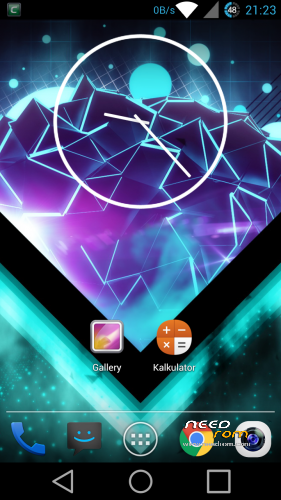
- CRT Screen Off animation
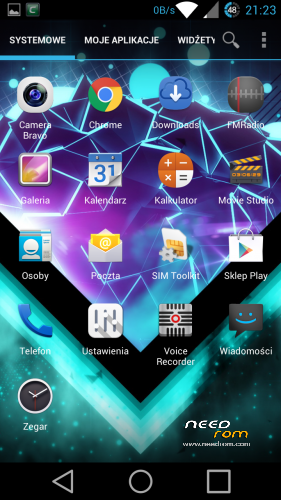
- Launcher – True Team Launcher (Modded Trebuchet) – re-compiled by me and fix Polish translations
- Fully DEODEXED
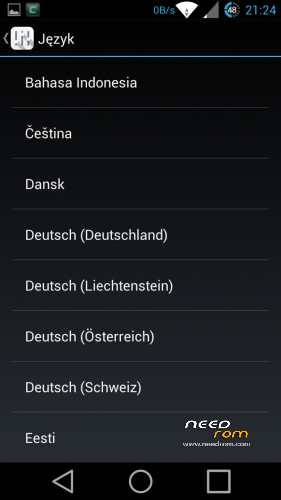
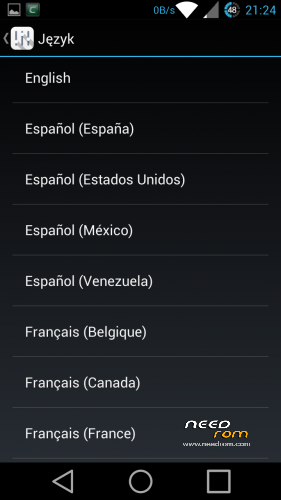
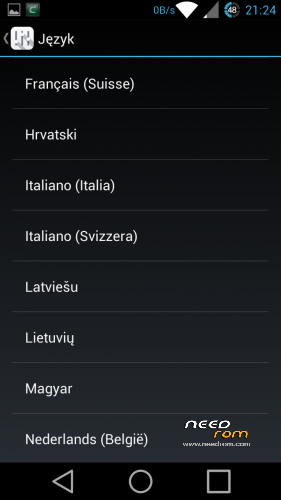
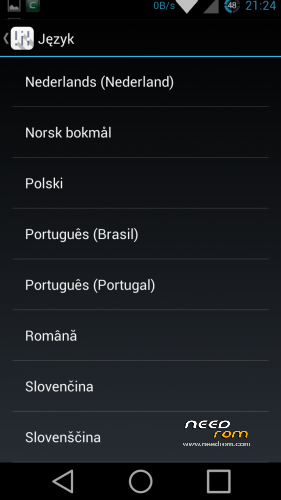
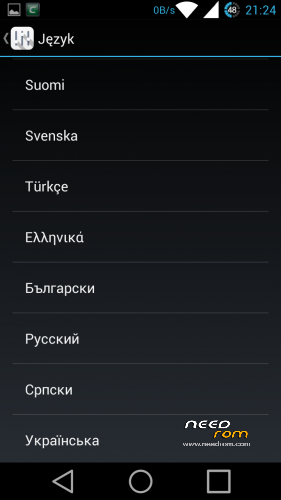
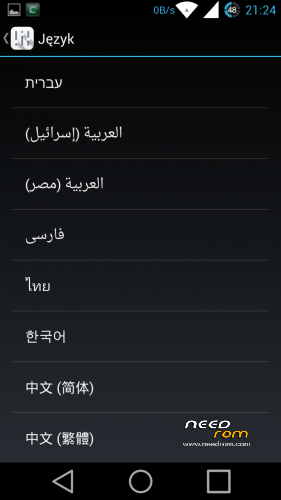
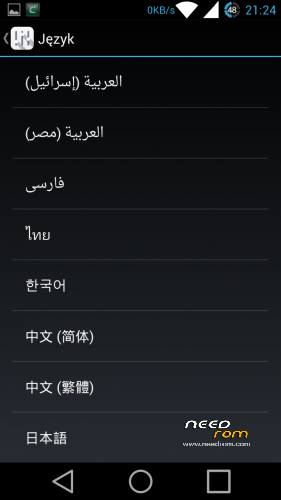
- Add more Languages
- Fixed low volume in 3G/WCDMA
- moded Framework/SystemUI (icons, battery icon, net speed etc.)
- new bootanimation/shutanimation
- two keyboards
1. (PORTED) Android L keyboard with swype typing – dictionary download automatically on first use
(if not turn on wifi, go to keyboards settings and choose dictionary manually)
(If you want to Android L look go to keyboads settings > expert settings > color scheme and choose MATERIAL)
2. (PORTED) Xperia Honami Keyboard Multilanguage
- extended calculator (swype left or right to change screen)
- clock ported from JB 4.2.2 (not JB+ from Google Play)
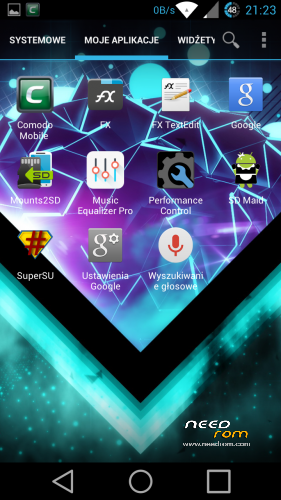
- SD Maid
- Mount2SD
- Music Equalizer Pro ( U can uninstall this App)
- Comodo Mobile Security ( U can uninstall this App)
- Fully rooted with SuperSU and BusyBox installed
—————————————————————————————-
What to do :
- make unread count on lockscreen
- port Clock from KK or L and more app
- add OTA support
—————————————————————————————-
What I working Actually :
- TWRP Recovery
- Aroma Installer (Pack all Mods in one Update.zip)
—————————————————————————————-
I try to port JB 4.2.2 to Haier but still have many errors, so i try to port L from source.
More news Soon.
—————————————————-
How to Install :
1. Zip Update on you sdMicro Card
2. Turn Off Phone
3. Hold Volume – and Power to enter Recovery
4. Go to Install Zip from sdCard and confirm Power button
5. Choose Zip Update and confirm Power button
6. Wait for Complete operation
7. Bo back to Main Menu
8. Make WIPE DATA/ Factory Reset and WIPE CACHE
9. Reboot
10. Enjoy your fully Multilanguage Rom for Haier W910.
—————————————————————————————-
For all Haier W910 Users
My and Elbuit roms is tested by me, all roms work on my phone about few days or week. If you have problem with flash roms or have some errors after flash it's probably have problem with your phone. Not happening always but never know.
Ok but if you have problem after flash or you cant flash new rom :
- change microSD Card : Haier have problem with some card specially Class 10, some card from Kingston or GoodRam dont work or have weird errors when you flash new rom.
- dont use 32Gb card to flash
- 16Gb Class 4 card always work (i have 16Gb Class 4 GoodRam and works perfectly)
- make Wipe Cache and Wipe Data/Factory Reset before flash new rom
- dont Unzip an Zip again rom before flash (All my roms are SIGNED and when you make this you loose SIGNED)
- dont add Apps to rom using Zip/Rar/7zip/FreeArc etc. if you want to modded look how to mod on XDA-Developers forum.
- when you start to flash new rom check battery (70% minimum is recomended)
- after flash wait 1min to system install all apps in backround
- make BACKUP rom before Flash using ClockworkMod Recovey
But if you still have errors write it in comment i always Help.
※Please make a backup of your device before installing or updating ROM
Thank you for this great rom. Phone feels more snappier than earlier 4.1.2 rom I had on it.
Antutu bechmark 16150. WOW
Great rom, been using it for 3days. so far no issues
it doesn't work I try 2 but doesnt install help me please this file not verifactions
Read instruction :
1. Install Driver
2. Install CWM
3. Launch CWM
4. Install Rom : Install ZIp from Sdcard
5. Wipe Data/Factory Reset
6. Reboot
7. Done
Thank you very much ! It is very nice and Cool !!
I am waiting for the next release.
Dear Bassrockers,
I failed to install the rom. I followed following steps.
- I copied the downloaded zip file on my external SD card [without unziping].
- Power off the phone
- Reboot the phone with vol – and enter into the sysyem recovery mode.
- Selected " apply update from external storage" and then "haier_w910_JB_…..zip
- Screen says " finding update" , "opening update package" , " verfifying update package" and then " installation aborted"
Please adise what to do. My phone is already 4.1.2 as I recieved it from China but its build series is 37… something.
did you install ClockworkMod Recovery from my link?
yes, I downloaded that and followed the instruction given in attached PDF. I think that was sucessfull as my phone rebooted automatically after some time when I clicked on "fastboot recovery only" from my PC. But I did not know where it saved that recovery file. After rebooting I copied the zip file on my external SD card and put my phone off and followed the above mentioned steps. Please advise. I want to boot this ROM due to its lower power consumption.
Thanks.
Thanks so much I was eagerly waiting for a new rom for this excellent handset.Installing now….
Also excited to see the new build coming soon
Hay Bassrockers,
I tried to install recovery program it showed "writing recovery" and then boot but it is still in boot phase showing just anroid name animation. Please adivse what I do.
Hay Bassrockers,
Hurray, its done ! thanks a lot for making the rom.
nice to hear ;D
Hi,
i have same issue as you had, how did you solve it ?
can you help me please ?