
- Title: HaiPai i9220
- Listed: July, 2013
- Last modified: 07/27/2013 12:08 am
- Version: ROM Android 4.0.3
You must be logged for ROM download.
18575 total views, 2 today
1 Total favorites

 Member Info
DESCRIPTION
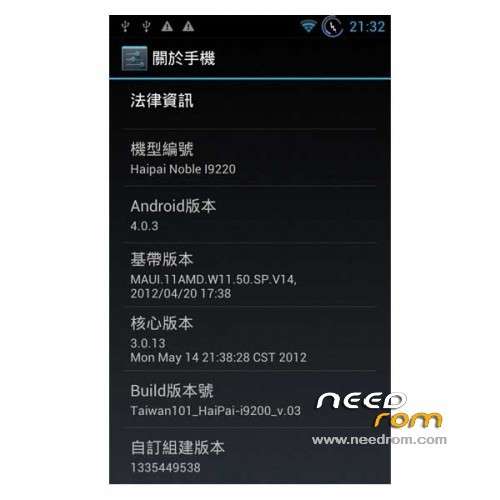
ROM Mobile HaiPai i9220 – ROM Android 4.0.3
Features ROM:
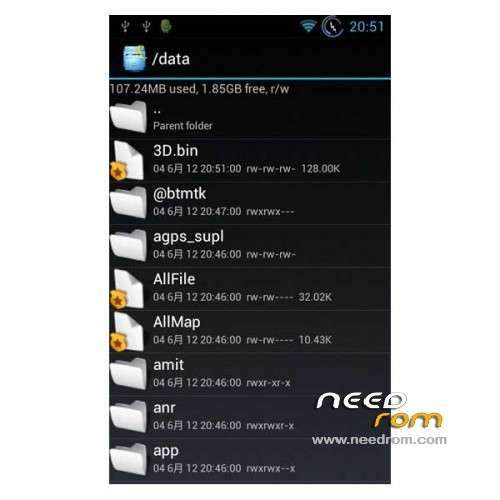
root permissions include
base on the firmware of Haipai-i9220 official ROM
data2.5g.zip version2 include (data / app data / dalivk-cache / data / system / data / data)
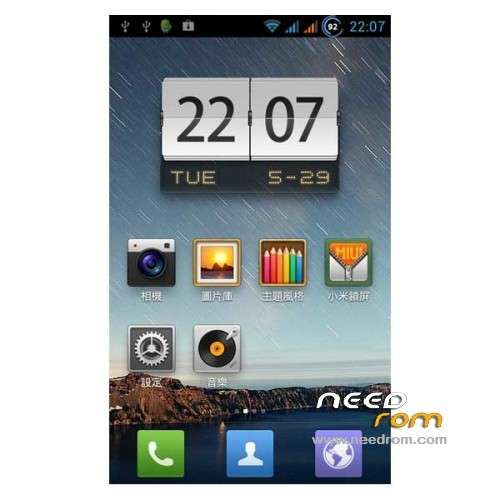
MIUI / ICS Dual Launcher include
streamline inner band APP
Reduce the default APP (keep the all google service / app)
native font
ICS original Fonts come back
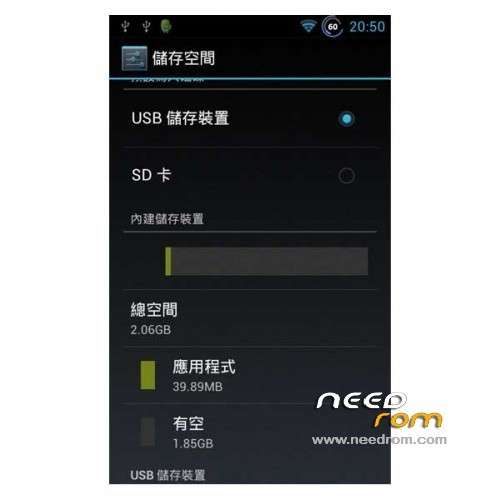
The external TF card as / sdcard
External micro sd card become / sdcard
Home keys wake up the screen
Home key wake up function
pictures with sound
Camera shutter sound enable
AGPS Assisted GPS positioning system fixes
fixed the agps issue
Gapps include – Rooted
Language support : Multi Lang
Install ROM :
CWM
Step 1: Download the custom ROM copied to an external SD card root directory
Step 2: the shutdown state. While holding down:
– Power button + volume button up, to enter the recovery mode.
– Wipe Data / Factory Reset -> delete all user data
– Wipe Cache Partition -> Wipe cache
Step 3: Return to recovery main interface Install zip from sdcard -> choose zip from sdcard -> Select your ROM
Step 4: Brush complete, restart the phone Patience required – first boot takes a while
or
use Flashtools in file Recovery
※Please make a backup of your device before installing or updating ROM
understand when it is on android only flashes once, please help
Problem: My phone does not "see" the external SD-card. Please help!
Solved