
- Title: HaiPai N7889 Europe/US Version Build 20130824 ML
- Listed: September, 2013
- Last modified: 09/14/2013 2:22 pm
- Version: ROM Android 4.2.1
You must be logged for ROM download.
21941 total views, 2 today

 Member Info
DESCRIPTION
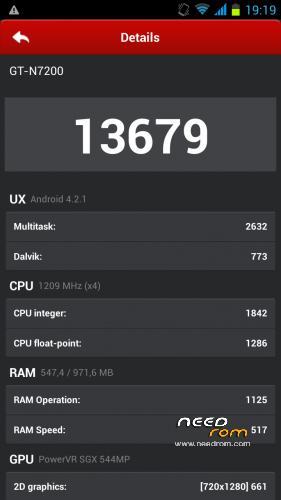
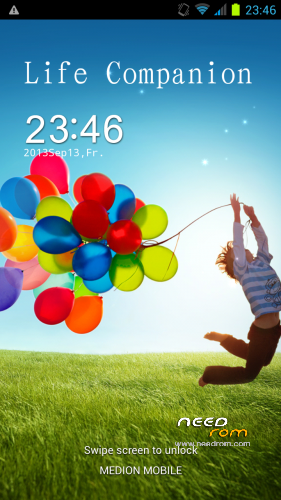
ROM HaiPai N7889 – ROM Android 4.2.1
Based on ROM Official HaiPai N7889 version : 20130824_e2006v20_v89_lyn7889_asx_116_xstp
Changes:
CWM-R recovery.img v6.0.3.6 based on carliv@xda (EN)
boot.img (root in shell)
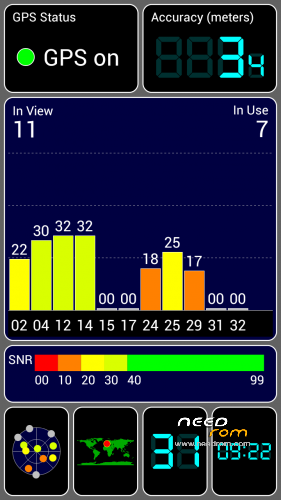
system.img (root in system, gps fix via gps.conf optimized for Europe, GPS Runner Fix)
All Gapps included (also Play store, Search bar)
Purged all applications with Chinese language
Language support: Multilanguage
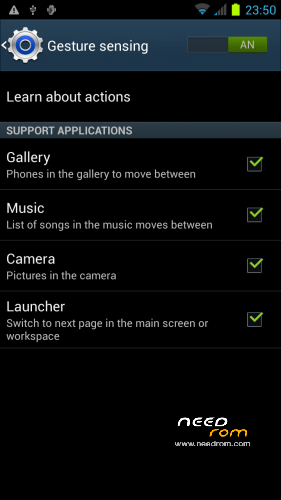
Gesture sensing, Branding Samsung, based GT-N7200
Install ROM :
-Save your userdata
-Save your IMEI's data
-Unpack the archive
Flashtool based:
Firmware Upgrade CWM-R zip
Please don't forget to donate!
Please don't forget an author rating!
※Please make a backup of your device before installing or updating ROM
Thaks Nion88 but I figured out what the problem was. When watcing the video for one of the imei programs I noticed that my baseband was blank so installed the ATT modem and reset my phone and poof my imei was alive and kicking again!! I couldn't see the forest because of the trees. LOL
Hi thanks for the rom, Did you notice?, Can not view front camera. what to do?
I fixed front camera issue with SP_MDT changing uboot settings. It will useful for others.
see attached image
Do you have data2.5gb EBR1 & EBR2 file for increasing 1gb to 2.5gb internal memory?
I HAVE 180 ° screen. whats the prob
Hi i have a BIG problem.
After flash this ROM, display STOP working.
Sounds, touches, buttons everythiongs working right, but sceen is completly black, no BOOT logo, nothing. I try every ROM what is here and it is same always.
It's look something bad with display driver. I can take remote control of my N7889 from my computer. So i can do everything whith it. I send some screen.
Please HELP!
For johnpugazh: Could you exaplane me the method to use SP_MDT to modificate the value of front camera?Thanks
Hi Nion88,
Please see attached instructions
I'm so happy. Now is perfect. Thanks for everything to johnpugazh . You could post the new version of this Rom. However thanks again for your patience and helps.
help Could you exaplane me the method to use SP_MDT to modificate the value of front camera?Thanks
Salve,ho installato la rom ma la fotocamera frontale non c'e'
Devi seguire le indicazioni che mi sono state date tramite SMD. Inserisci i nuovi valori e ti andrà.