
- Title: HDC Note 3 GT-N900
- Listed: March, 2014
- Last modified: 03/21/2014 4:21 am
- Version: Android 4.3
You must be logged for ROM download.
40691 total views, 3 today
163 Total favorites
 Member Info
DESCRIPTION
ATTENTION : Read Carrefully
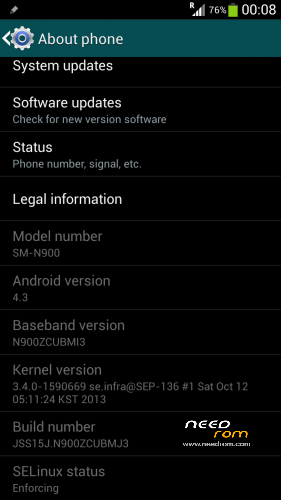
This is Only for GT-N900 Model, 1.2Ghz MTK6589 1GB RAM 8GB ROM
Not Tested On Other Devices !
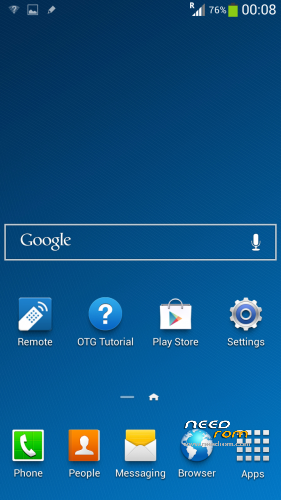
- This ROM is the Stock ROM, but i work on it and make it perform very smooth.
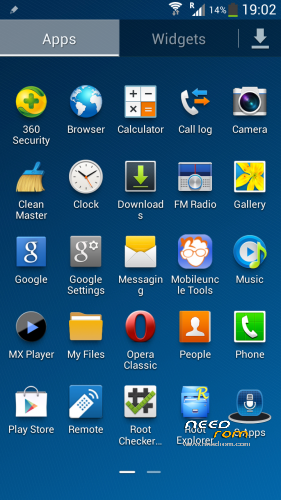
- I have removed ALL the Chinesee App´s.
- I also remove All the Apps that slow down the phone.
( Live Wallpapers, Trip Widget, S Planner, Magic Smoke etc, all of this have been removed )
( Live Wheather Widget Have Been Removed, also the keymodule OOBE )
The ROM has been configured to work and perform flawless and very fast.
- It comes with the following :
: Rooted
: Samsung Logo at BootUp and Shutdown – Works
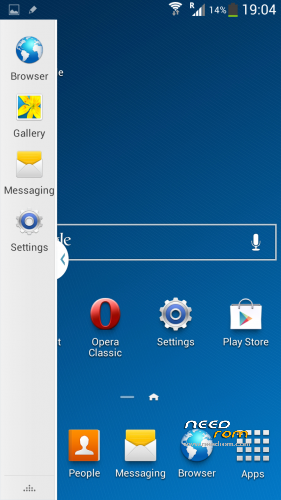
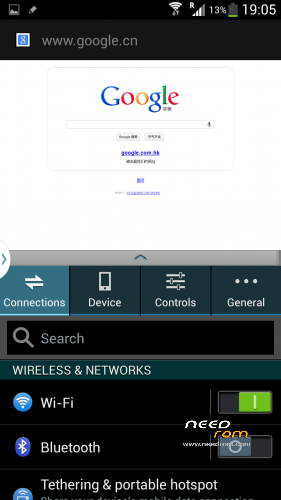
: Multiwindow – Works but you have to install it by yourself
( navigate with any file Explorer to /storage/sdcard/playApp/download folder and Install PlayApp.apk )
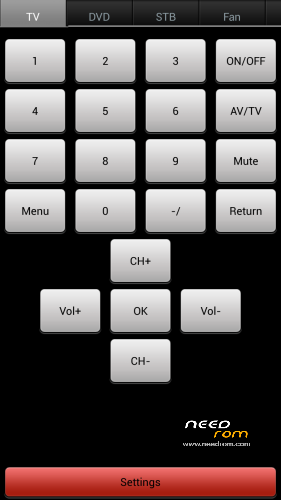
: IR Remote – Works
: Playstore – Works
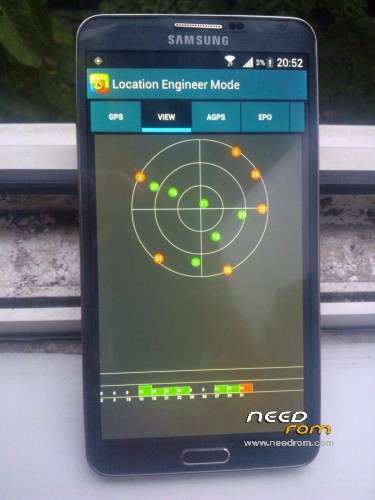
: GPS – Works
Please Read Before Install This ROM :
- I recommend to do a full backup of your ROM first. ( i don´t take any reponsability if u brick your phone,
take it on your own risk )
- Before install this ROM, I recommend to wipe cache, data factory reset, wipe dalvik cache.
This ROM has been tested and succesfully installed on my Device after has been modified.
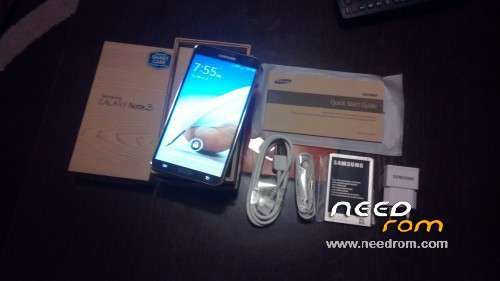
My Device : HDC Note 3 GT-N900 Model
( Take your battery out and see Model Information )
:: Read carrefully ::
- I recommend to install this with SP Flash Tool v3.1328.0
- How to Install -
PS : Make sure you have proper Drivers installed on your PC, otherwise the Phone won´t be detected.
Turn Off your phone, wait until it vibrates to be sure is off. Take your battery out.
1 – Open SP Flash Tool
2 – Select MT6589_Android_scatter_emmc.txt
3 – Press Download Button
4 – After 1 Second Connect your Phone ( without battery ).
5 – Pc will recognize the phone and the flashing process will start.
6 – Red Progress bar will start, and after the yellow bar, wait until it finish.
7 – Finally, a Green Circle will appear, Download Ok.
You can now disconnect your phone, insert battery and start it up.
First Boot will take longer than the ussual, but is normal.
Thank you
※Please make a backup of your device before installing or updating ROM
GPS – Tested, but not working on MTK6589 Chip
2 – Select MT6589_Android_scatter_emmc.txt
Why ? Select MT6589 isn't working.
what Model do you have ? this is for HDC Note 3 GT-N900
see the pictures attached
это пиздец товарищи…. мы в пизде все
Does this rom supports dual sim?
i dont know, this ROM has been tested only on Single SIM, take it on your own risk.
This works perfectly on the HDC Note Max. Thank you very much!
you welcome
how to download this ROM?
you have the Link in the description
Did you fix the SystemUI crashes?
how to pair with version 16gb?
did u try to install this on 16GB ?
error 3088
tell me more details… this ROM is for GT-N900 Model Only, 1GB RAM 8GB ROM
do not try to install on other devices, may not work, read the description carrefully…
Take out your battery and tell me your Model Number
Hardware : MT6589 (UNIVERSAL5410(exynos5) is Fake!)
Model : SM-N900
Build number : JSS15J.N900UBUBMJ2
Baseband v: MOLY.WR8.W1248.MD.WG.MP.V6.P10, 2013/04/17 14:07
Kernel v : 3.4.0-1598409 (se.infra@R0504-18) (gcc version 4.7 (GCC) ) #2 SMP Sat Dec 21 15:03:07 CST 2013
LCD Driver IC : 1-hx8394_hd720_dsi
it´s obvious that this ROM is not fro your phone, why did u try to install it ?
i say it very LOUD and CLEAR !! This is Only for GT-N900, your device is SM-N900
i have 2 mobiles phone, one is like your SM-N900 and the other one is the one that i post the ROM here for it, GT-N900…also known as N9006
the ROM that is good for your device is this one :
https://www.needrom.com/mobile.....-note3-sm-n900/
Do not try to flash ROM randomly, if u don´t know the baseband version.
This rom can be used in the GT-N9000 model HDC MTK6589 1GB ?
If not… What is the last rom useful in this model and where I can find it ?
Thank's
all you have to do is try it by yourself, i dont take any responsability if u brick your phone, i would advise you to backup your ROM first…
thank you