
- Title: HDC Note 3 GT-N900
- Listed: March, 2014
- Last modified: 03/21/2014 4:21 am
- Version: Android 4.3
You must be logged for ROM download.
40692 total views, 4 today
163 Total favorites
 Member Info
DESCRIPTION
ATTENTION : Read Carrefully
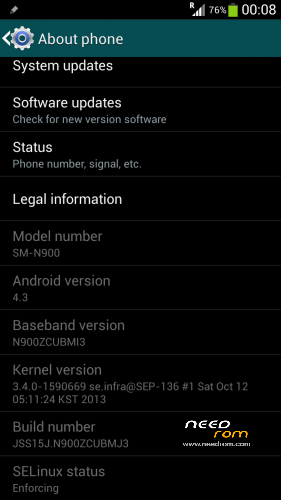
This is Only for GT-N900 Model, 1.2Ghz MTK6589 1GB RAM 8GB ROM
Not Tested On Other Devices !
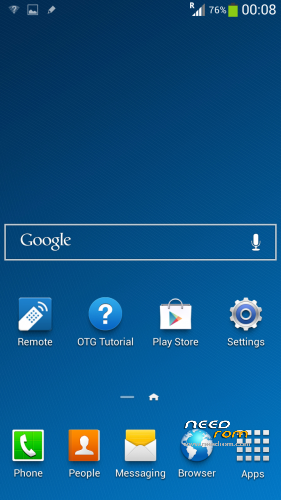
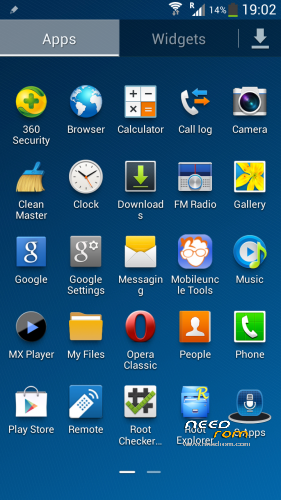
- This ROM is the Stock ROM, but i work on it and make it perform very smooth.
- I have removed ALL the Chinesee App´s.
- I also remove All the Apps that slow down the phone.
( Live Wallpapers, Trip Widget, S Planner, Magic Smoke etc, all of this have been removed )
( Live Wheather Widget Have Been Removed, also the keymodule OOBE )
The ROM has been configured to work and perform flawless and very fast.
- It comes with the following :
: Rooted
: Samsung Logo at BootUp and Shutdown – Works
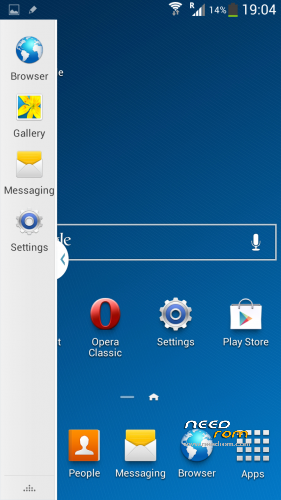
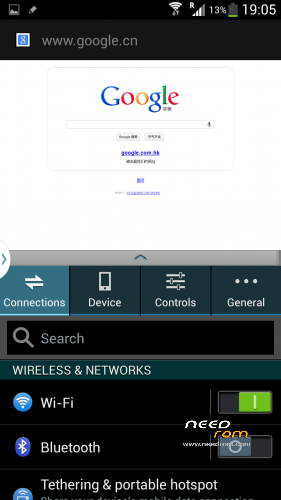
: Multiwindow – Works but you have to install it by yourself
( navigate with any file Explorer to /storage/sdcard/playApp/download folder and Install PlayApp.apk )
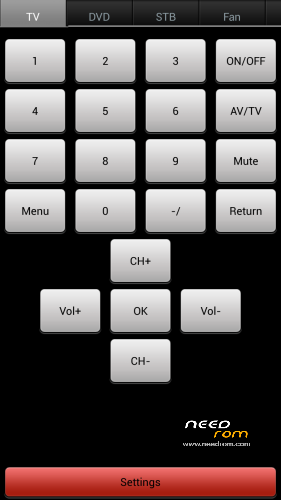
: IR Remote – Works
: Playstore – Works
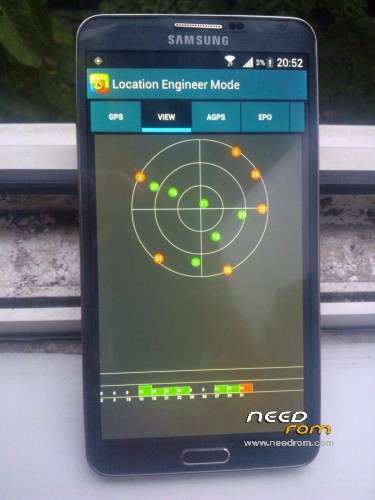
: GPS – Works
Please Read Before Install This ROM :
- I recommend to do a full backup of your ROM first. ( i don´t take any reponsability if u brick your phone,
take it on your own risk )
- Before install this ROM, I recommend to wipe cache, data factory reset, wipe dalvik cache.
This ROM has been tested and succesfully installed on my Device after has been modified.
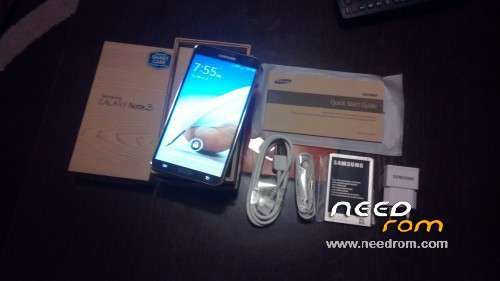
My Device : HDC Note 3 GT-N900 Model
( Take your battery out and see Model Information )
:: Read carrefully ::
- I recommend to install this with SP Flash Tool v3.1328.0
- How to Install -
PS : Make sure you have proper Drivers installed on your PC, otherwise the Phone won´t be detected.
Turn Off your phone, wait until it vibrates to be sure is off. Take your battery out.
1 – Open SP Flash Tool
2 – Select MT6589_Android_scatter_emmc.txt
3 – Press Download Button
4 – After 1 Second Connect your Phone ( without battery ).
5 – Pc will recognize the phone and the flashing process will start.
6 – Red Progress bar will start, and after the yellow bar, wait until it finish.
7 – Finally, a Green Circle will appear, Download Ok.
You can now disconnect your phone, insert battery and start it up.
First Boot will take longer than the ussual, but is normal.
Thank you
※Please make a backup of your device before installing or updating ROM
salut filip_pine ma poti ajuta un pic am o nedumerire am cumparat aici in Madrid un telefon samsung cica note 3 pe el scrie ca este GT-N900 curios ca setari imi arata ca are rom SM-N900 si daca pot sa pun romul acesta.multumesc anticipat
Salut…cea mai sigura metoda sa iti dai seama daca e clona, scoti pixul afara si daca nu are buton real pe pix care sa activeze air comand-ul, atunci e clona…
Vizavi de ROM-ul meu… trebuie sa stiu exact ce model de Note 3 ai, zi-mi ce scrie sub baterie, ce model pune si deaemenea zi-mi si ce zice la versiune, cand dai About Phone…. ai MTK6589 sau MTK6582 ? e important sa stii lucrurile astea inainte sa te apuci sa faci flash la un ROM, versiunea de kernel trebuie sa fie compatibila…
salut cam asta pot sa iti spun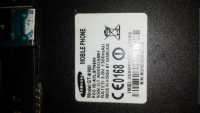 numero de modelo sm-n900
  mersi
mersi
Salut, da, telefonul tau este o clona dupa cum cred ca stii… este acelasi model ca al meu, GT-N900, dar nu te poti increde in totalitate in eticheta, in principu daca ai acelasi procesor ca al meu, MYK6589 poti face flash la ROM-ul meu, dar iti recomand neaparat sa faci un Backup la ROM-ul tau original cu MTKDroid Tools, in caz ca nu iti functioneaza ROM-ul asta, ii faci flash la loc la ROM-ul tau…
ca sa vezi versiunea de procesor, downloadezi CPU / RAM / DEVICE Identifier dupa PlayStore, il instalezi si pui un screenshot aici cu ce informatii afiseaza sa vad daca ai acelasi procesor….
PS : lasa spaniola ca si eu sunt in spania, dar nu am uitat sa vb romaneste ))
))
asta
Do you have firmware Samsung galaxy Note 3 Replika /supercopy GT-N900 Model, hardware : MTK6572, ?
como Faço para instalar pel SDCARD pois meu micro USB esta danificada
I did everything but the phone will always restart on the Samsung screen