
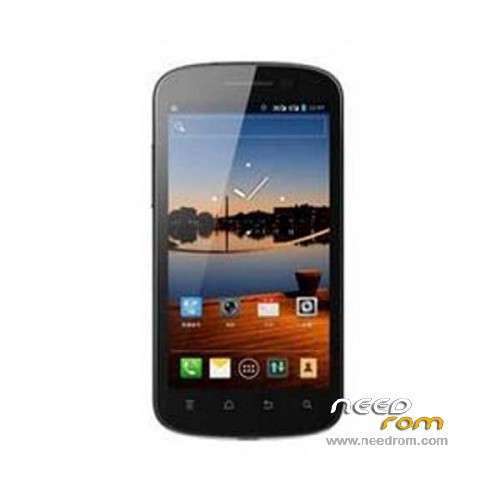
- Title: Hisense U909
- Listed: April, 2014
- Last modified: 04/01/2014 11:56 pm
- Version: ROM Android 4.0
You must be logged for ROM download.
27419 total views, 3 today
7 Total favorites
 Member Info
DESCRIPTION
ROM Mobile Hisense U4 U909 – ROM Android 4.0
Official ROM Hisense U4 U909 Version: HS-U909-W645.6.02.02.00
No Rooted
Language support : EN/CN
Install ROM :
1 Prepare a TF card ( capacity TF card must be less than or equal to 2G) , first card formatted in FAT format TF
2 unzip the downloaded rom brush , which will be copied to the folder U909 root directory of TF card package
3 confirmed that the battery is greater than 50 %, if the battery is low, please charged
4 TF card into the phone , the battery in the phone. The preparatory work is completed.
1 the phone is off, hold the "Volume + + + VOLUME DOWN button power button" three keys , phone mode upgrade to begin the upgrade .
2 Brush word "OK" after the success
3 simply remove the battery
4 then connect the phone battery , press the power button on the phone to boot. After starting in the phones menu "Settings" – Save and Reset – restore factory settings – Reset phone – all clear content .
5 the phone will automatically restart and recover the state of the factory, the screen saver .
6 success!
※Please make a backup of your device before installing or updating ROM
big thanks and respect to the webmaster for his efforts and the website services quality !!!!!!!!!
didnot work what to do
working but can't connect to camera issue is now a prolem
wokring great but camera problem cannot connect to camera fix please
camera error displys
please solve
Pls help me rom for Hisense F0 U909B.
i tried to flash it but it told "only new version allowed to upgrade "
wokring great but camera problem cannot connect to camera fix please
urgent
help me i need rom for condor c1+(hisense u1)
Here C1+ bro
http://sw-condor.com/smartphon.....es/C1+.html
merciiii