
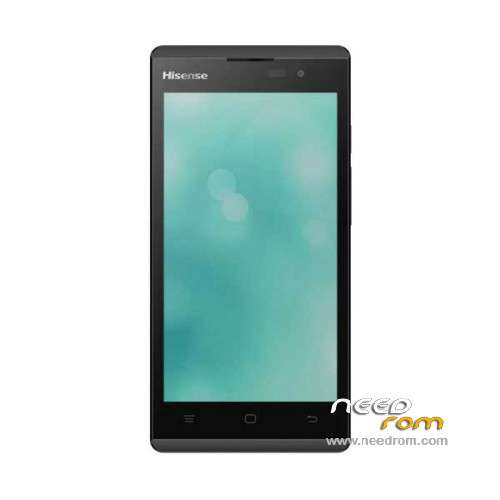
- Title: Hisense U961
- Listed: January, 2016
- Last modified: 01/20/2016 1:12 am
- Version: ROM Android 4.4.2
You must be logged for ROM download.
28533 total views, 3 today
17 Total favorites
 Member Info
DESCRIPTION
ROM Mobile Hisense U961 - ROM Android 4.4.2
ONLY MT6572
Official ROM Hisense U961 Version:
ROM 1 – HS-U961_W1095.4.01.01.EU00_201503171429
ROM 2 – HS-U961_W1095.6.03.00.ZA00_201508031934
Gapps include – No Rooted
Language support : Multilang
Install ROM :
- Unpack FlashTools, and Click on Flash_tool.exe
- Select "scatter-Loading" and search MT6572_Android_scatter.txt in ROM
- Wait file to be added into Flash Tool
- Select "Download Only" or if upgrade "Firmware upgrade"
- Turn off your phone, remove the battery (if the battery is removable) and replace it after some seconds (and don't turn on the phone).
- Press “Download” button to start
- and connect your phone into the computer via USB data cable.
- The process will start and a red progress bar will appear after color purple, yellow.
- And green circles display
- Finish !
- You can now safely disconnect your phone and turn it on.
※Please make a backup of your device before installing or updating ROM
ROM 1 – HS-U961_W1095.4.01.01.EU00_201503171429
USING THIS ROM MY PHONE IS DEAD
Gracias Mil gracias, en ningun lado la encontre solo aqui para los colegas de Mexico la segunda rom es la adecuada les dejara el imei null pero lo corriges con sigma key
checando no puedo ver los links
Yo le hise un reset y con eso me funciono….
Volumen menos + tecla power, ya que prenda soltar las dos teclas, después de unos segundos aparece el monito de android con el triangulo color rojo, darle power para que aparezca el menú, despues seleccionar wipe/Data… yes, y tambien wipe cahe partition y después reboot. Y listo.