
- Title: HTC Desire
- Listed: February, 2013
- Last modified: 02/18/2013 2:43 am
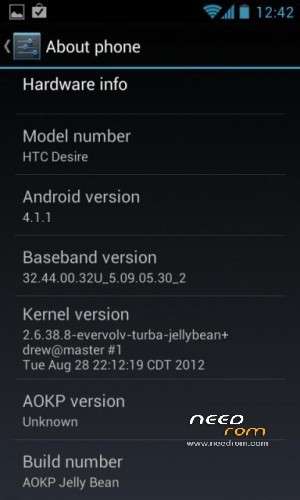
- Version: ROM Android 4.1.1 AOKP
You must be logged for ROM download.
20820 total views, 1 today
2 Total favorites

 Member Info
DESCRIPTION
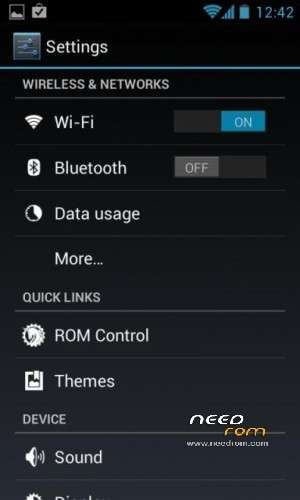
ROM HTC Desire – ROM Android 4.1.1 AOKP
Features ROM:
Version 2.2
Fixed Notification lights, everything works except missed call notification light.
Fixed Lock Screen lag
WiFi Tether tweaks
Slim the ROM size
Bluetooth tweak
Added Terminal Emulator
Version 2.1
AOKP updated to Milestone1 build
Fixed Bluetooth issue
Fixed Network issue
Check changelog from aokp.co
Version 2.0
AOKP changed to latest AOKP build 5 from aokp.co
AOKP updated with 4.1.2 source code.
Video recording much better.
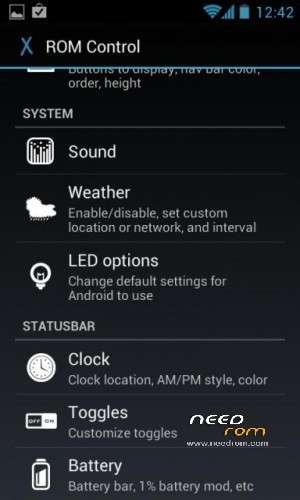
Lot of AOKP features added, everything works great
Much speed, smooth and stable
Soft-nav bar reflect immediately on select.
Lot more features.
Latest Evervolv 3.1.0p1
Version 1.4
Updated to latest Evervolv build
Patched the framework for changes to incorporate
Camcoder now works but still has some choppiness
Version 1.2
Updated to latest AOKP build
Updated to latest Evervolv
Kernel – wifi, binder, and tweaks from faux123 for better performance.
A2DP Audio over Bluetooth
Lot more changes…
Version 1.1
Initial version
Added Apps2SD script support (use Android Terminal Emulator to enable)
Version 1.0
Initial version
Use this version those are looking for AD2SDX (script executes by default)
Language support: Multi Lang
Install ROM:
Wipe full except SD card, flash the ROM
Run A2SD script from terminal emulator provided
Go to Settings -> Launcher -> Homescreen -> Check "Stretch screens", Un-check "Scroll wallpaper", Check "Wallpaper quick render"
Make sure to check your APN settings are correct and change if it's different. Turn of GPS if not used, tap 7 times on Build Number to get Performance and Developer options.
Reboot and wait for 5min
- Steps to execute A2SD script:
Open terminal emulator provided in the rom.
Type the following commands
# su
# a2sd install
Y
N
Y
- Soft-Nav functionality:
To enable flash
To disable flash
※Please make a backup of your device before installing or updating ROM