
- Title: HTC Hero
- Listed: March, 2013
- Last modified: 03/14/2013 5:20 pm
- Version: ROM Android 2.3.7
You must be logged for ROM download.
17059 total views, 1 today
1 Total favorites

 Member Info
DESCRIPTION
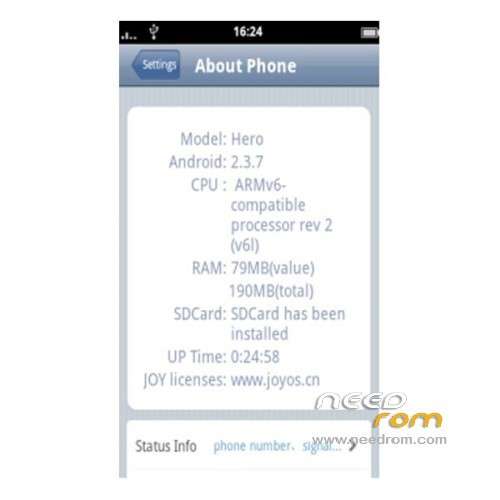
ROM HTC Hero – ROM Android 2.3.7
Version : JoyOS v2.5
Install ROM:
Connect your phone to PC using USB cable.
Copy downloaded zip file [en-cn-JoyOSv2.5-hero-kemoba.zip] to the SD card of your phone. Important: Don’t extract any files.
Disconnect USB and then turn off your phone (wait for complete shutdown).
Boot into ClockworkMod recovery. For this, press and hold the Home and Power buttons together until it boot into ClockworkMod recovery. Use Volume keys to browse between options in recovery while Power key to select an option.
Perform a Nandroid backup of your existing ROM that you can restore later if this new ROM not work or you want to go back. To perform a backup, select Backup and Restore, then on the next screen, select Backup again. Go back to main recovery menu after backup is complete.
Then perform data wiping task. To do so, select wipe data/factory reset, then select Yes on next screen to confirm your action. Wait few minutes till the data wipe is complete. After that, from the main CWM recovery screen, select Advanced and then Wipe Dalvik Cache. Select Yes on next screen to confirm your action. Again, wait few minutes till the data wipe process is completed.
Select install zip from sdcard, then select choose zip from sdcard. Now, locate the JoyOS zip file (en-cn-JoyOSv2.5-hero-kemoba.zip) that you copied earlier in Step 2 and select it by pressing Power button (tap on it if using touch version). Confirm installation by selecting Yes – Install _____.zip on the next screen. The ROM installation will begin.
When installation is completed, go back to the main recovery menu and select reboot system now to reboot the phone and boot up into JoyOS. The first boot will take time, so be patient!
Returning to Previous ROM: To go back to your previous ROM, boot into recovery, select backup and restore then restore your previous ROM by selecting it from the list.
※Please make a backup of your device before installing or updating ROM
not working properly
Home screen, Menu and many more are not appearing.
after booting it is displying Android.process not responding. Force close.
WITH THE ROM TO INSTALL TO INSTALL WITH FlashTool PLEASE