
- Title: HUAWEI C8500
- Listed: February, 2013
- Last modified: 02/25/2013 11:31 pm
- Version: ROM Android 4.0.4
You must be logged for ROM download.
14142 total views, 2 today
 Member Info
DESCRIPTION
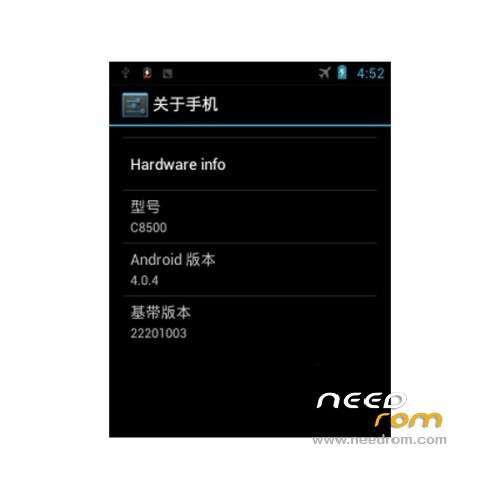
ROM Huawei C8500 – ROM Android 4.0.4
- Suitable models: Huawei C8500
- The ROM author: Simon soldier
- ROM size: 123.33 MB
- Published: 2013-02-21
- Android version: 4.0.4
Features ROM:
1 perfect ROOT
2. Join the Lunar lock screen
3. Ultimate streamlined run more smoothly
4. Optimization WiFi, optimize the GPS, optimizing system fluency
5 to optimize call unlock reaction speed, to optimize the transmission speed of the SD card,
6. Optimize system memory allocation, optimized graphics processing power
7 Add the latest host, shielding software game advertising
8. All app deoex and zipalign processing run faster
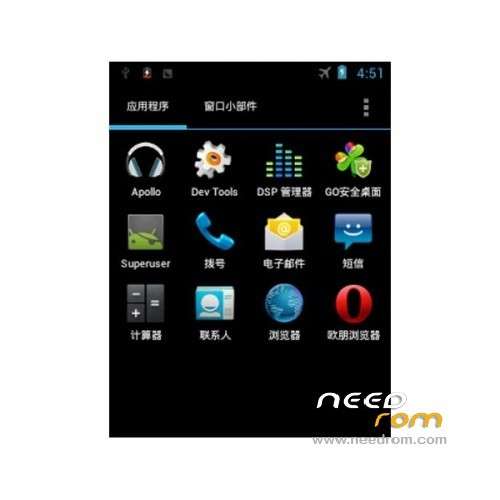
9. Both apex desktop and GO desktop choose from
10 camera available, rest assured brush
11 people own experience!
language support: Multi lang
Install ROM :
Recovery, recommended installation tutorial provided to ensure a smooth brush into ROM
Enter fastboot mode (operating on the phone)
1, In the case of shutdown, followed by a long press the hang up button + volume button + power button to enter the the fastboot interface, the phone will stay on the first screen, boot screen.
2, Download Recovery a key brush into Recovery (operating on a computer)
Use the USB data cable to connect the computer and cell phone, unzip Recovery Brush package to your desktop, open the Recovery Brush Pack folder, double-click [Recovery Brush. Bat] in the case of the driver has been installed correctly. (The command box pops up brush into Recovery. Tens of seconds after the phone will automatically restart., Such as double-click after prompted to wait for device, please re-plug the USB cable or to confirm that the drive is installed correctly.)
※Please make a backup of your device before installing or updating ROM
where my download link