
- Title: HUAWEI C8650
- Listed: May, 2013
- Last modified: 05/21/2013 1:43 am
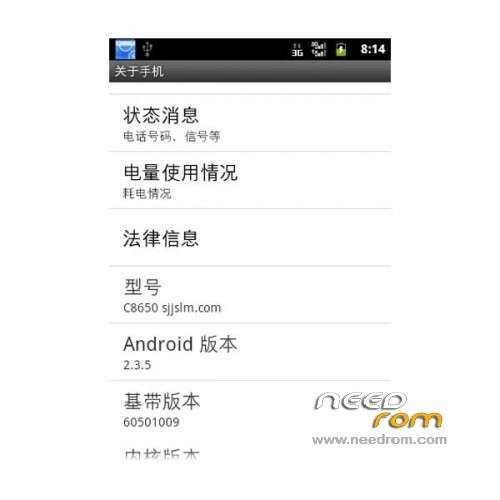
- Version: ROM Android 2.3.5
You must be logged for ROM download.
16027 total views, 2 today
3 Total favorites

 Member Info
DESCRIPTION
ROM Phone HUAWEI C8650 – ROM Android 2.3.5
ROM features:
1 Based on the B879 production, remove the garbage
2 perfect root
3 Streamlining lib library, improve fluency
4 power-saving patch, even better than the official
5 Optimize wifi speed, optimize GPS positioning speed
6 Recompile the desktop, eliminating useless junk, smooth and smooth
7 to remove a lot of useless Shen redundant waste, reduce the memory footprint
8 open hardware acceleration
9 The APK file zipalign optimization of the whole system running speed greatly improved
10 Not integrated input method, install itself, or on the phone fc
11 More your own experience
Language support: Multilang
Install ROM:
1, download attachments and unzip to any directory placed in the computer. (Many machines Friends of this step with the other tools do not know to put the computer or phone, in particular, to remind: the tool is run on the computer.)
2, a mobile phone with a data cable connected to the computer.
3 Turn on USB debugging on the phone: Settings → Applications → Development → USB debugging. (If you turn on USB debugging on your computer prompts you to install the driver you installed, after all, the official driver would be better.)
4 installed Huawei C8650 USB drive.
5, keep the phone connected to the computer, run the unzipped Huawei C8650 a key brush into CWM recovery 5.0.2.3 tools. Exe and follow the prompts.
6, first restart the phone into bootloader mode (that is, we usually referred fasboot of line brush mode): the Huawei Logo screen and remain stationary.
Press any key to continue to the next step will brush into the Recovery, and then your phone will automatically restart. (If you can not automatically restart manually restart the phone.)
8, into the Recovery method: in the off state, press and hold the volume up + power button is turned on, and hold down the button until you enter the new Recovery.
※Please make a backup of your device before installing or updating ROM
thankz
thz
thank!!!
شكرو