
- Title: Huawei C8812
- Listed: January, 2013
- Last modified: 01/07/2013 12:22 pm
- Version: ROM Android 4.0.4
You must be logged for ROM download.
16278 total views, 1 today
 Member Info
DESCRIPTION
ROM mobile Huawei C8812 – ROM Android 4.0.4
Suitable models: Huawei C8812
ROM: Baidu cloud ROM team
ROM: 175MB
Published: 2013/1/7
Android version: 4.0.4
Features ROM :
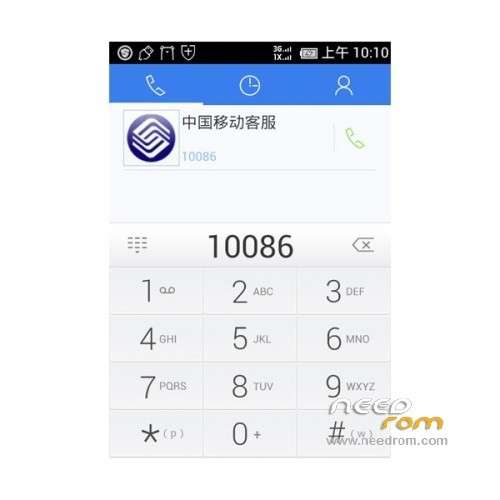
Phone, text messaging, directories
Optimization incoming call directly display the answer, hang up, refused access Reply icon, plus tips arrow sliding around
Optimize the layout of the SMS settings, operating more in line with the oil they use habits
Are prompted to enter the phonebook, each repair UIM card Contact card Contact Loading ”
The repair plug headphones call button dialing cause the phone crash
Repair SMS interface dual card button, write text messages can only display one line
Theme, the first screen]
Optimization application from the launcher to add to the main screen, evoke a way to show the form, mode of operation
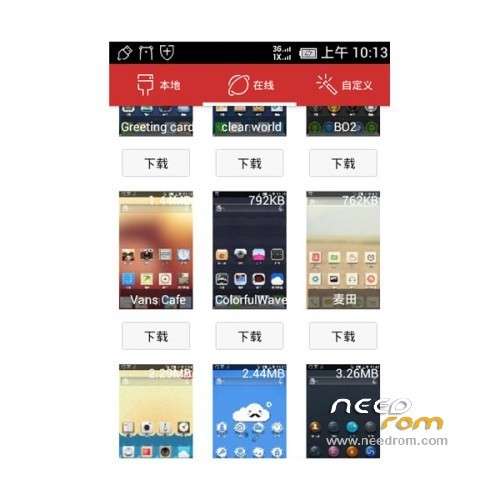
Optimized theme thumbnail display
Remove the home button on the application list
Repair change the theme, the status bar signal display not
Will automatically unlock after repair the state of the lock screen, missed calls and hang up
Repair can not be set to use the new wallpaper
Repair set a ringtone, and then replace the default theme, ringtones will restore the default
Repair Baidu first screen appears unresponsive
Repair traffic usage interface black
Repair open lock screen tone, tone theme lock screen
[E-mail]
Optimized when the message did not download the full, you can manually download the letters full message
[Gallery]
New cloud Album Features guide
New Gallery Wlan-only features, can be closed or open
Repair gallery -> menu-> trim the hair cut picture points to complete, the gallery is forced to close, unable to complete pruning
Optimization Baidu album image refresh mechanism
Repair trim picture gallery, click the Save crash
[Brush tools
The new old users Brush the option to retain data
[Weather]
Fix update comes with weather or not
Click the Back button to repair the weather, can not exit the Weather
【User feedback app]
Repair using user feedback, submit feedback did not upload, automatic crash
[Video player]
Repair Baidu cloud comes with serious frame skipping video player play mkv format video, just fast forward to the same
【User feedback app]
To repair user feedback system upgrade Times server can not connect, please try again later. ”
[Other]
Fix Baidu cloud ROM uses process in the event of a system restart automatically
Repair stopwatch timing process occasionally will automatically stop
Repair pea pods contacts backup can not be restored
Repair ROM18 private beta, public beta update page display the words
Repair not set the volume keys wake up the screen can also use the volume keys to wake up the screen
Fix the automatic lock screen time shorter
Install ROM:
Unlock will automatically restore the factory settings, do data backup before unlocking.
1. Began to unlock in flastool
2. unlock code application
Enter Huawei website , select the phone model, fill out the numbers (Related Number Click on the red block diagram at the get the Huawei official help).
Within two working days, and will receive in your mailbox filled within 16 unlock code.
3. Enter Fastboot mode
Phone remove the battery 5 seconds and then loaded (in this case completely turned off), then press the at the same time ,
And maintain more than 10 seconds, you can enter fastboot mode, using the data cable to the computer.
4. Run the unlock tool, unlocked phones
Click run Kit Unlock.bat, the 16 prompted to enter the unlock code any key to continue, is completed, the phone will automatically restart.
※Please make a backup of your device before installing or updating ROM