DESCRIPTION
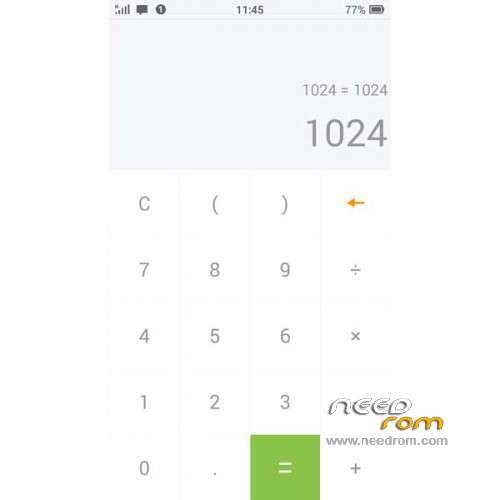
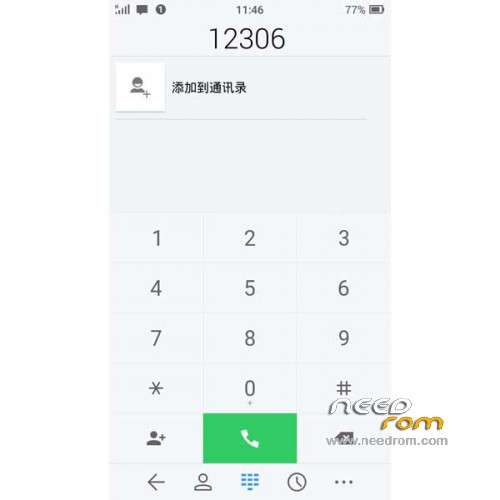
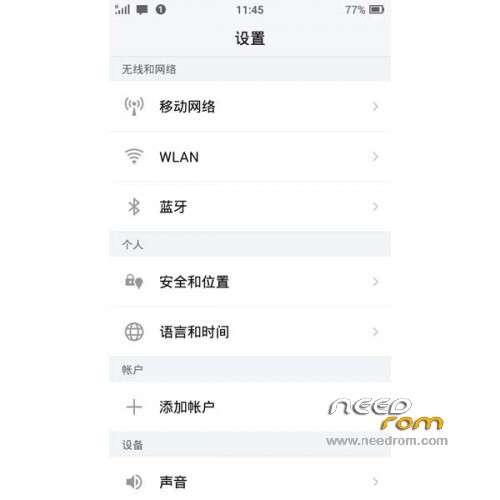
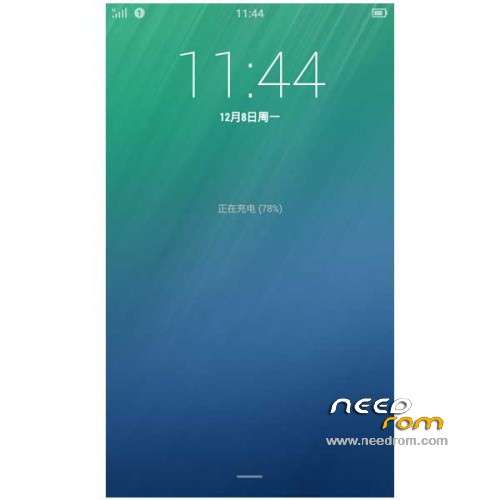
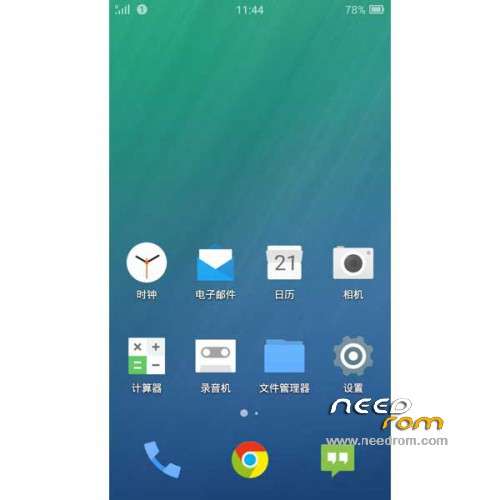
ROM Mobile HUAWEI C8813Q – ROM Android 4.4.4 Beta
ROM Features:
BETA
Update FIUI version : 2.23.0 – FIUI is based on CM11
| Changelog |
SelectShow |
-
Added support for external storage device when you install software-selectable mounting position
-
Re-optimization wake-up mechanism, theoretical chance to be more energy-efficient
-
Fantasy optimization status bar color picker mechanism
-
Fixed in the hook later informed systemUI FC issues
-
Gallery left corner of the text display fix problem of incomplete
-
The update framework for developers, system settings UI and 480p image resources
-
Update Chrome
|
———————————————————————————————————————-
Update FIUI version : 2.22.0 – FIUI is based on CM11
| Changelog |
SelectShow |
-
Google removed the hidden camera virtual key settings, easy return operation
-
Repair a virtual button on the phone for the first time on, hide the navigation bar Switching status display error bug
-
Repair a virtual button on the phone for the first time to open the navigation bar or turns on the switch after the restart problem SystemUI FC
-
Repairing soft restart lock screen can not hide the navigation bar problem
-
Repair shops use some third-party installation software, directly open software problems caused FC
-
Install the application interface UI optimization section
-
Install the application interface optimization permissions list
-
Laying optimization settings – Applications – Application Information Rights list layout
-
Part of the software and the color values to optimize system interface static fantasy repair status bar when open navigation bar status bar, after restart the phone can not hide navigation bar bug
-
Update Google store, Google input method, Google GmsCore
|
———————————————————————————————————————-
Update FIUI version : 2.14.0 – FIUI is based on CM11
| Changelog |
SelectShow |
1. The new interface
2. The unique "fantastic bar" (Fantasy Status Bar / virtual keys)
3. The light-colored status bar icon, status bar icon lighter in color, in general, when used, will not be bright and clear status bar icon catching the ball, and when they do not need to see see
4. A multi-task management simple management, simple and fast task switching, pull to the right to bring up the task to kill the whole. New lock program features. Background Clear smarter
5. The new design of the pull-down menu, more simple and efficient!
6. Fixed a display issue telecommunications signals. Synchronization algorithm to official algorithm
7. New Senior reboot menu, restart the machine easier to brush
|
———————————————————————————————————————-
Update FIUI version : 2.12.0 – FIUI is based on CM11
| Changelog |
SelectShow |
1. Add a ringing mode switching notification bar shortcuts (in tones, ringing, vibration, silent switch four options)
2. Notify the storage is no longer stored versions IMPORTANT NOTICE QQ, micro letter, QQ-mail, etc., and replace the program status bar icon for fiui version
3. Remove the SMS dialog minimum height limit
4. correction system is not networked, google login screen click on the "available" to enter the wifi interface, removing the excess return of the title bar buttons and switches, and correct title text centered
5. fixed USB debugging popups white style
6. Fixed quick reply popups background color is white style
7. fixed SMS avatar click event: When a contact exists, click on the picture to enter contact details, time does not exist, click into the Add to Contacts interface
8. Roll repair status bar notification icon (tickerIcon) to follow the status bar discoloration bug
9. The process of restoration of killing program, may have to refresh the memory is not a problem
10. Fixing SMS main screen letters man occlusion date when the number is too long
11. Click on the notification bar repair stopwatch reset button cause problems FC
12. Repair Quick Reply text input can not see the problem
13. Update the SMS part of the resources
14. SystemUI IO optimization reduce the burden and enhance the performance of fantasy status bar
15. The screen turns off when the power optimization, reducing the cpu strength, stop fantasy status bar and other functions work, greatly enhanced endurance
16. Update Google store, chrome
|
———————————————————————————————————————-
FIUI version : 2.9.0 – FIUI is based on CM11
Maybe some bugs
Gapps not include – No Rooted
Language support: Multilang
ROM install :
CWM
Step 1: Download the custom ROM copied to an external SD card root directory
Step 2: the shutdown state. While holding down:
– Power button + volume button up, to enter the recovery mode.
– Wipe Data / Factory Reset -> delete all user data
– Wipe Cache Partition -> Wipe cache
Step 3: Return to recovery main interface Install zip from sdcard -> choose zip from sdcard -> Select your ROM
Step 4: Brush complete, restart the phone Patience required – first boot takes a while
※Please make a backup of your device before installing or updating ROM


 Member Info
cool… do you have a tutorial of how to install twrp or cwm recoveries on this phone? I can't figure out how to install xposed framework either, it just don't works. thanks in advance.
how to download ?
怎么下载?
how to download?
怎么下载?
how to download?
i have the recovery twrp to flash this rom no have problem for flashi are this recovery twrp?