
- Title: HUAWEI C8815
- Listed: September, 2013
- Last modified: 12/05/2014 3:23 pm
- Version: ROM Android 4.1.2
You must be logged for ROM download.
23196 total views, 3 today
 Member Info
DESCRIPTION
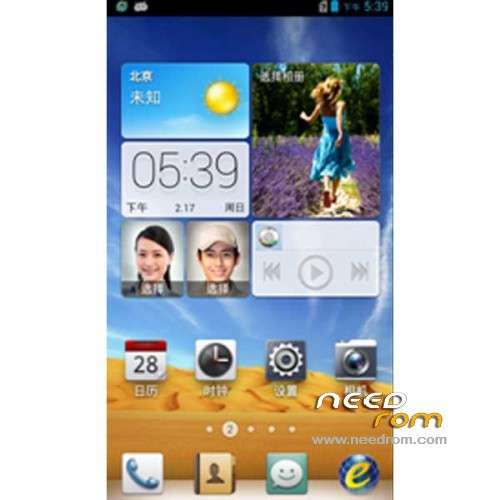
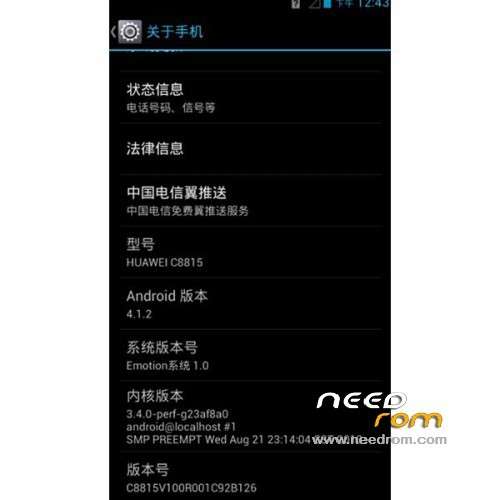
ROM Phone HUAWEI C8815 Telecom – ROM Android 4.1.2
Update Official Rom for HUAWEI C8815 version: C8815_EmotionUI_1.0_V100R001C92B140
Gapps service&login include – No rooted
Multilang
Changelog:
1, a full backup application update to version 6.23.5;
2. Update Huawei Privacy Policy, updated version of the application market to 6.1.32.5.
——————————————————————————————————————————————–
Update Official Rom for HUAWEI C8815 version: C8815_EmotionUI_1.0_V100R001C92B138
Gapps service&login include – No rooted
Multilang
——————————————————————————————————————————————–
Update Official Rom for HUAWEI C8815 version: C8815_EmotionUI_1.0_V100R001C92B137
Gapps not include – No rooted
Multilang
——————————————————————————————————————————————–
Official Rom for HUAWEI C8815 version: C8815_EmotionUI_1.0_V100R001C92B126
ROM install :
Step one: Prepare an SD card, it is recommended to use Sandisk, Kingstone, or Kingmax, size is recommended that more than 1G.
Step Two: Formatting SD card (optional).
The step three: copy a large package path UPDATA.APP to the SD card dload UPDATA.APP.
Step four: Check the root directory of the SD card you dload UPDATA.APP.
Step 5: SD card into the phone is switched on in the main screen, press the Menu key, the system updates -> SD card upgrade -> confirm -> upgrade, backup data, select the backup data; upgrade.
Step Six: The upgrade process progress bar shows after the finish of the pending progress bar, the phone automatically restart.
or
Step one: Prepare an SD card, it is recommended to use Sandisk, Kingstone, or Kingmax, size is recommended that more than 1G.
Step Two: Formatting SD card (optional).
The step three: copy a large package path UPDATA.APP to the SD card dload UPDATA.APP.
Step four: Check the root directory of the SD card you dload UPDATA.APP.
Step Four: cell phone turned off, insert the SD card, while pressing the volume up button + volume down key switch button, the phone automatically enters the upgrade mode, and then begin the upgrade in Figure
Step Five: After the progress bar to go full fixed, the phone will automatically restart If you do not manually remove the battery.
※Please make a backup of your device before installing or updating ROM
I m using C8815 B135 …I can't flash with b126…or b130 . step 2 update failed error occoured during installation. Do u have any B135 link?? or can u solve this error? now my phone is stuck in logo…
;.( ngakoung@gmail.com
Why nodoby reply me ??help me please!! Help me!!
bro! Huawei gives only B133 only . Just wait for B135. I have your same error too. Hope to fine in that build number.
B135 link please? I have step 2 fail now thein.htite.th@gmail.com . Thanks a lot.
any solution for step2 upate fail error??????????????
can my huawei c8815 accept any other cdma sim except china telicom?
i flash with B135 but simcard invalid..
solution?
thanks!
B128 wanted ¥_¥
hello