
- Title: HUAWEI G520
- Listed: May, 2013
- Last modified: 05/21/2013 2:04 am
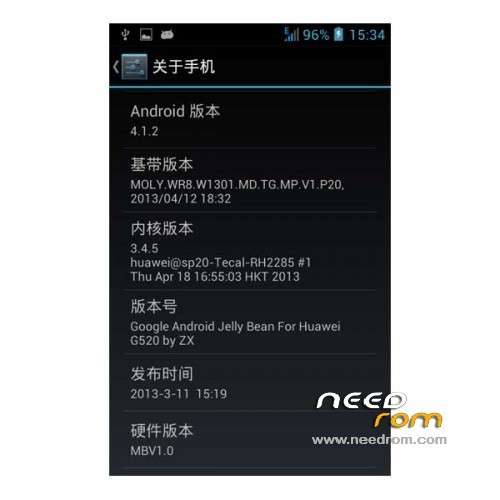
- Version: ROM Android 4.1.2
You must be logged for ROM download.
20193 total views, 2 today
 Member Info
DESCRIPTION
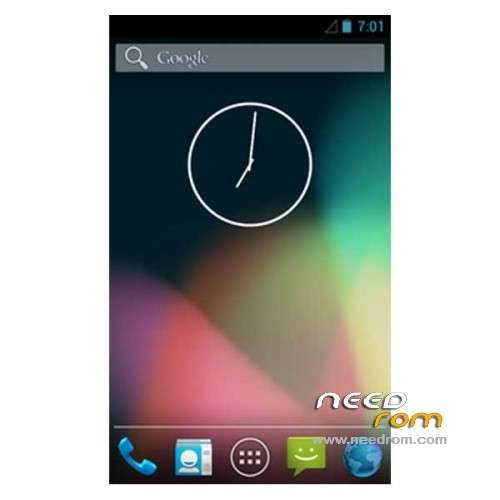
ROM Phone HUAWEI G520 – ROM Android 4.1.2
Features ROM:
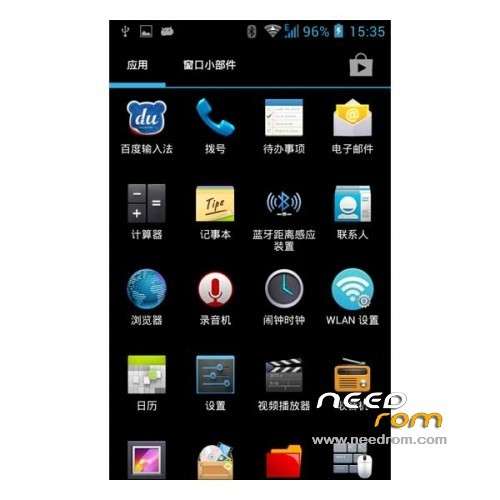
- permanently ROOT permissions
- native Google 4.1.2
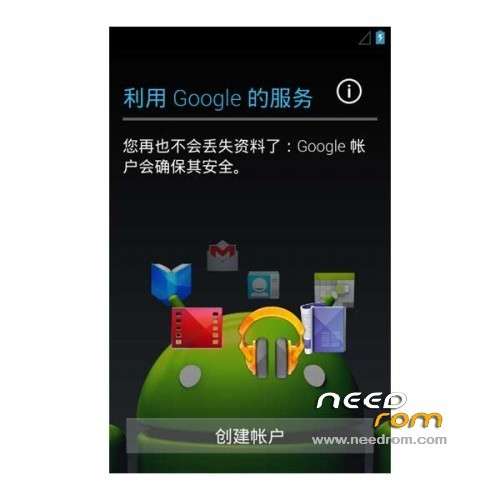
- Google Services Framework
- Google Market
- unknown sources option is checked by default
- Huawei flashlight
- Add to shutdown restart APK program
- LED light controller (turn off / on the keyboard light)
- modify the boot screen picture
- accession process management folder to easily manage your software
- All Programs zipalign optimized to reduce memory footprint
- build.prop script optimization
- busybox instruction set
- streamline mobile custom software
- suitable for long-term use
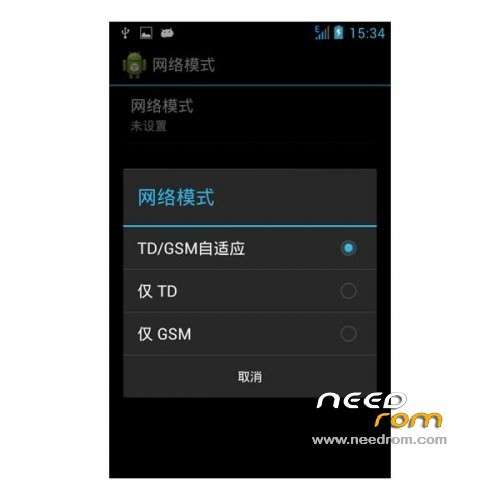
Language support: EN/CN ( for others languages it's hard have find )
ROM install :
CWM
Step 1: Download the custom card brush ROM copied to an external SD card root directory
Step 2: the shutdown state. While holding down:
Power button + volume button + volume key to enter the recovery mode of Brush, enter Wipe,Factory Reset, System and return to recovery main interface
Options Brush can.
Step 3: Brush complete, restart the phone
※Please make a backup of your device before installing or updating ROM
i copied both link file to my sdcard, and go to the recovery mode follow by ur steps, but stil fail.
pls give a more detail step, what should i do. thank you.
Please explain why you can not put the Russian language for this firmware, and the only Chinese and English?
understood, it is not flashing, and the program to install the firmware, thanks. well and the firmware itself with the Russian language to lay out
Please help me how to root for Huawei G520-0000.Thank
Thanks for bricking the phone
My phone has been bricked too. When I turn on the ON button, it shows Red Blue coloured box. I tried downloading G520-0000_EmotionUI_1.0_V100R001C17B180 ROM and tried:
Step one: Prepare an SD card, it is recommended to use Sandisk, Kingstone, or Kingmax, size is recommended that more than 1G.
Step Two: Formatting SD card (optional).
The step three: copy a large package path UPDATA.APP to the SD card dload UPDATA.APP.
Step four: Check the root directory of the SD card you dload UPDATA.APP.
Step Four: cell phone turned off, insert the SD card, while pressing the volume up button + volume down key switch button, the phone automatically enters the upgrade mode, and then begin the upgrade in Figure
Step Five: After the progress bar to go full fixed, the phone will automatically restart If you do not manually remove the battery.
but it stucked in the middle, doesnt go further.
How did u solve the problem?
I used the ROM above to flash using CWM and it bricked after that.
Hi, could u unbrick ??
Don't dload this shit if you buy the phone in China! It will be bricked!
Hi, Mine is already bricked..:'((…any idea how to unbrick…my phone shows green, blue boxes….many many thank you in advance…